LOADING...
30Jan

Automating Comfort: 5 Upgrades for Seamless Daily Living

by Hayk

Automating Comfort: 5 Upgrades for Seamless Daily Living

Most apartments are passive environments. They remain cold when you arrive, dark when you wake up, and the air quality declines while you sleep. You are forced to constantly intervene—turning knobs, flipping switches, and opening windows manually.

At Smart Place, we believe your home environment should be responsive. It should not just welcome you; it should adapt to your schedule and needs automatically. Here are 5 upgrades that turn a standard apartment into a fully responsive ecosystem.

1. Seamless Environmental Control

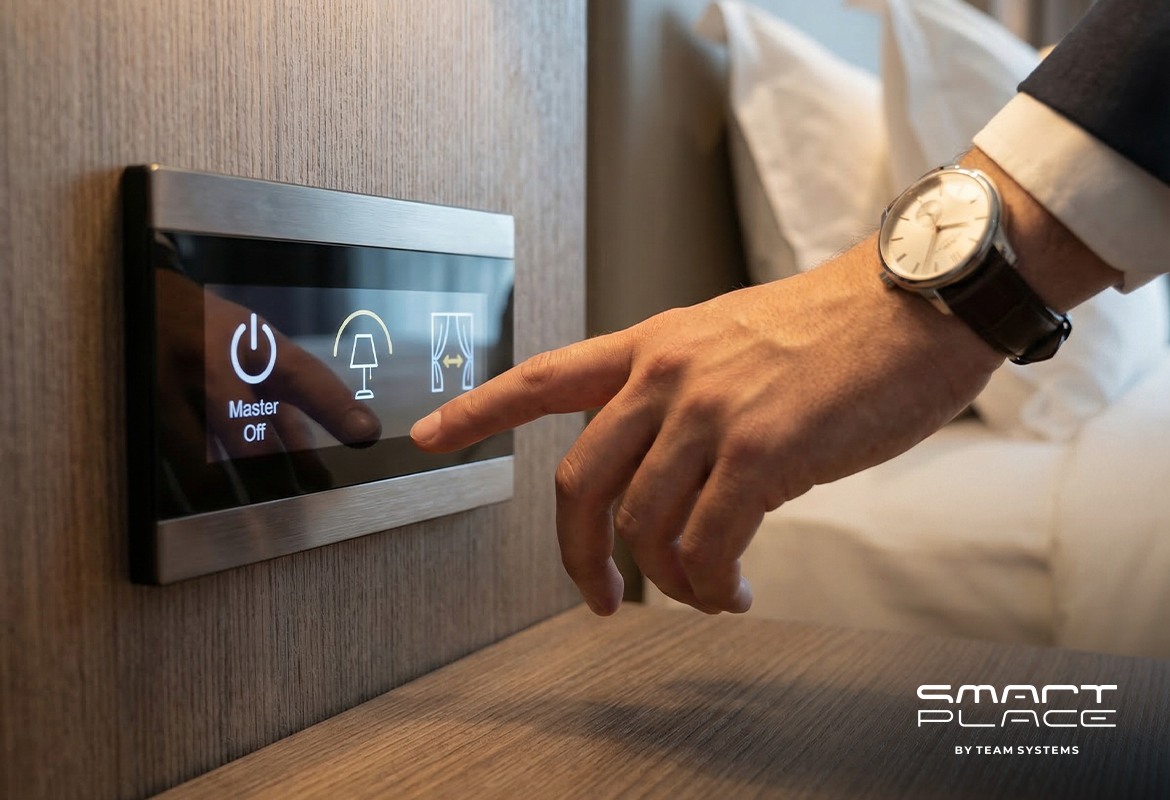
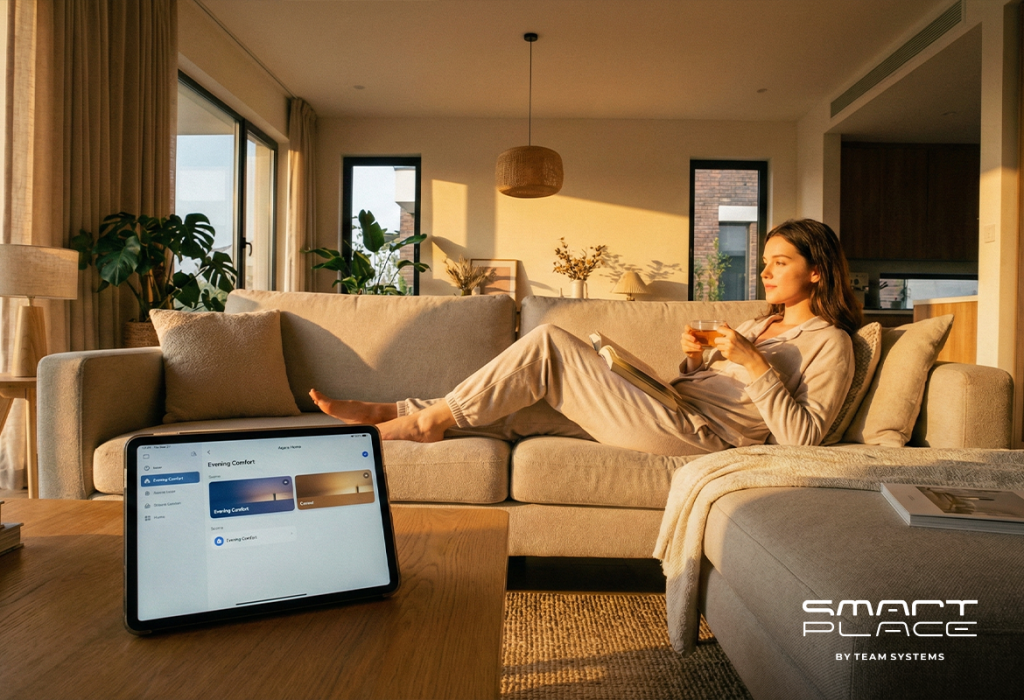
Instead of managing individual devices, a smart system allows you to orchestrate your entire environment with a single automated schedule or command.

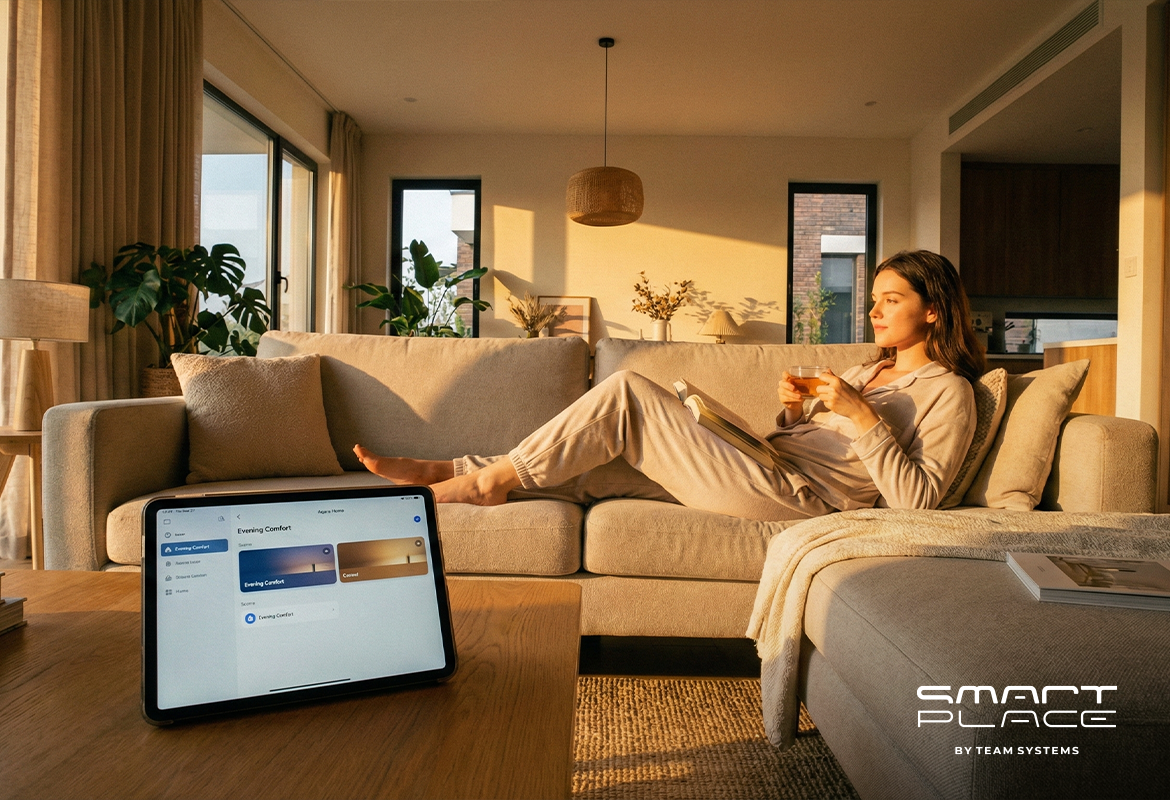
The Upgrade: Centralized control via the Aqara Home app allows you to create complex “scenes.”
The Result: A single activation of a “Comfort Mode” simultaneously adjusts temperature, dims lighting, and settles the blinds, instantly preparing your home for relaxation without manual input.

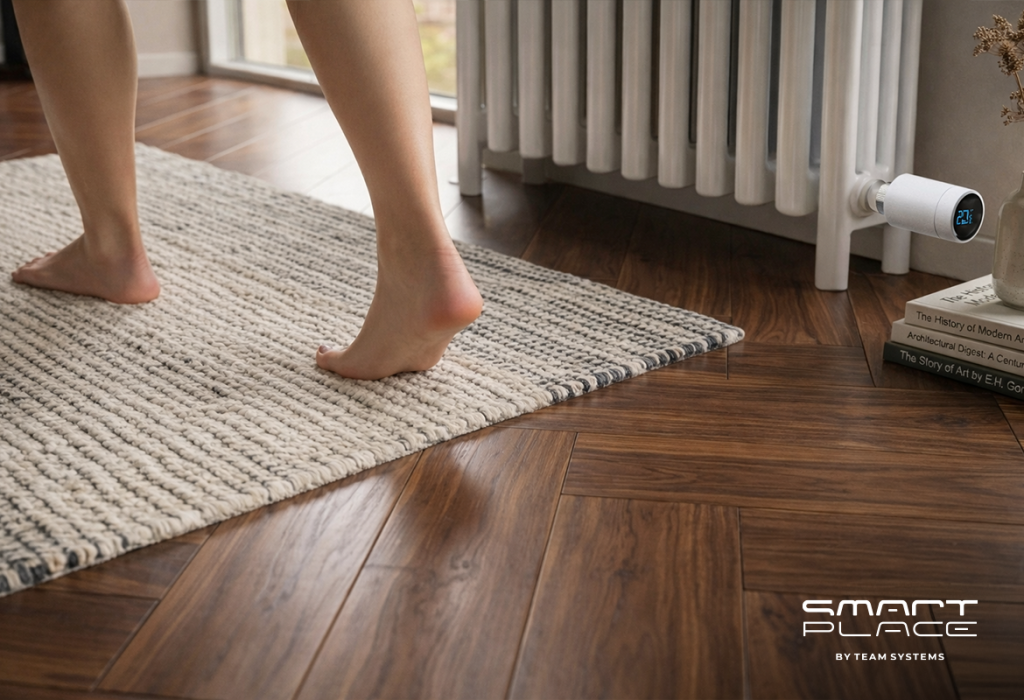
2. Eliminate the “Cold Shock”

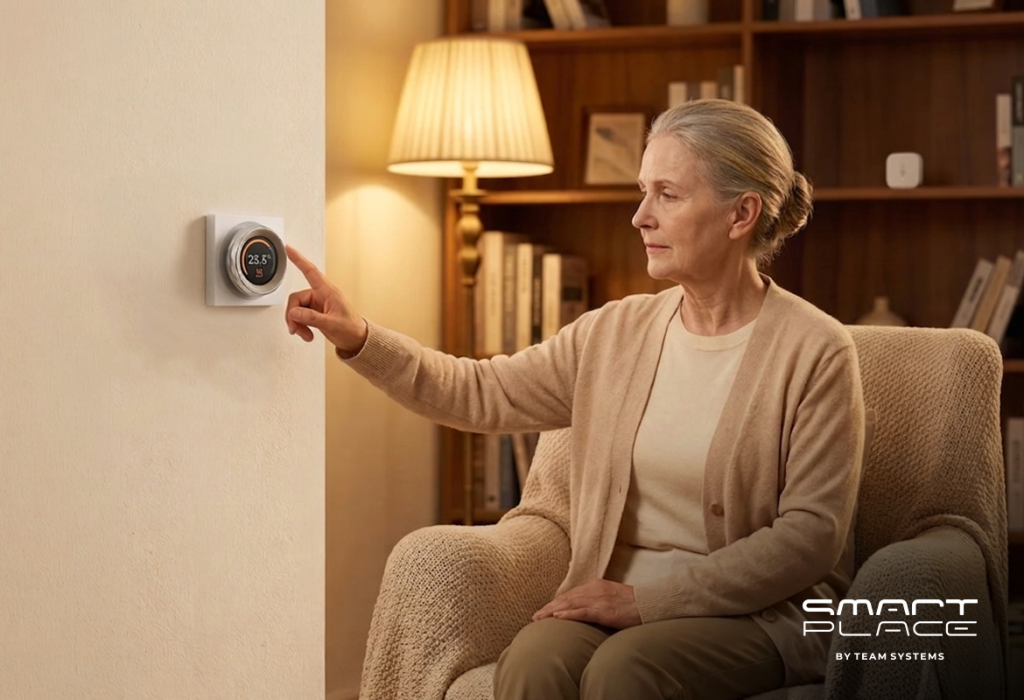
There is nothing efficient about stepping onto a freezing floor in the morning or returning to a cold apartment in winter. Standard thermostats are reactive; they either heat an empty house (wasting energy) or let it freeze.

The Upgrade: With the Aqara Radiator Thermostat E1, your heating schedule aligns precisely with your arrival time.
The Result: You walk into a pre-heated environment. The system maintains perfect comfort when occupied but lowers the heat automatically when you leave to optimize energy usage.

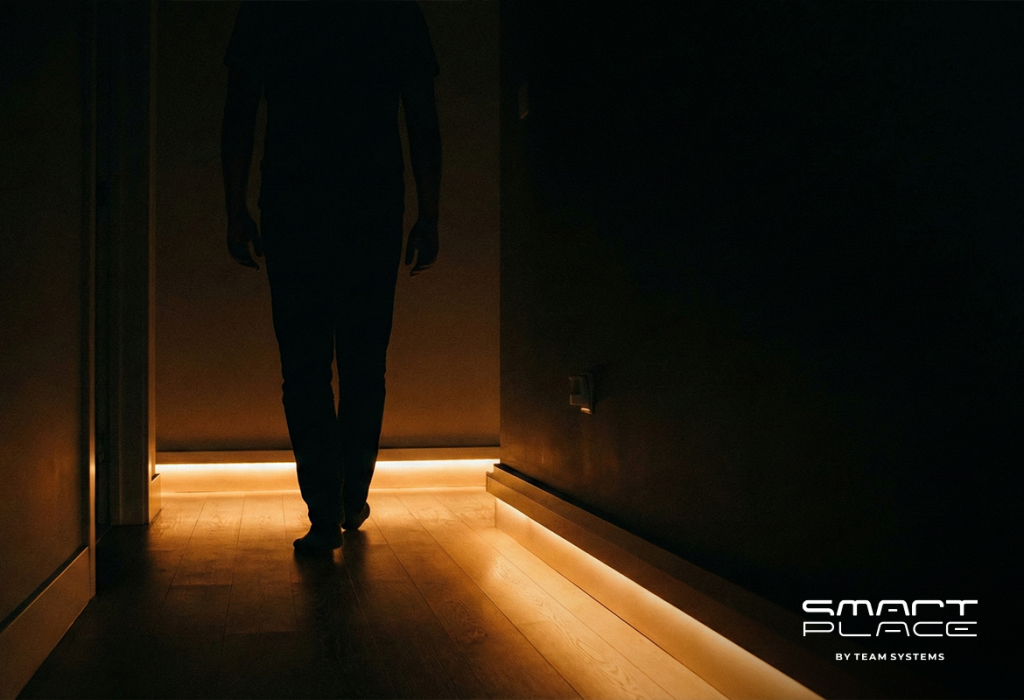
3. Adaptive Night Lighting

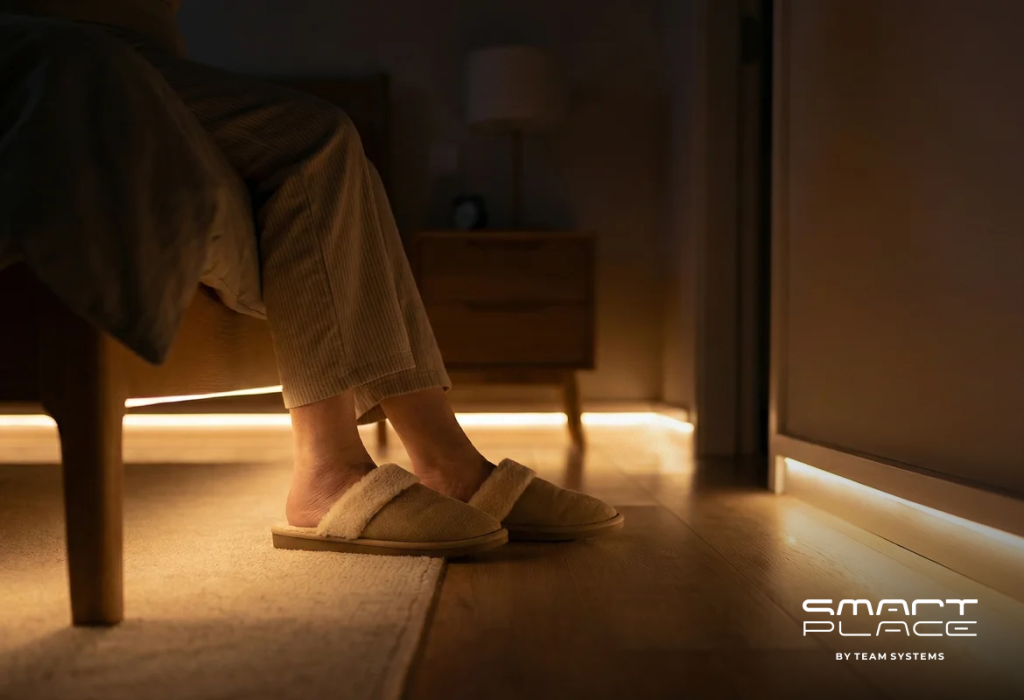
Turning on a standard overhead light at 3:00 AM creates a sudden glare that disrupts your circadian rhythm and shocks your eyes.

The Upgrade: We install Motion Sensors paired with smart dimmers or LED strips.
The Result: At night, the system adjusts brightness automatically. If movement is detected, navigation lights activate at a soft 10% brightness. This provides sufficient visibility without disrupting your sleep cycle.
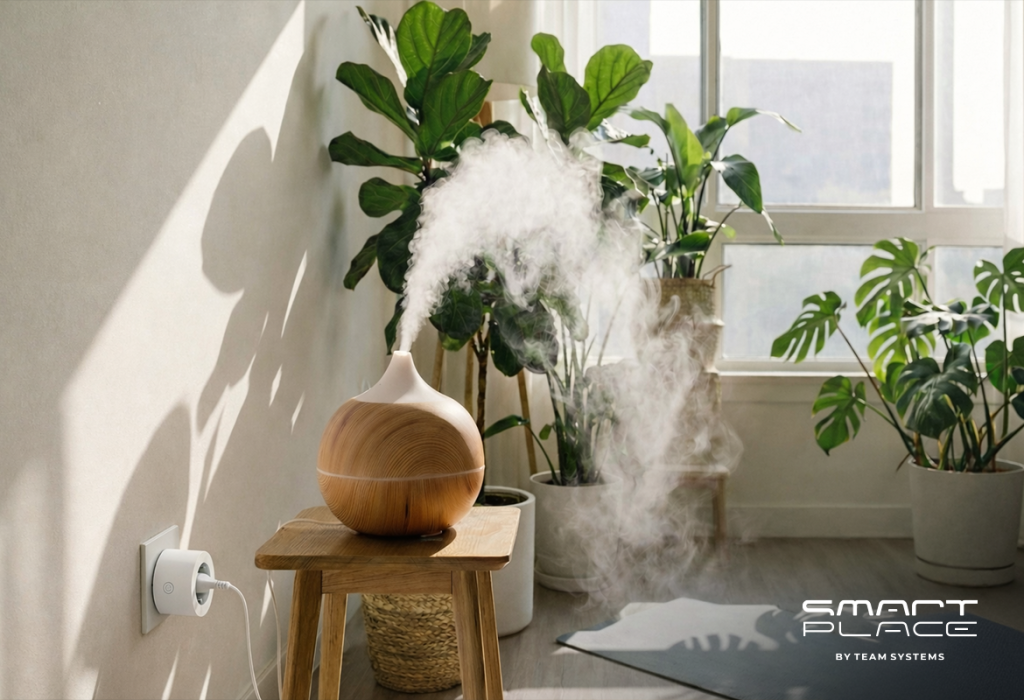
4. Automated Air Hydration

Dry air is a silent health hazard, often causing headaches, dry skin, and poor sleep quality in winter. Without sensors, maintaining optimal humidity is difficult.

The Upgrade: We connect your existing humidifier to an Aqara Smart Plug paired with a humidity sensor.
The Result: The system continuously monitors the environment. When humidity drops below the optimal level, the humidifier activates automatically, ensuring comfortable air quality without manual intervention.

5. Wake Up to Light, Not Noise

A smartphone alarm triggers a cortisol spike, starting your day with stress. A natural wake-up process relies on gradually increasing light exposure, not sudden audio.

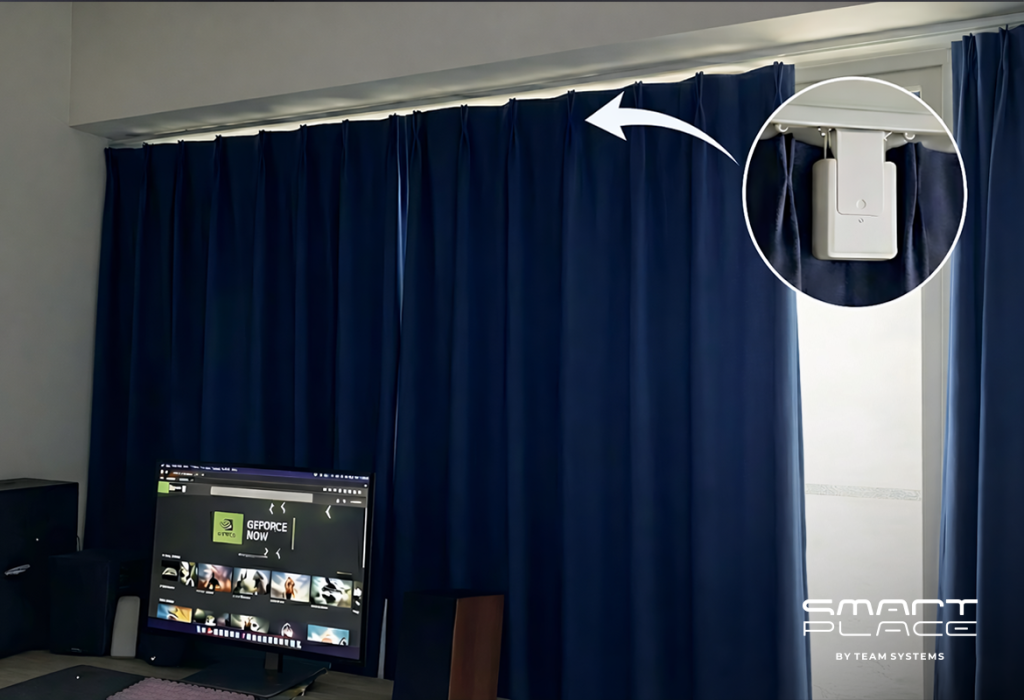
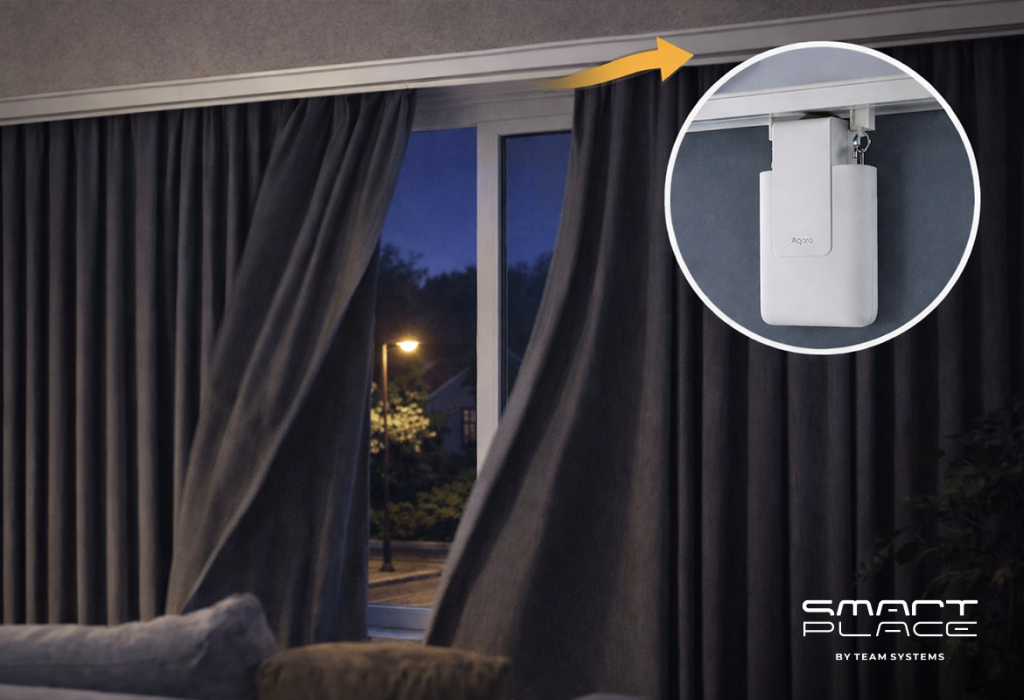
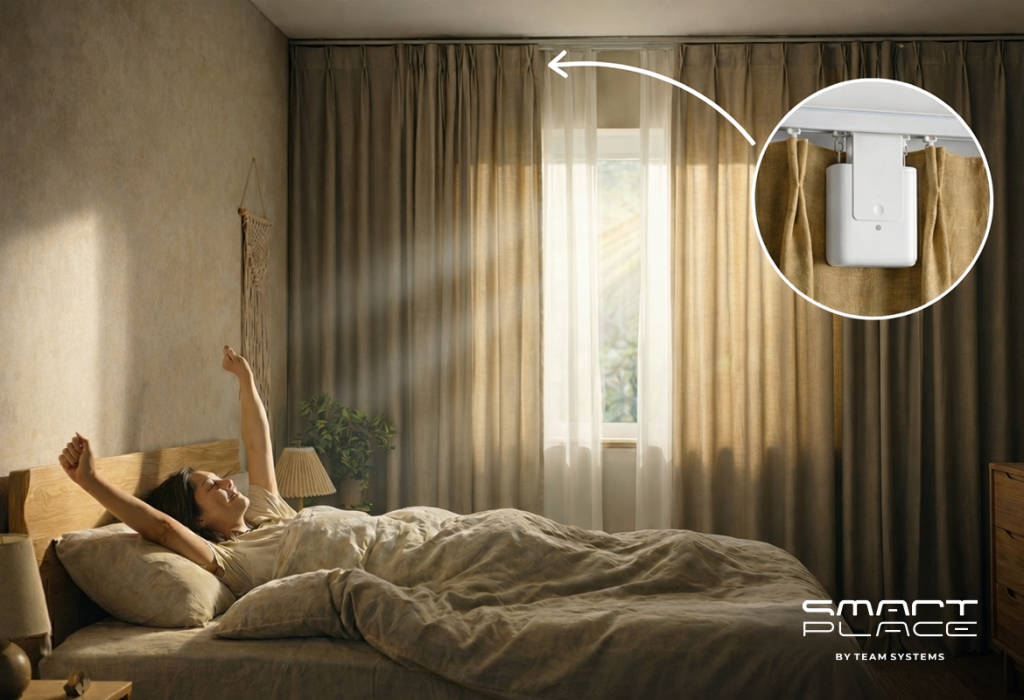
The Upgrade: The Aqara Curtain Driver E1 installs behind your fabric to automate natural light control.
The Result: At your set wake-up time, the curtains silently glide open. You wake up naturally as sunlight enters the room, promoting a more energized and regulated start to the day.

Conclusion

Your environment directly affects your productivity, sleep, and health. Do not settle for a passive apartment.

Contact us today to implement these automated comfort upgrades.

23Jan

Turn Standard Sockets Into Smart Ones: The Invisible Solution

by Hayk

Turn Standard Sockets Into Smart Ones: The Invisible Solution

We all know this situation: You leave the house, lock the door, and suddenly think, “Did I unplug the iron?”

Standard wall sockets do not send information. Usually, the only way to check them remotely is to buy big, ugly adapters that stick out of the wall. This can spoil your interior design. At Smart Place, we have a better solution. We use the Aqara ecosystem to make your existing sockets smart without changing how they look.

Here are 5 ways this technology helps you every day.

1. Check Status Instantly

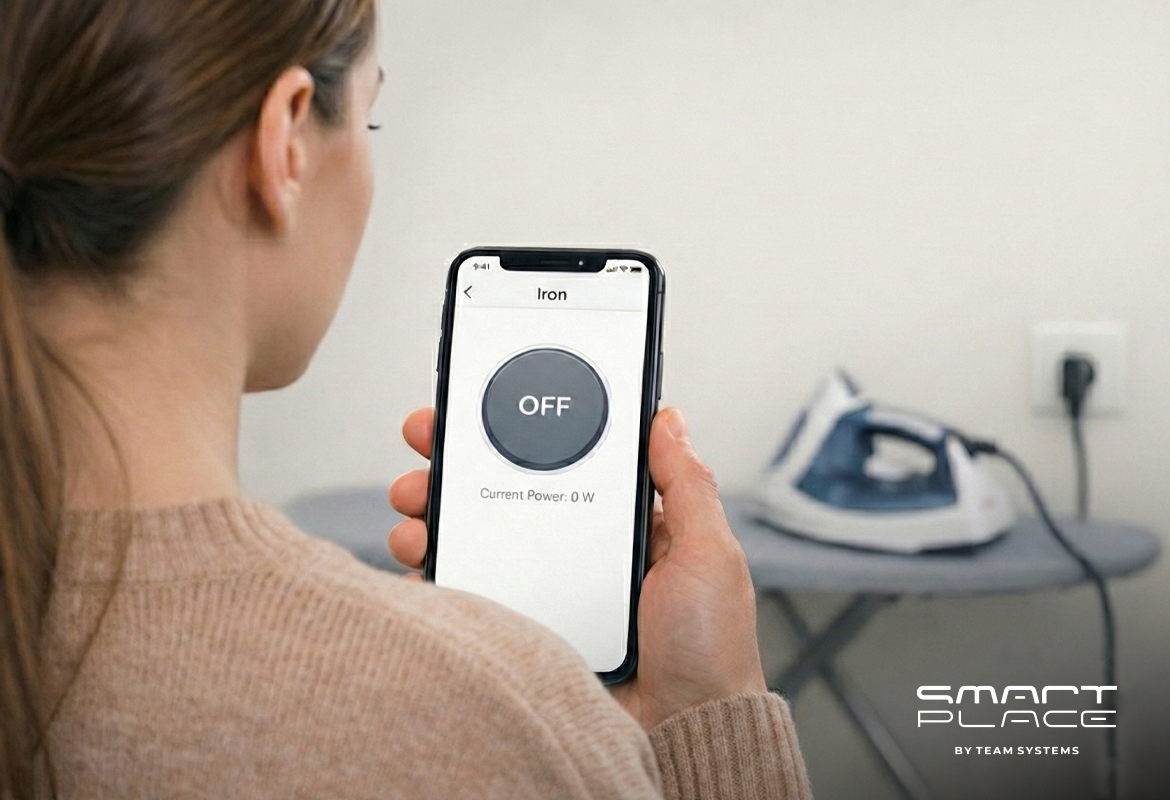
The main problem with standard appliances is that you do not know if they are ON or OFF. With the Aqara Dual Relay Module T2, you can see everything on your phone.

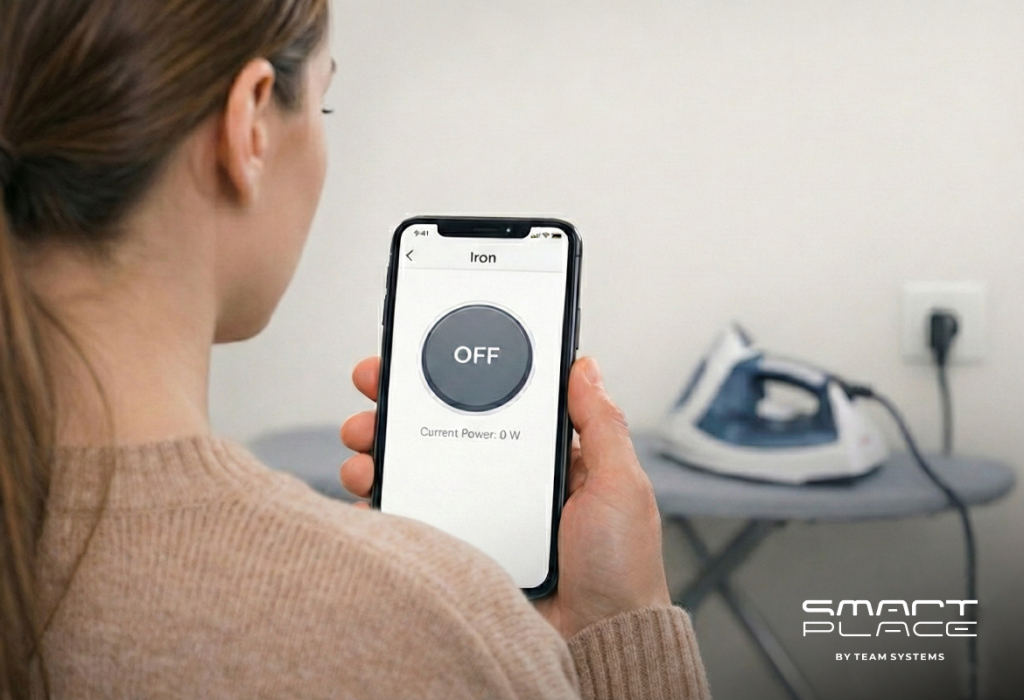
See the Status Now: You can open the app from work or a taxi. If the screen says “OFF,” you can relax.
Control Remotely: If you did leave the iron on, you do not need to go back home. You can turn off the power with one click in the app.

2. Installation Inside the Wall

You spent money to make your home look beautiful. You should not have to use plastic adapters to get smart features.

Concealed Device: The T2 module fits inside the wall, behind your existing socket. Nobody can see it.
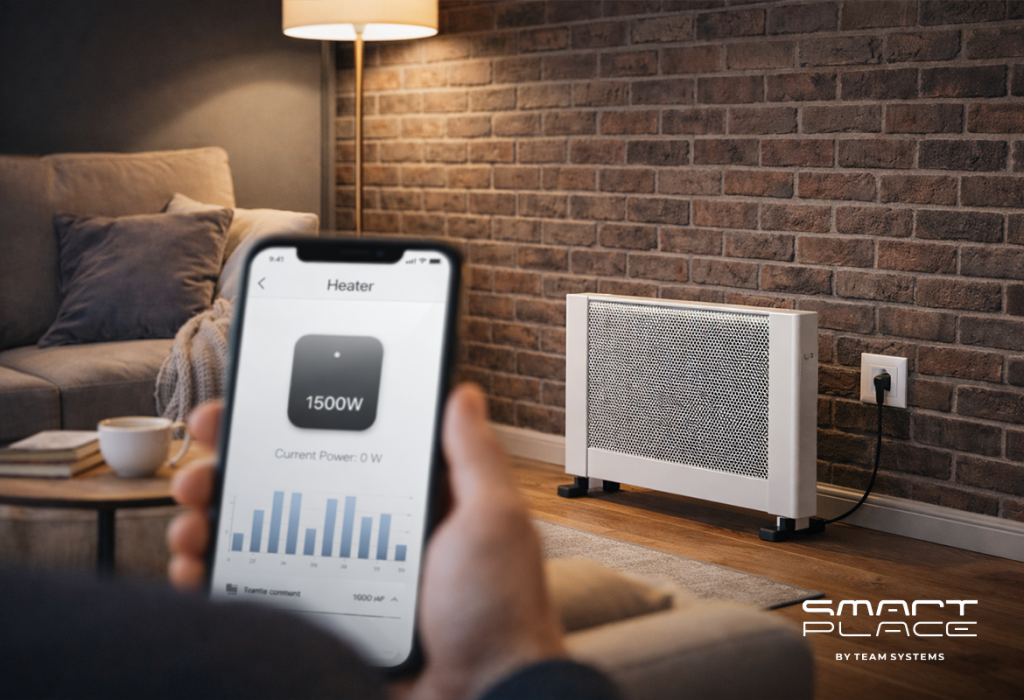
Original Look: You plug your heater or lamp directly into the wall. It looks like a normal home, but it works like a smart home with energy monitoring.

3. Automatic Safety Timer

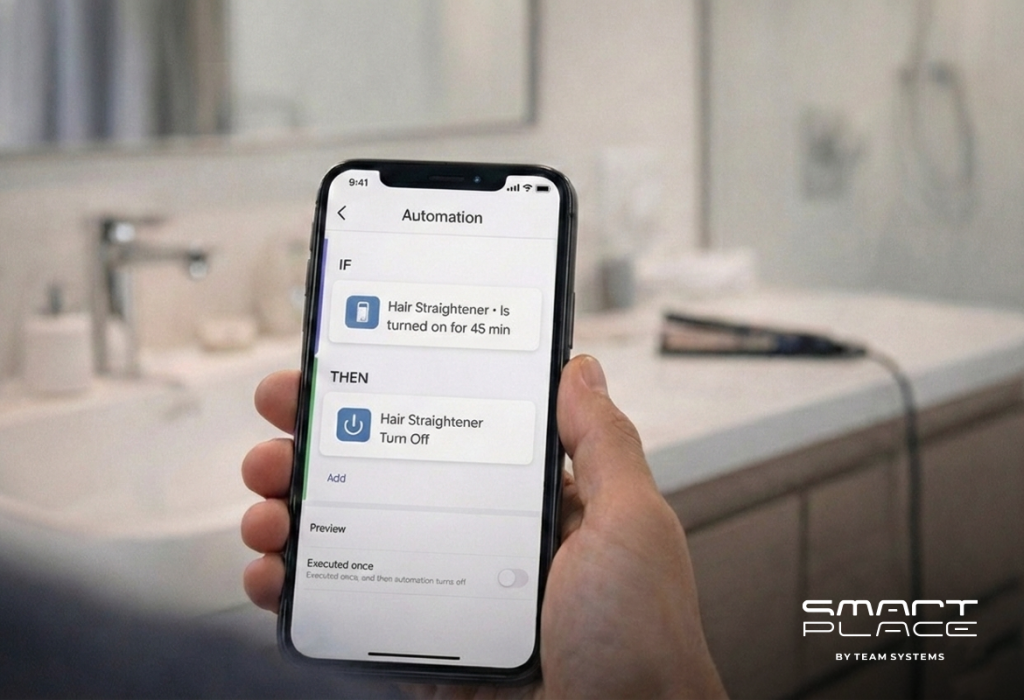
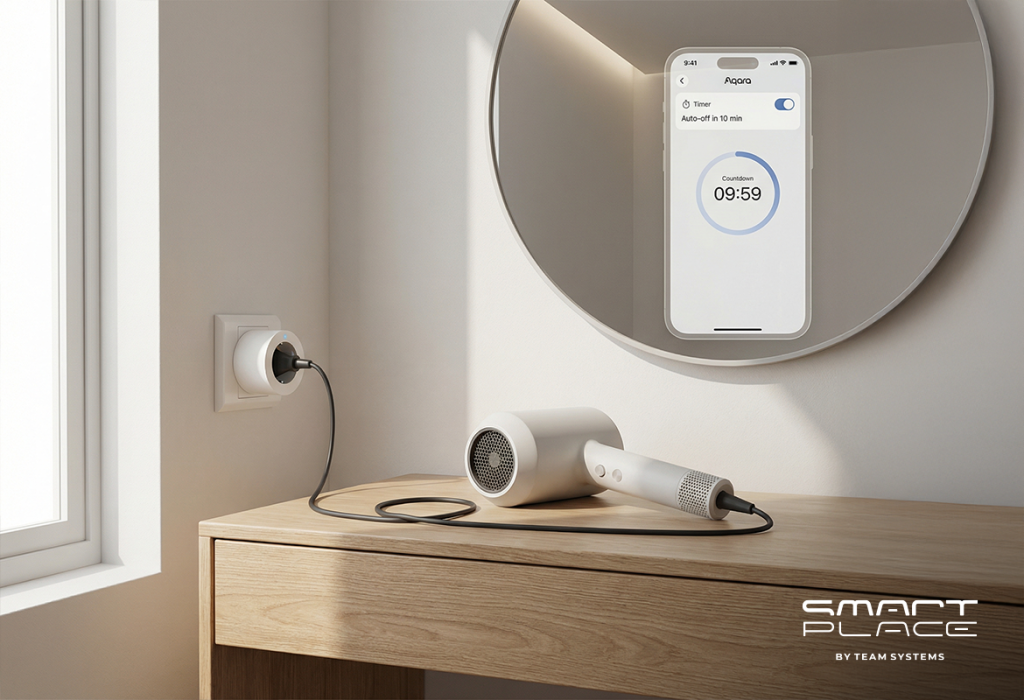
Mornings are busy. It is easy to forget to turn off the hair straightener or curling iron in the bathroom. The system can protect you.

The Rule: You can set a simple rule in the app: “If the bathroom socket is ON for more than 45 minutes…”
The Action: “…Automatically turn it OFF.” The system stops the danger automatically, even if you forget to check your phone.

4. Secure Your Home with One Tap

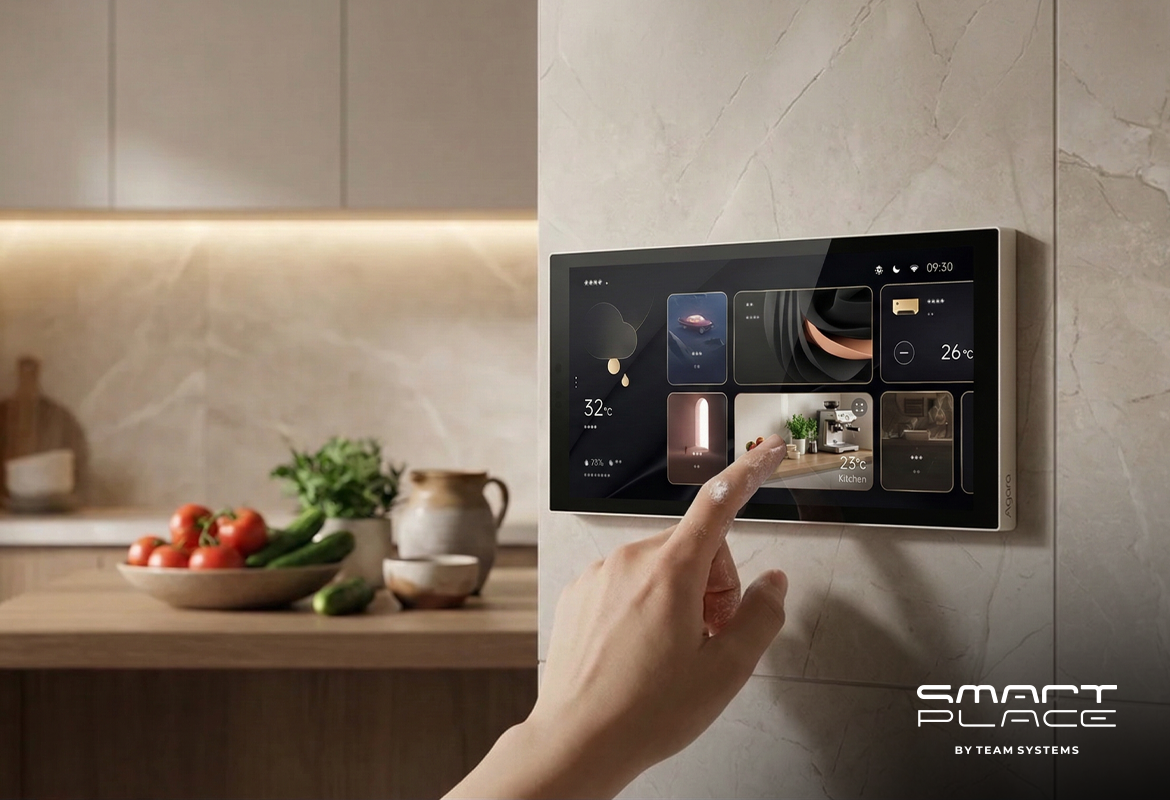
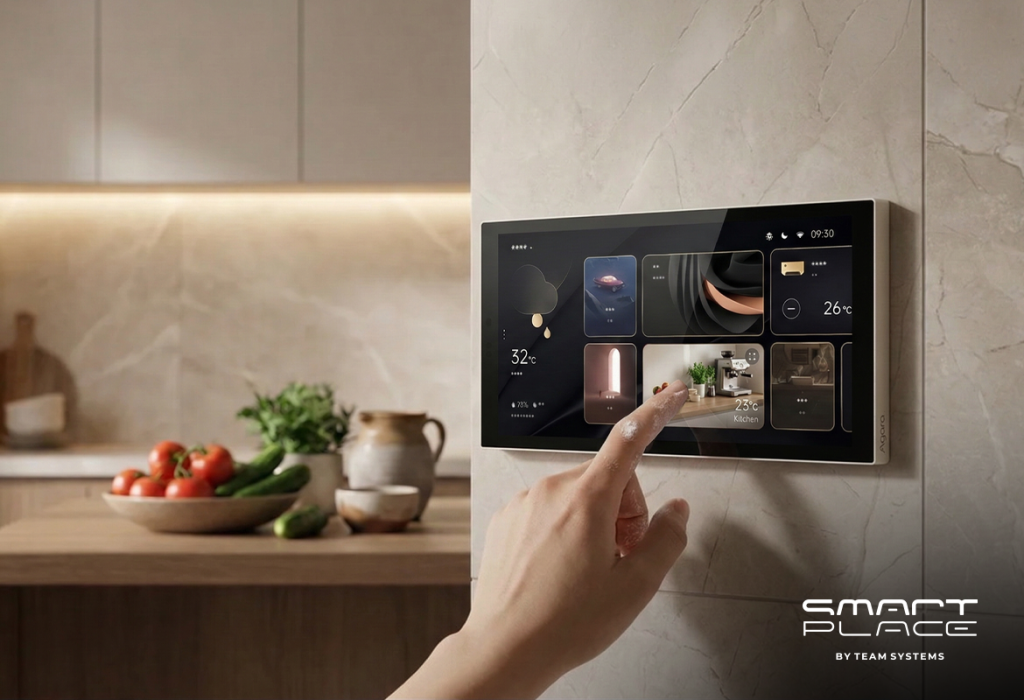
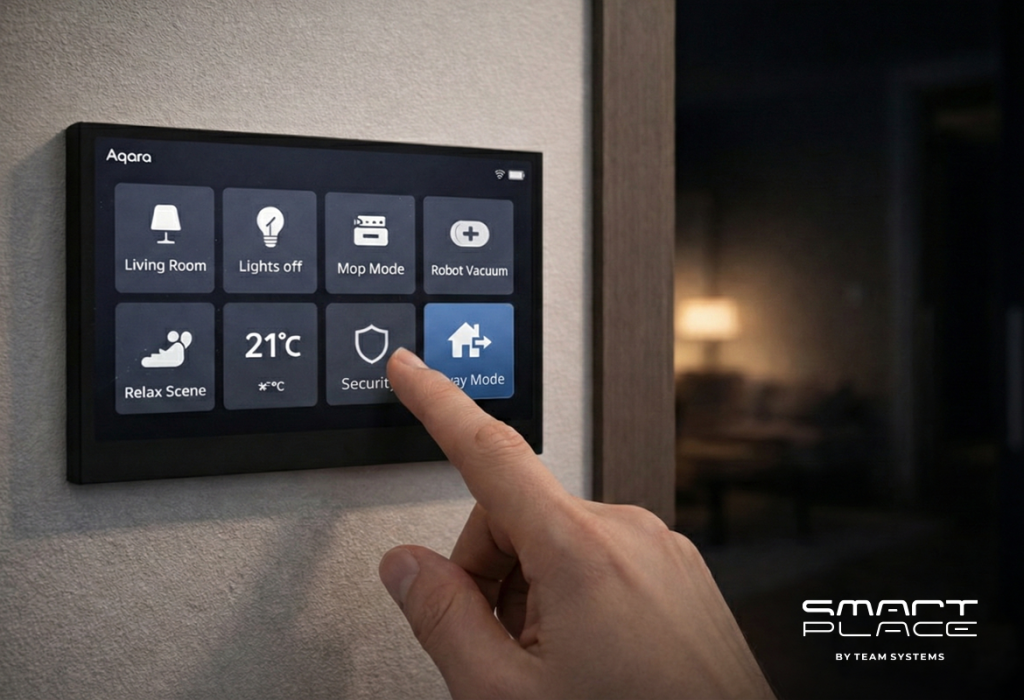
Checking every room before you leave takes time. Instead of looking for your phone, you can control everything from one place with the Aqara MagicPad S1 Plus.

Wall Panel: This touchscreen mounts near your entrance door. It is one switch for the whole house.
Everything Turns Off: When you leave, just tap the “Away” icon. Instantly, the lights turn off, the curtains close, and power is cut to the iron and heater sockets at the same time.

5. A Warm Welcome Home

A smart home is also about comfort. Using the Aqara Hub M3, your home knows when you are coming back.

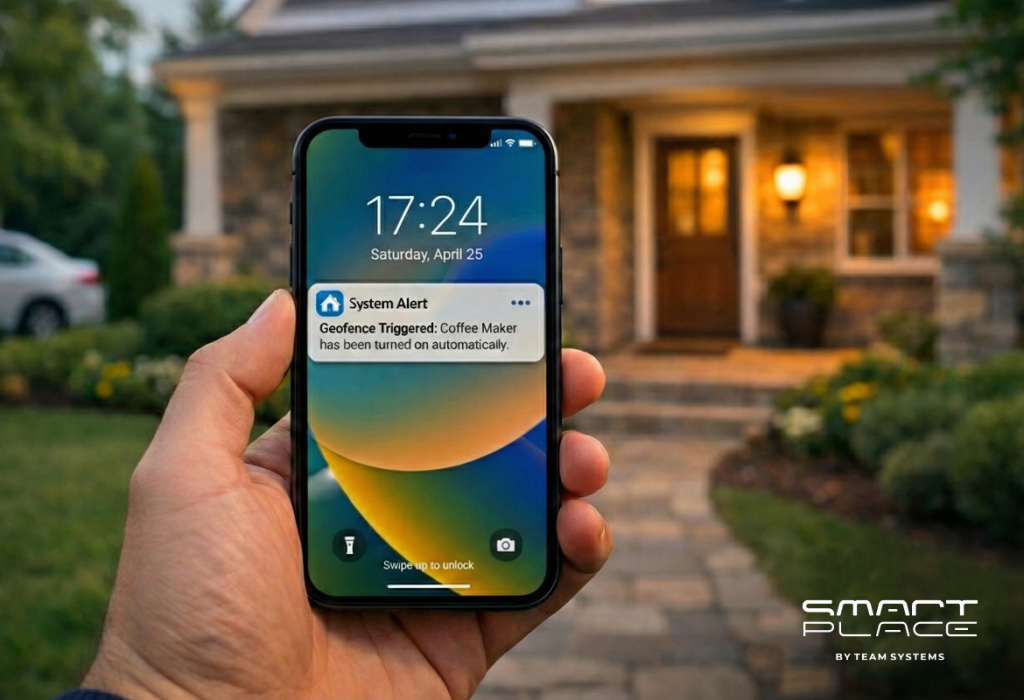
Location Tracking: The system tracks your location securely. It knows when you are close to your apartment.
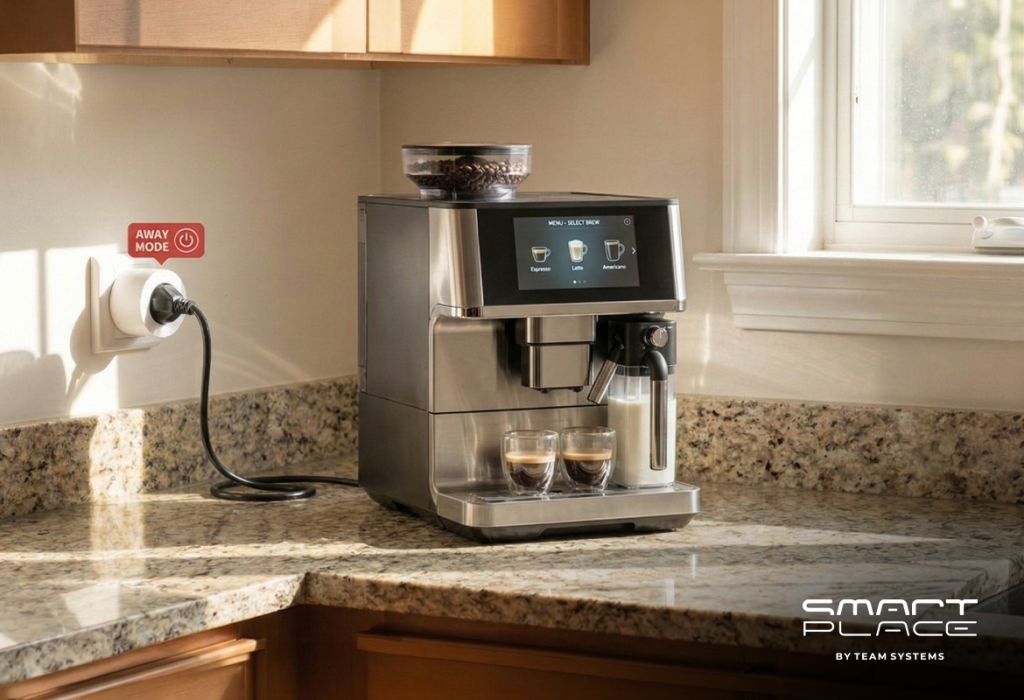
Comfort: As you get close, the home gets ready. The hallway lights turn on and your coffee machine starts making coffee—so it is ready when you open the door.

Conclusion

A completed renovation is not a problem. You do not need visible wires or big devices to make your home safe. You just need the right system.

Contact us today to upgrade your home with Aqara.

16Jan

The Proactive Home: 6 Essential Sensors for Safety and Comfort

by Hayk

The Proactive Home: 6 Essential Sensors for Safety and Comfort

We often think of a “Smart Home” as just voice commands and fancy light bulbs. But the true power of an automated home isn’t just convenience—it is awareness.

A standard home is passive. It cannot tell you if a pipe is leaking, if the air quality is poor, or if you left the stove on. It waits for you to discover the problem, often when it is too late. By installing Aqara’s Smart Protection System, we transform your home from a passive shell into a proactive environment. These six devices constantly monitor the status of your home to ensure safety, health, and effortless comfort.

1. True Presence Detection (Beyond Motion)

The Device: Aqara Presence Sensor FP2

Standard motion sensors have a major flaw: they require movement. If you sit still to read a book or work at your desk, a standard system assumes the room is empty and turns the lights off on you.

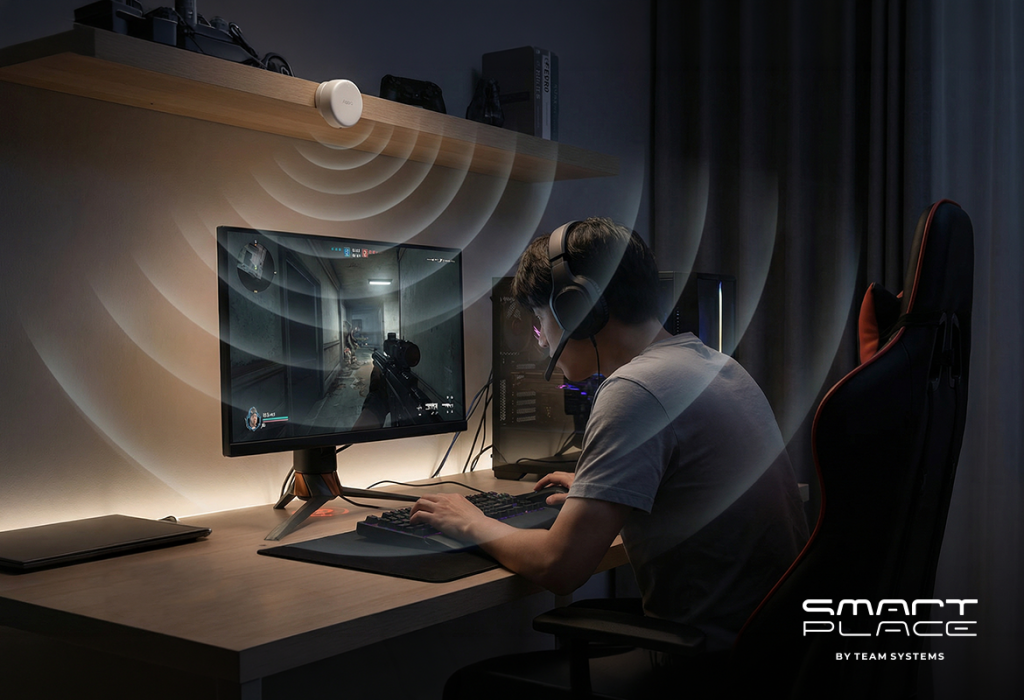
How it works: Using advanced millimeter-wave radar technology, the FP2 detects presence, not just motion. It can detect the micro-movements of breathing, knowing you are there even if you are completely still.
The Automation: It ensures your reading lights stay on while you relax on the sofa, but turns them off the second you leave the room. It solves the frustration of “waving your arms” to keep the lights on.

2. The Guard Against Water Damage

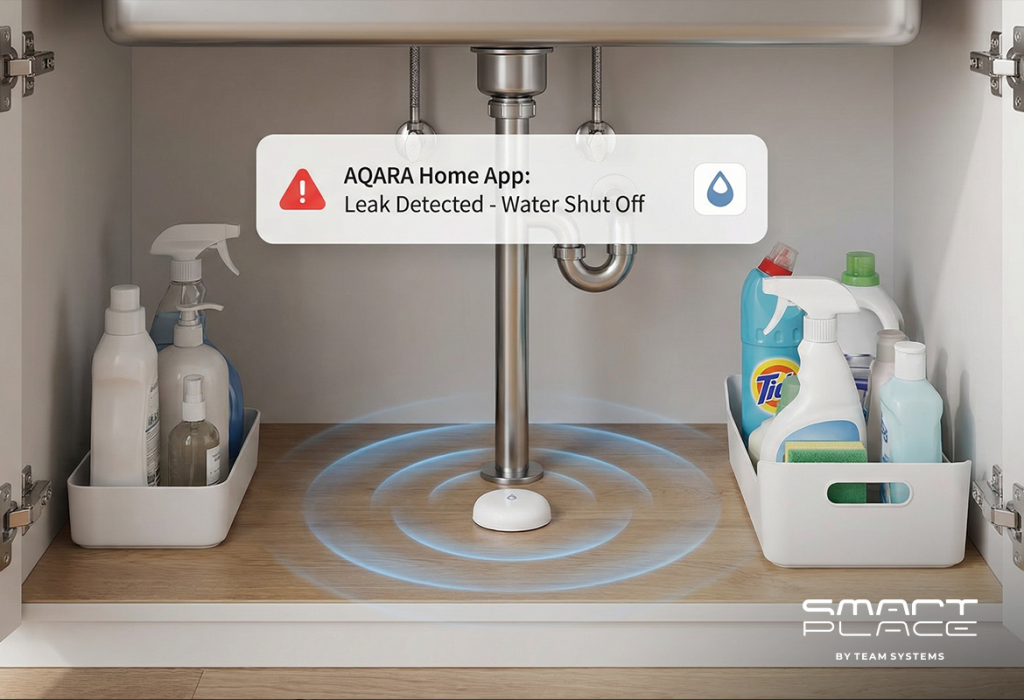
The Device: Aqara Water Leak Sensor T1

Water damage is often the most expensive repair a homeowner faces. A small leak under a sink or a loose dishwasher hose can go unnoticed for days, ruining cabinets and flooring.

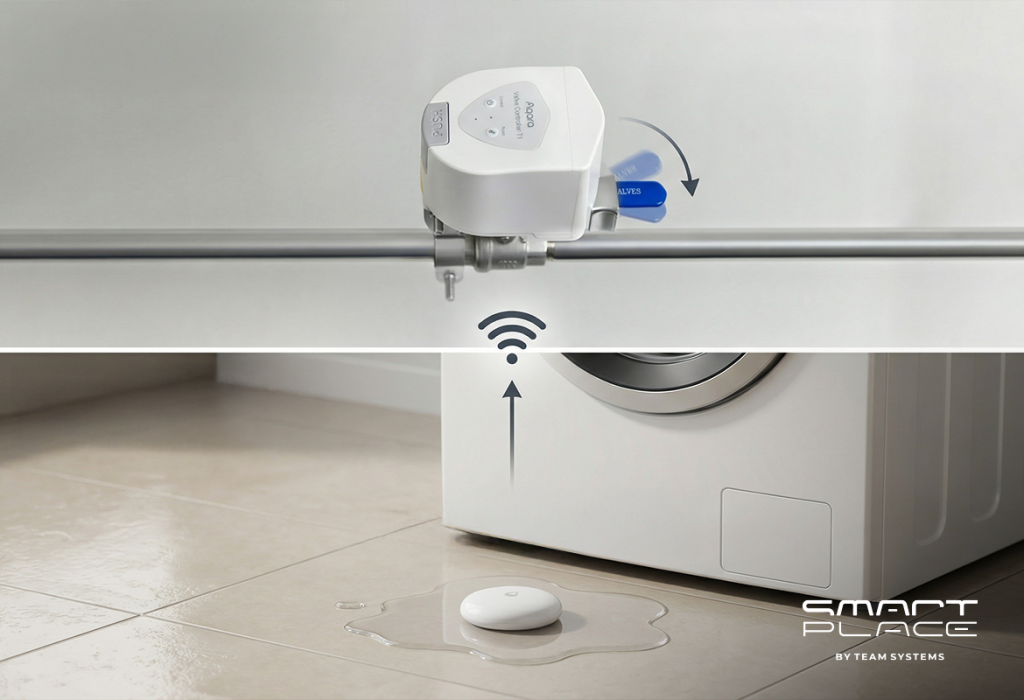
How it works: Placed in vulnerable areas—like under the kitchen sink or behind the washing machine—this sensor detects water levels as low as 0.5mm.
The Automation: When paired with the Aqara Valve Controller, detection isn’t just an alert; it’s a solution. The moment a leak is sensed, the system automatically shuts off the main water pipe, stopping the damage instantly before you even get the notification.

3. The Invisible Safety Net

The Device: Aqara Smart Natural Gas Detector

Natural gas is a vital utility, but leaks are an invisible and odorless danger until concentrations become high. Relying on your own senses is a risk.

How it works: This high-precision device constantly monitors the air density for Methane (CNG).
The Automation: Upon detecting a trace of gas, it sounds a loud local siren and pushes a “Critical Alert” to your phone immediately. It turns an invisible threat into a visible, manageable action plan, allowing you to evacuate or shut off the supply safely.

4. Lighting That Follows Your Path

The Device: Aqara Motion Sensor P1

Walking through your home at night shouldn’t involve fumbling for switches or navigating in the dark.

How it works: With a wide 170° field of view and a 5-year battery life, the P1 detects movement instantly.
The Automation: It handles the essentials of daily movement. Step into a hallway at night, and the lights glow softly to guide your way. When you leave for work, it transitions into a security guard, triggering an alarm if unexpected motion is detected in the foyer.

5. Whole-Home Fire Alerts

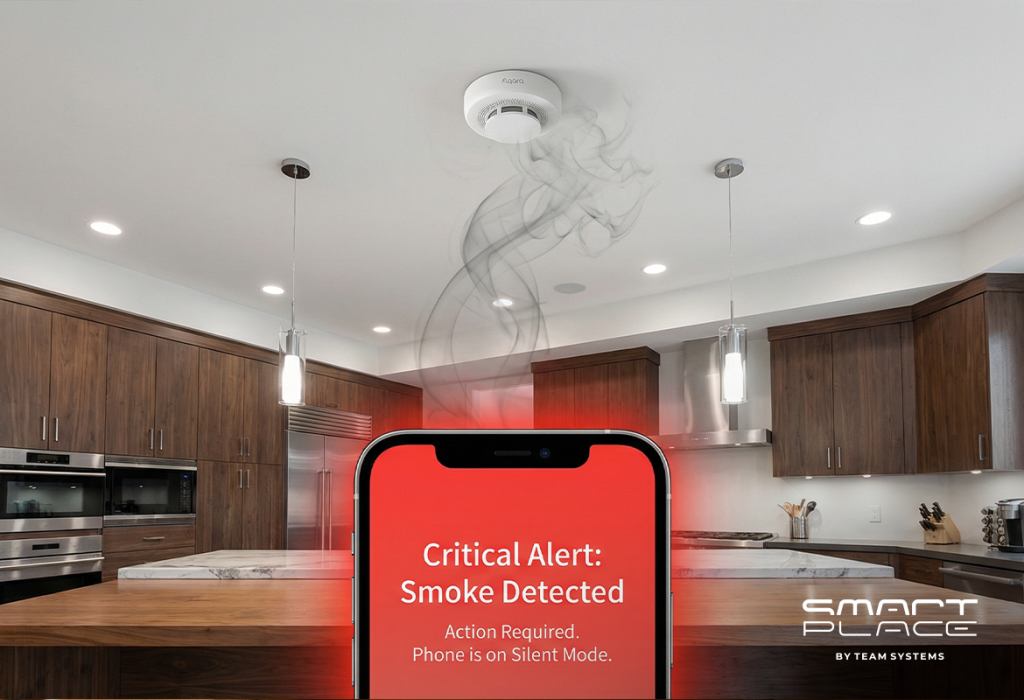
The Device: Aqara Smart Smoke Detector

If a fire starts in the kitchen while you are sleeping in a bedroom with the door closed, you might not hear a standard alarm until the smoke has spread.

How it works: This sensor uses advanced photoelectric technology to detect smoke particles instantly, minimizing false alarms from cooking while catching real threats early.
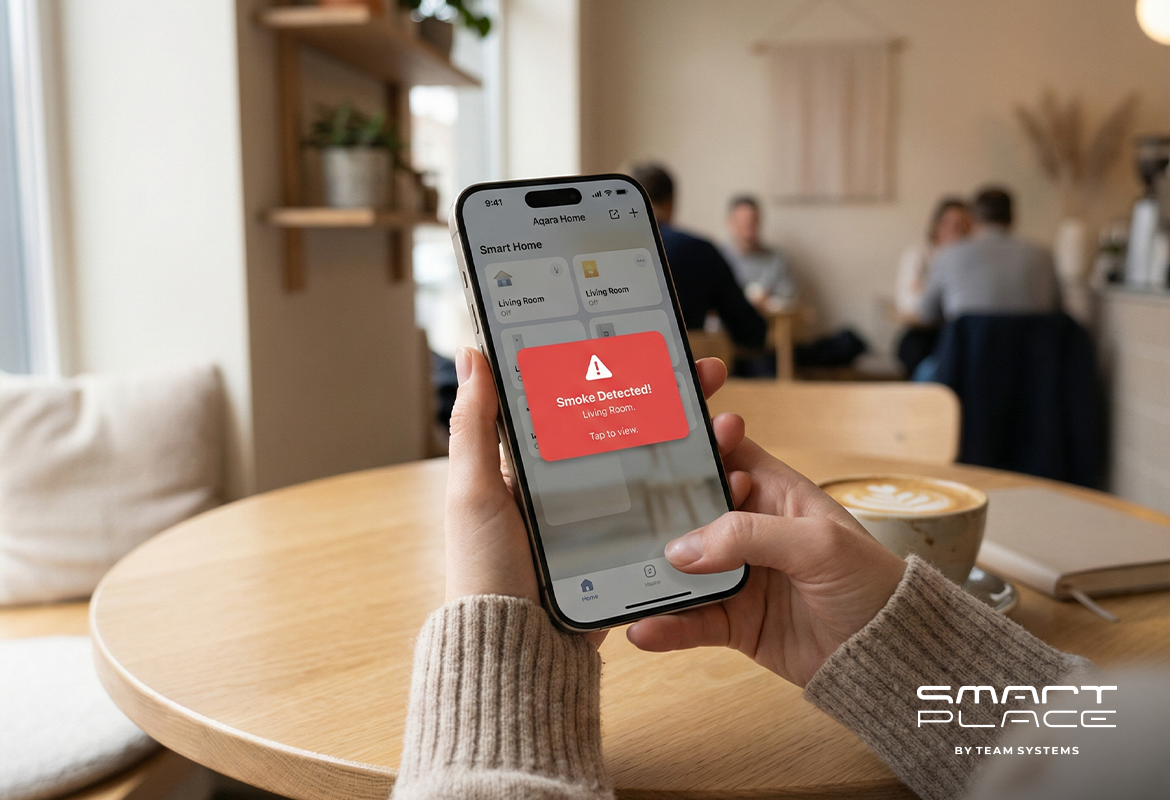
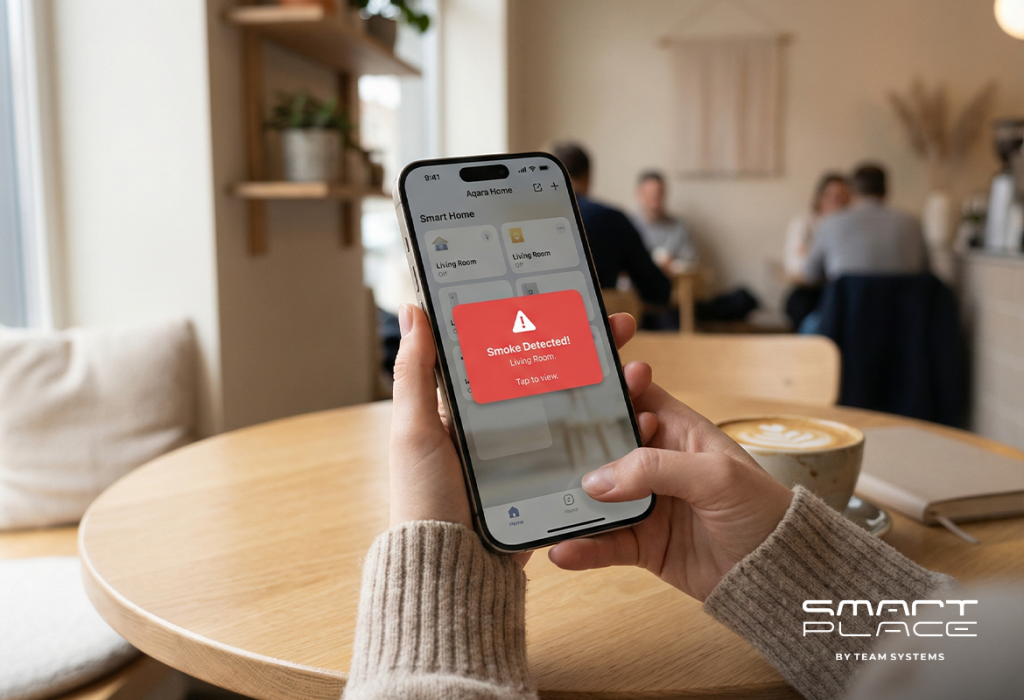
The Automation: It utilizes a “Linkage Alarm” system. If the kitchen detector triggers, every Aqara hub and siren in the house sounds the alarm simultaneously. This synchronized alert ensures you are woken up immediately, no matter where you are in the house.

6. Maintaining a Healthy Climate

The Device: Aqara Temperature and Humidity Sensor T1

Your home’s climate impacts your health. Air that is too dry can affect your breathing, while excess humidity can lead to mold growth behind furniture.

How it works: This tiny sensor provides continuous tracking of the temperature and humidity in every room.
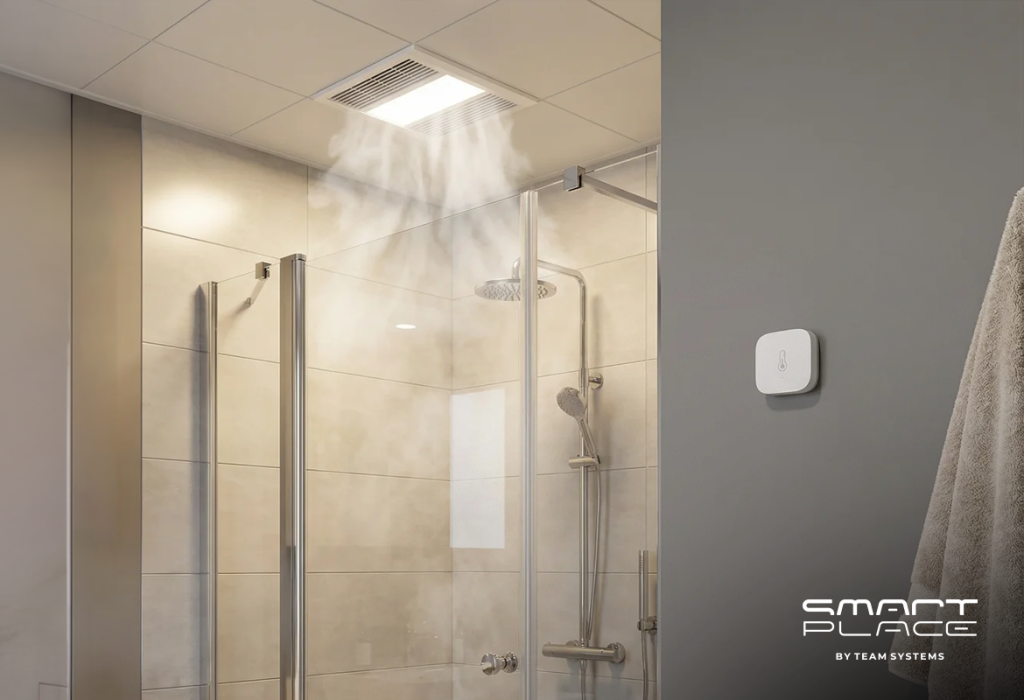
The Automation: It maintains balance automatically. If humidity spikes during a shower, it triggers the exhaust fan. If the air becomes dry in winter, it activates your humidifier, ensuring a healthy atmosphere for your family and your plants.

Conclusion

Installing these sensors is a practical investment in peace of mind. It is the difference between repairing water damage and preventing it. It is the shift from a home that just exists to a home that actively works to protect what matters most.

Contact us today to equip your home with the complete Aqara Smart Protection System.

9Jan

The Smart Home Without Wiring: Upgrade Your Apartment Instantly

by Hayk

The Smart Home Without Wires: Upgrade Your Apartment Instantly

The New Year is here, and with it comes a desire for a fresh start. As we settle into 2026, many of us are looking around our apartments, wanting to upgrade our living space for the year ahead.

But if you have already finished your renovation, the idea of a “smart home” might seem impossible. You imagine construction work, dust, and changing your interior. That is the old way of thinking. In 2026, the best smart home is the one that fits into your life effortlessly. It doesn’t require new wiring; it requires smart devices.

With the Aqara ecosystem, you don’t need to change your walls to make your home smart. You can simply teach your existing home to listen. Here is how to upgrade your finished apartment into a voice-controlled sanctuary in a single afternoon.

1. Forget Switches: Just Use Your Voice

The biggest fear homeowners have is changing their light switches because of old wiring. But in a truly smart home, you shouldn’t need to leave the comfort of your sofa to touch a switch at all.

The Experience: Imagine settling in for a cozy winter evening. You don’t need to get up. You can tell Alisa to turn on “Evening Mode,” and the room transforms instantly.
How it works: You install an Aqara Dual Relay Module T2 hidden behind your existing wall switch. It takes minutes, creates no mess, and instantly connects your lights to your favorite voice assistant (Yandex Alisa, Alexa, Siri).

2. Waking Up Naturally

We all hate the jarring noise of alarm clocks. There is a better way to start your day—letting the sun do the work for you.

The Installation: The Aqara Curtain Driver E1 mounts directly onto your existing curtain rail or rod, hiding behind the fabric. No ceiling power socket required.
The Result: Instead of a loud alarm, your curtains glide open silently at 8:00 AM. You wake up energized and ready for the day, without ever touching the drapes.
The Power: It runs on a powerful rechargeable battery that only needs charging once or twice a year.

3. Lighting That Knows You Are There

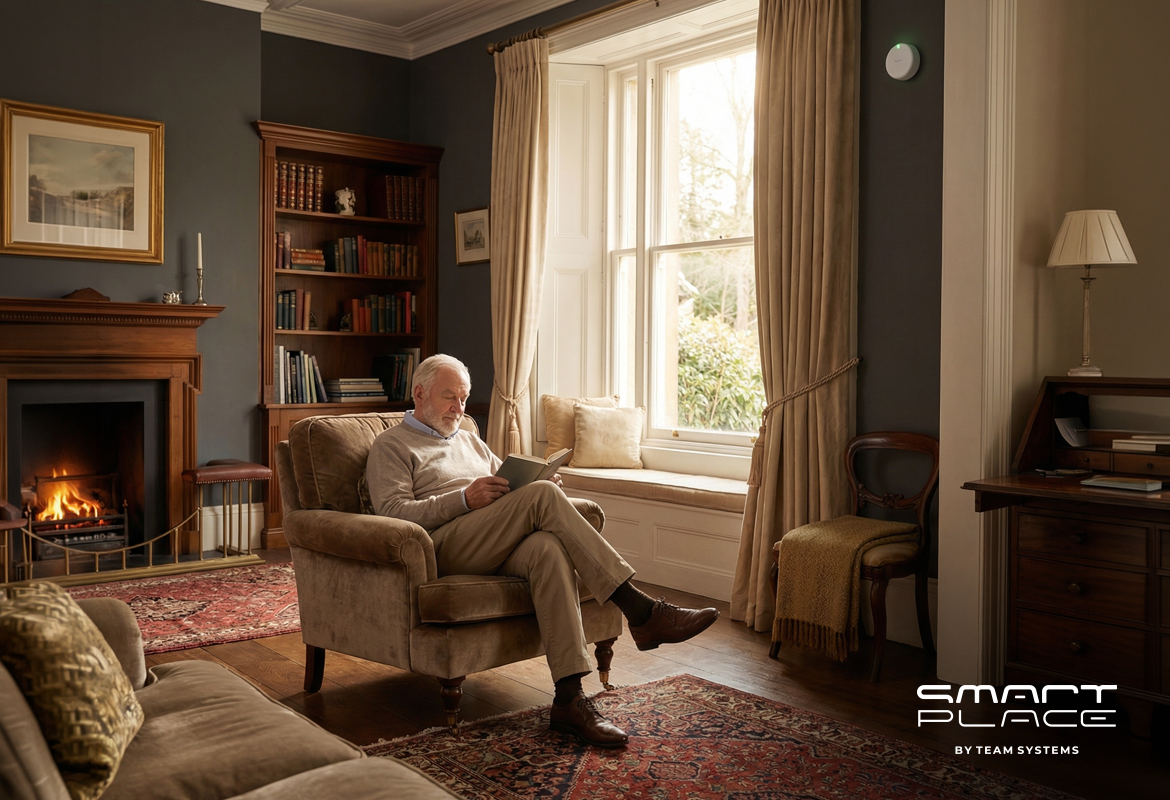
Sometimes, you don’t even want to use your voice. You just want the house to look after you while you relax with a book.

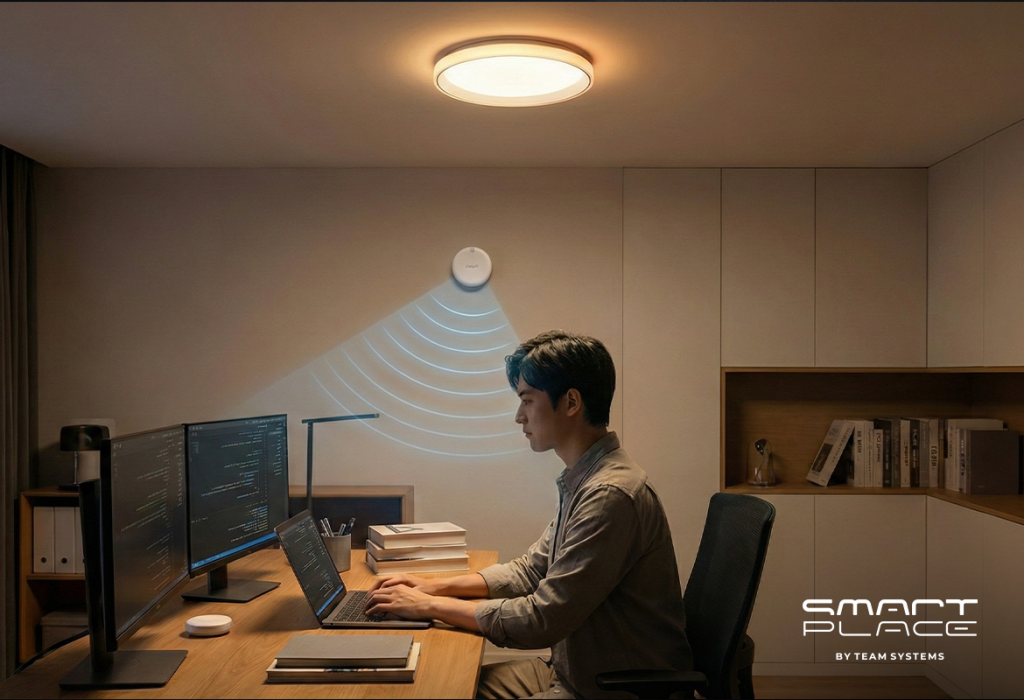
The Setup: As seen in modern reading corners, the Presence Sensor FP2 can be mounted discreetly on the wall behind you.
The Result: Traditional motion sensors turn off if you sit still too long. The FP2 is different—it detects even the slightest movement, like turning a page. The light stays on exactly as long as you are reading and turns off when you leave.

4. Wireless Protection

You want to protect your home from disasters, but you don’t want ugly wires running along your beautiful baseboards or ceilings.

Peel and Stick: Aqara sensors for leaks and smoke install with strong adhesive backing. You can place a Water Leak Sensor T1 under your washing machine or mount a Smart Smoke Detector on the ceiling without tools or drilling.
The Alert: If a pipe bursts or smoke is detected, your smart home sends a critical notification to your phone and can even tell Alisa to announce a warning throughout the house.

5. Why Voice Control is Reliable (The Zigbee Advantage)

A common worry is that adding technology makes a home cluttered or dependent on the internet. This is why the “brain” of the system is designed to be beautiful and robust.

Elegant Design: The Aqara Hub M3 doesn’t look like a router; it looks like a piece of modern decor that fits perfectly on your side table.
Local Stability: Your devices talk to the Hub locally via the Zigbee protocol. This means your switches and sensors work instantly, even if the internet goes down.
Voice Bridge: The Hub acts as the stable bridge to Yandex, Google, or Apple, ensuring your home responds immediately every time you speak.

Conclusion

A finished renovation is not a barrier to a smart home; it’s the perfect blank canvas. You don’t need to start a new repair to upgrade your lifestyle. You just need the right ecosystem that connects your home to your voice.

Contact us today, and let’s get your home talking to Alisa, Alexa, or Siri.

26Dec

Smart Home Trends in 2026: Technology for Everyday Life

by Hayk

Smart Home Trends in 2026: Technology for Everyday Life

Many people believe that smart homes are expensive, complicated, or only for tech experts. But the real trend for 2026 is accessibility. Smart technology is no longer a luxury; it is a helpful addition to your daily routine that makes life easier, safer, and more affordable.

By using the Aqara ecosystem, you can upgrade your existing home without a huge renovation. Here is how modern families are using smart solutions to solve daily challenges.

1. Better Mornings: Waking Up Made Easier

We all hate the jarring noise of alarm clocks. In 2026, the focus is on waking up naturally so you feel truly rested. This isn’t about complex gadgets; it is about starting your day on the right foot.

Natural Light: The Aqara Curtain Driver E1 pushes your curtains open to let in sunlight. It is a simple upgrade that fits on your existing curtain tracks, helping you wake up gently.
Ready-to-Go Coffee: Using a simple Aqara Smart Plug, your coffee maker turns on automatically before you even get out of bed. It saves you those precious minutes in the morning rush.
Automatic Lighting: The Presence Sensor FP2 detects when you enter the kitchen. It turns the lights on softly, so you aren’t blinded by bright bulbs while you are still waking up.

2. The Home Office: Getting More Done

Working from home is common now. You don’t need a high-end office to be productive; you just need the right environment to help you focus.

Better Lighting: Good lighting helps you concentrate. Aqara LED Bulbs can change to a cool, bright white during the day. This simple change mimics daylight and keeps you alert without the need for expensive desk lamps.
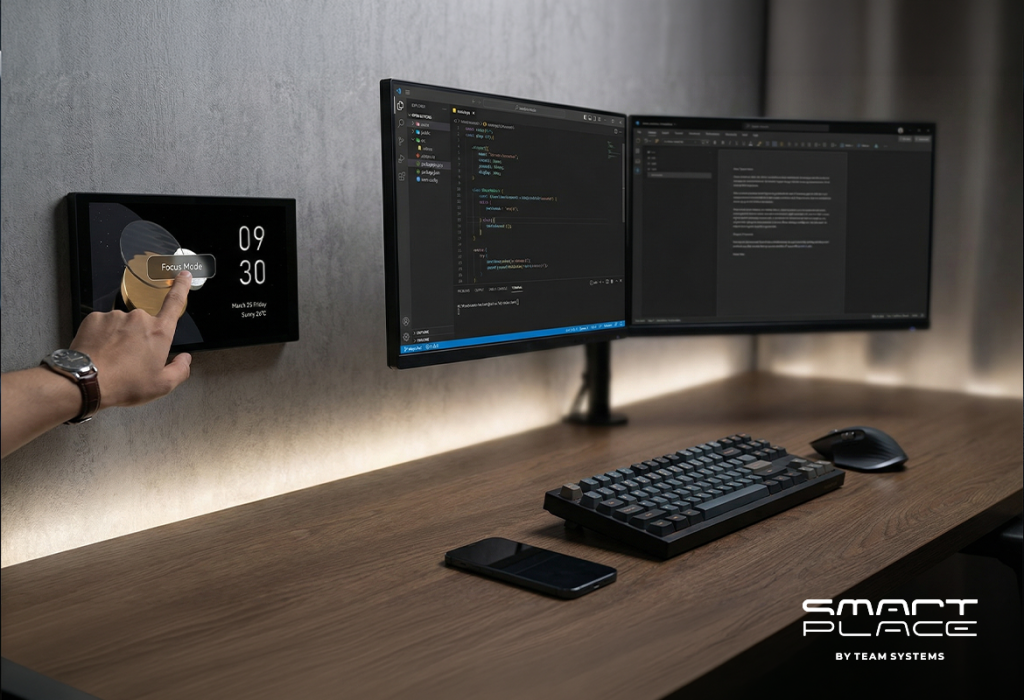
One-Touch Focus: With a MagicPad S1 Plus on the wall, you can tap one button to turn on “Work Mode.” This can silence the doorbell or adjust the thermostat so you can concentrate on your tasks.
Smart Energy: If you leave your desk for a break, the system dims the lights to save electricity. It’s a small saving that adds up over time.

3. Practical Security: Peace of Mind for Families & Seniors

Security isn’t just about cameras; it’s about caring for everyone under your roof, from toddlers to grandparents. Modern security protects your home from intruders while simultaneously acting as a safety net for your elderly loved ones.

Elderly Safety: The Presence Sensor FP2 does more than just turn on lights; it can detect falls. If a loved one falls in the living room or bathroom, the system instantly sends a critical alert to your phone so you can check on them immediately.
Emergency Help: A portable Wireless Remote Switch H1 placed by the bedside or in the bathroom acts as a panic button. A single press sends an emergency notification to the whole family, ensuring help is never far away.
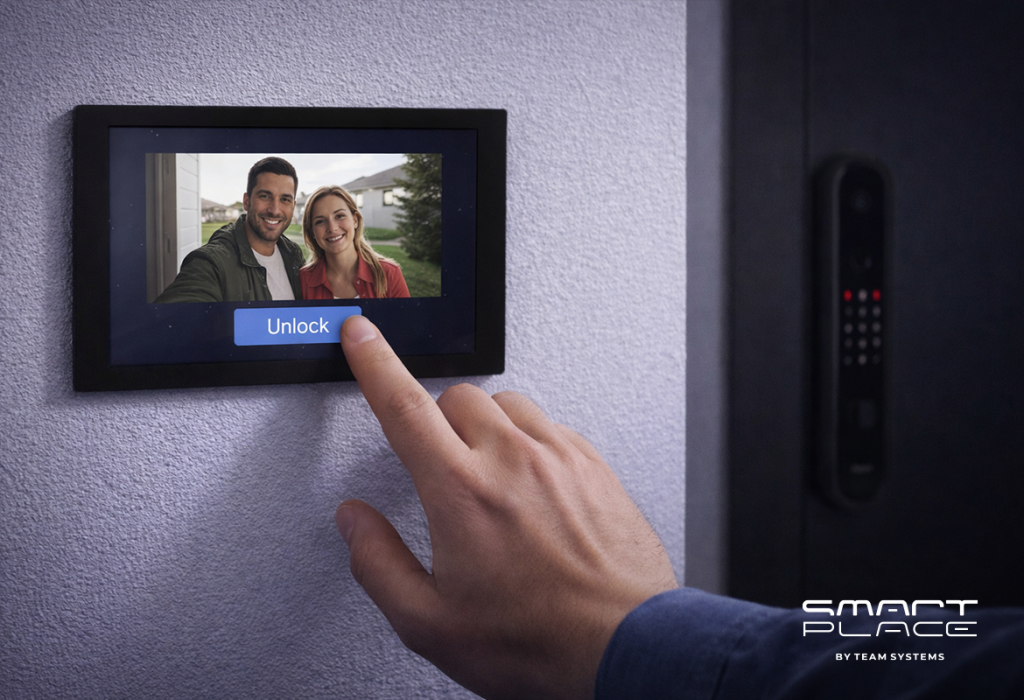
See Who is There: The Video Doorbell G4 lets you check on visitors from your phone, whether you are in the backyard or at the office. It’s a simple way to screen strangers before opening the door.

4. Smart Scenes: Your Home, Your Rules

The real magic of a smart home isn’t controlling one device at a time—it’s controlling everything at once to fit your lifestyle. This is what we call a “Scene.” With a single press of a button, your home transforms to match exactly what you need in that moment.

Dinner Mode: You don’t need your phone at the dinner table. A simple press on a Wireless Remote Switch H1 mounted near the dining area turns off the bright kitchen lights and dims the dining room to a warm, cozy glow.
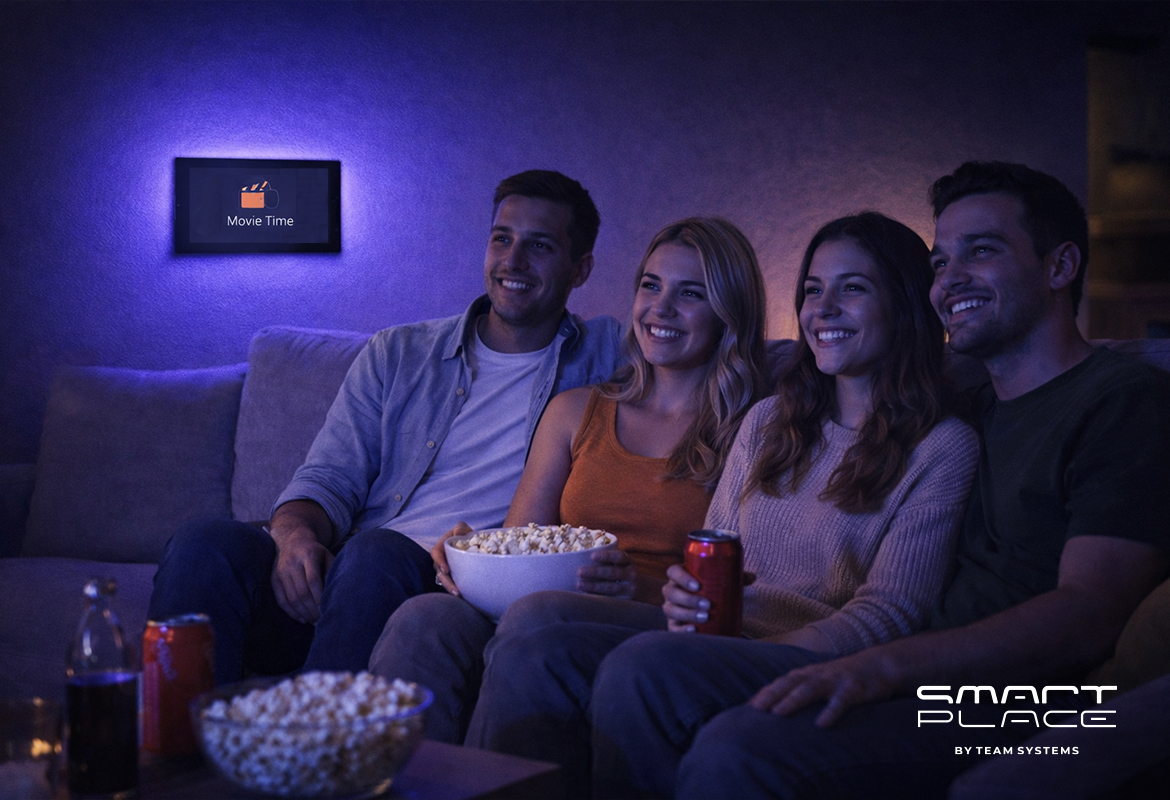
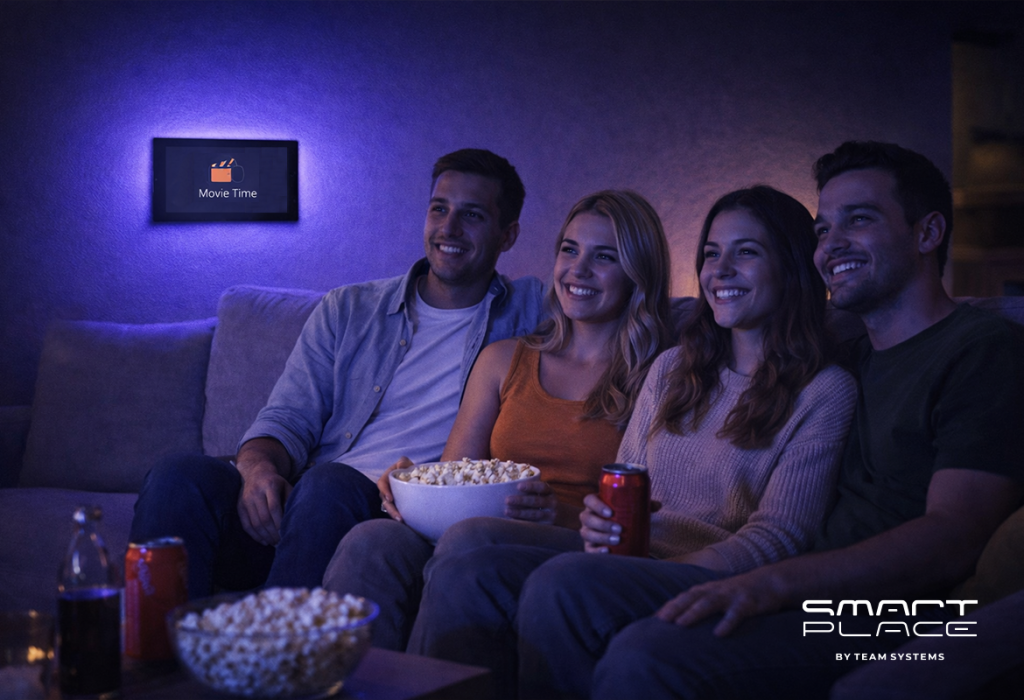
Movie Time: No need to run around closing blinds. A single voice command or button press closes the drapes to stop glare, while LED Strips behind your TV provide soft background light to reduce eye strain.
Goodnight: The most popular scene of all. A single “Goodnight” press by your bedside locks the front door, turns off every light in the house, arms the security system, and lowers the temperature for sleep. It’s effortless peace of mind.

5. Smart Savings: Lowering Your Bills

The most practical reason to get a smart home in 2026 is to save money. Aqara devices give you visibility and control over your electricity usage.

Track Your Usage: The MagicPad S1 Plus shows you exactly how much power you are using. Seeing the numbers helps you understand where you can save.
Stop Waste: We all forget to turn things off. With “Eco-Mode,” you can ensure that heaters, fans, and lights connected to Smart Plugs turn off automatically when no one is in the room.
Automated Climate: Your curtains can close automatically on hot days to keep the sun out, meaning your air conditioner doesn’t have to work as hard.

Conclusion: Smart Living is for Everyone

The smart home of 2026 is simply a helpful home. It opens the curtains because you are tired, it locks the door because you are busy, and it turns off the lights to save you money.

At Smart Place, we believe technology should be accessible to everyone. You don’t need a big budget to start; you can build your system one solution at a time. Ready to make your life a little easier?

Contact us today and see how accessible smart living can be.

22Dec

Comprehensive Home Security: Protecting What Matters with Aqara

by Hayk

Comprehensive Home Security: Protecting What Matters with Aqara

Most people think home security is just about having a sturdy lock on the front door. While that is a great start, true security in 2025 is about layers. It’s about knowing when someone is approaching, ensuring your family is safe from environmental hazards, and having the ability to monitor your home from anywhere in the world.

By using an Aqara ecosystem, you move beyond “passive” security (locks) to “active” security (automation and detection). Here is how to structure a modern, secure home using professional-grade smart technology.

1. Strengthening the First Line of Defense: The Entrance

The front door is the primary target for most intruders. Standard mechanical locks can be compromised, but Aqara’s smart entry solutions offer both physical strength and digital intelligence.

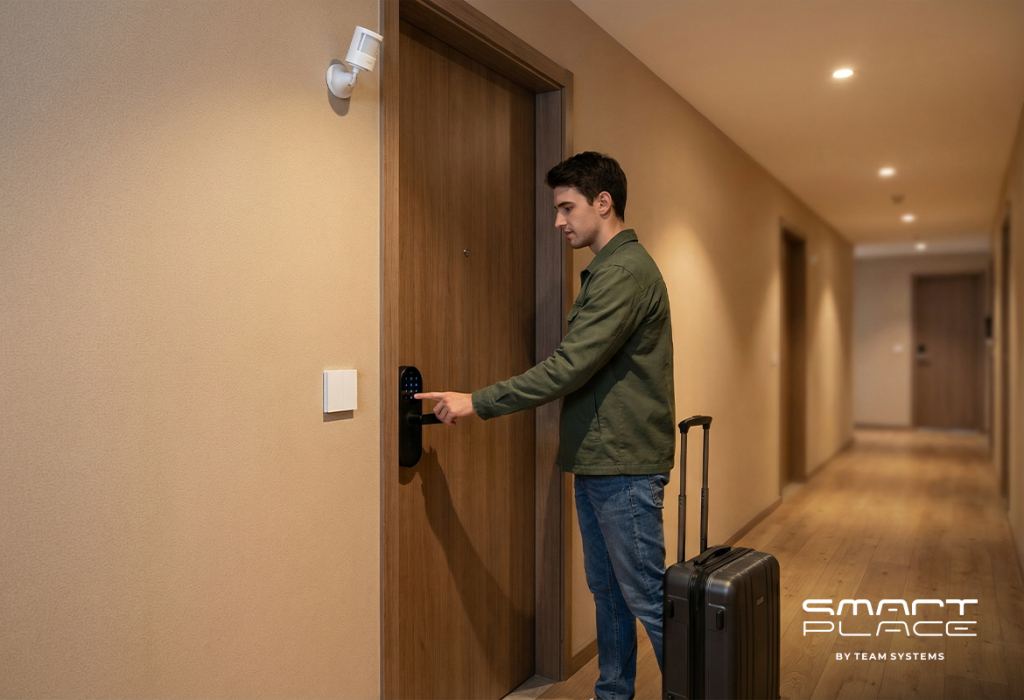
Smart Locks: Devices like the Aqara Smart Lock U300 or the N100 eliminate the need for physical keys, which can be lost or copied. They offer multiple secure entry methods, including fingerprints and PIN codes. For those who want a premium, hands-free experience, the Aqara D100 Zigbee Edition provides fully automatic locking and unlocking.
Video Verification: The Aqara Smart Video Doorbell G4 acts as your digital sentry. With local AI face recognition, it can alert you specifically when a stranger is at the door, rather than just a falling leaf. It also features a loud siren to deter anyone attempting to tamper with it.

2. Intelligent Surveillance and Proactive Detection

A security system is only effective if it can “see” and “think.” Aqara cameras and sensors work together to provide 360-degree awareness of your property.

Outdoor & Indoor Monitoring: The Aqara Camera Hub G5 Pro (PoE) is designed for the exterior, featuring high-resolution AI detection for humans and vehicles. Inside, the Camera Hub G3 tracks movement and can even recognize hand gestures to trigger “SOS” alerts.
Advanced Presence Sensing: Traditional motion sensors can miss a person who is standing still. The Aqara Presence Sensor FP2 uses radar technology to detect the presence of a person even if they are sleeping or reading, ensuring your security automations never fail when someone is in the room.
Perimeter Alerts: Placing Motion Sensor P1 units in hallways or near side gates ensures that any unexpected movement triggers an immediate notification to your phone and sounds an alarm on your Hub M3.

3. Safeguarding Against Environmental Threats

Security isn’t just about intruders; it’s about protecting your home from internal disasters like fires, gas leaks, and floods.

Smoke and Gas Detection: The Aqara Smart Smoke Detector and Natural Gas Detector provide critical early warnings. Unlike traditional alarms, these send an emergency broadcast to every Aqara Hub in your house and a “critical alert” to your smartphone, even if it’s on silent.
Flood Defense: Water damage can be just as devastating as a break-in. The Aqara Water Leak Sensor T1 detects the first sign of moisture under sinks or appliances. When paired with the Valve Controller T1, the system can automatically shut off your water main to prevent a minor leak from becoming a flood.

4. Creating the “Lived-In” Illusion

A dark, quiet house is a prime target for burglars. Aqara allows you to create “Security Scenes” that make it appear as though you are home, even when you are on vacation.

Automated Deterrence: You can set a “Vacation Scene” where the Aqara Curtain Driver E1 opens and closes your blinds at specific times, and Smart Wall Switches or LED Bulbs turn on and off in different rooms throughout the evening.
Simulated Presence: Using the MagicPad S1 Plus or the Aqara app, you can schedule your home to mimic your daily routine, effectively discouraging anyone watching the house from attempting a break-in.

Why Choose an Aqara-Based Security System?

Building your security on the Aqara platform ensures that your home remains protected even during internet outages.

Local Reliability: Many Aqara automations run locally on the Hub M3 or M100, meaning your sensors will still trigger alarms and locks even if your Wi-Fi goes down.
Low Power, High Performance: Most Aqara sensors use Zigbee, allowing them to run for years on a single battery while maintaining a stable, long-range connection.
Unified Control: Whether you are using the Display Switch V1 on your wall or the app on your phone, you have a single interface to monitor your locks, cameras, and detectors.

Conclusion

Securing your home is a journey, not a one-time task. By combining physical barriers like the Smart Lock U300 with intelligent detectors and the powerful Camera Hub G5 Pro, you create a comprehensive safety net for your family. An Aqara-secured home is a smart home that doesn’t just wait for something to happen—it watches, alerts, and protects.

15Dec

Smart Scenes, Comfort, and Reliability: The Importance of an Aqara Hub

by Hayk

Smart Scenes, Comfort, and Reliability: The Importance of an Aqara Hub

Smart lights, sensors, cameras, plugs – it’s easy to buy individual smart gadgets. The hard part is getting them to work together reliably. That’s where the Aqara hub comes in. Instead of a pile of disconnected devices and apps, the hub acts as the “brain” of your smart home, coordinating everything behind the scenes so your automations and Scenes feel seamless, fast, and dependable.

1. What Exactly Is an Aqara Hub?

An Aqara hub is a central device that connects your Aqara sensors, switches, locks, thermostats, and other accessories (mostly using Zigbee) to your home network and major smart home platforms (like Apple Home, Alexa, and Google Home).

Think of it as a translator and traffic controller:

• It talks to low-power devices via Zigbee (and, on newer models, Thread and Matter).
• It connects to your router via Wi Fi or Ethernet.
• It exposes your Aqara devices to apps like Apple Home or the Aqara app so you can control everything from one place – whether that’s turning on a light or adjusting the temperature on a thermostat from your phone.

Crucially, it’s also what lets you create Scenes – like “Good Night”, “Away”, or “Movie Night” – where one tap (or one trigger) can adjust multiple devices at once.

Without the hub, many Aqara devices simply cannot join your smart home at all – they need a hub to function, be visible to your ecosystem, and participate in these Scenes.

2. Why Not Just Use Wi Fi Devices for Everything?

On paper, going “hubless” with only Wi Fi gadgets sounds simpler. In practice, it quickly becomes a mess:

• Every Wi Fi device adds load to your router.
• Different brands use different apps and ecosystems.
• Battery-powered Wi Fi devices drain power quickly.

Aqara’s approach is different. Most of their sensors and accessories use Zigbee, a low-power, mesh-network protocol. The hub handles the heavy lifting and:

• Keeps your Wi Fi network from getting overloaded.
• Lets small sensors run for years on a coin cell battery.
• Offers better range through Zigbee mesh․

Newer hubs like the Aqara Hub M3 also support Thread and Matter, which helps bridge Aqara Zigbee devices into the broader Matter ecosystem so they can show up in any Matter-compatible app, not just one platform. That means your future Scenes can mix more brands and device types without you having to think about what speaks what.

3. How Does an Aqara Hub Improve Reliability and Automation?

The most powerful benefit of the Aqara hub is local automation.

Instead of sending every command to the cloud and back, many automations run directly on the hub itself. For you, that means:

• Faster response – motion triggers lights almost instantly.
• Works even if the internet drops – your routines at home keep working.
• Less cloud dependency – fewer delays and fewer points of failure.

For example:

• Motion sensor in the hallway → hub turns on the Aqara smart switch → light comes on in a fraction of a second.
• Door opens while you’re away → hub triggers an alarm and notifies your phone.

And this is also where Scenes really shine. A Scene is just a saved “state” for multiple devices – but the hub makes it feel like magic:

• “Good Morning” Scene: open curtains, turn on kitchen lights, maybe switch on a smart plug for the coffee machine.
• “Away” Scene: arm security, turn off lights, lock the door.
• “Movie Night” Scene: dim the living room lights, close the curtains, keep the door locked, and leave just a warm lamp or backlight.

The same idea applies to comfort:

• A “Comfort” or “Climate” Scene can use an Aqara thermostat and temperature sensors so the hub keeps your living room at, say, 22 °C. You can tweak the setpoint from the Aqara Home app on your phone, and the hub makes sure the radiator or AC follows that target automatically.

Hubs like the M3 or camera hubs can also act as local security centers, tying sensors and sirens together into a proper home alarm setup instead of a loose collection of “smart” gadgets.

4. Why Is an Aqara Hub So Important for the Future of Your Smart Home?

A smart home is never really “finished.” You’ll likely keep adding devices over time. The Aqara hub helps you stay flexible and future proof:

• Multi protocol support (on newer hubs): Zigbee, Thread, and Matter support open the door to controlling more brands and more device types from one place.
• Scalability: Many Aqara hubs support up to 128+ child devices with repeaters, so you can expand without rebuilding your setup.
• Ecosystem bridging: The hub can expose your Zigbee devices to Matter-compatible apps, which means your Aqara gear plays nicely with the wider smart home world instead of locking you in.

That also means your Scenes grow with you. Today it might just be lights and a couple of sensors. Tomorrow it might include locks, blinds, thermostats, radiators, air conditioning, and even more third party devices – all still triggered by one “Evening”, “Away”, “Movie Night” or “Comfort 22 °C” Scene in the Aqara or Home app.

In short, choosing a good hub now saves you from painful migrations and incompatibility headaches later.

Conclusion

The Aqara hub is much more than just another box on your shelf. It:

• Connects all your Aqara devices into a single, coherent system.
• Offloads work from your Wi Fi and keeps small sensors low power and long lasting.
• Runs fast, reliable local automations and Scenes, even when the internet is down.
• Lets you control comfort – like the temperature on a thermostat – right from the app, while the hub quietly keeps everything at your preferred setpoint.
• Prepares your home for the future with support for modern standards like Matter and Thread (on newer models).

If you want a smart home that feels truly smart – responsive, stable, and easy to expand – an Aqara hub is not just helpful; it’s essential. And once you start living with a few well-designed Scenes, from “Movie Night” to “Comfort 22 °C”, you’ll wonder how you ever managed without it.

19Nov

Aqara Smart Home in 5 Steps: From Lighting to Security

by Hayk

Aqara Smart Home in 5 Steps: From Lighting to Security

Imagine a home that truly understands you. A place where comfort is always present, security is unwavering, and you have complete control at your fingertips. This is the promise of an Aqara smart home – a system designed to enhance your daily life, making it smoother and more reassuring. Forget complex setups; we offer a clear path to a home that feels intuitive and responsive. Follow these five simple steps to build your personalized Aqara smart home, from welcoming lights to vigilant security, including ways to care for your loved ones.

Step 1: Choose Your Hub – The Main Control Unit

The Aqara hub is the central part of your smart home. It uses local processing and Zigbee 3.0 for devices to communicate well. Hubs also connect to Apple Home, Google Home, Alexa, and Matter/Thread, giving you broad control.

Selecting Your Aqara Hub:

  • Aqara Hub M3: Strong, future-ready with Ethernet for stable connections.
  • Camera Hub G3 (US/EU): A camera that also works as a hub. It has a moving camera, smart detection, a sound alarm, and records locally.
  • Camera Hub G5 Pro (PoE): For very stable connections, using one cable for power and data.
  • Hub M100 (Offline): For systems that do not use the internet.

Setup Tip:

Place the G3 camera at your main door. Put the M3 hub in the center of your home and connect it with an Ethernet cable. Use the Aqara Home app. For easy control, place a MagicPad S1 Plus or Display Switch V1 EU near doors, and a Touchscreen Dial V1 EU in living areas.

Step 2: Control Your Lights – Better Light and Mood

Lighting can change how a room feels. With Aqara, you gain control over your home’s atmosphere. Start with smart switches, then add different lights to create the right mood for any time.

Smart Switches for Easy Control:

  • Smart Wall Switch H1 EU (With Neutral, Double Rocker): A simple way to make your wall switches smart.
  • Dual Relay Module T2: A small device hidden in the wall to control two lights or devices.
  • Dimmer Switch H2 EU: For smooth control of light brightness.

Lights for Any Scene:

  • LED Bulb T2 (RGB CCT, E27) / T2 (CCT, E27) and LED Bulb T1: Light bulbs with many colors and adjustable white light.
  • Ceiling Light T1M: A smart light for the ceiling.
  • Aqara LED Strip + LED Strip Driver: Light strips for accent lighting.
  • Spotlight T2, Downlight T2, Aqara T1 60: Lights to highlight areas or provide general light.

Natural Light, Automated:

  • Curtain Driver E1 (Rod/Track) or Curtain Controller: Automatically opens and closes curtains.

Important Tip:

Keep smart light bulbs always powered. Control them using smart switches or app settings. Mains-powered Zigbee devices (H1 EU, T2 Relay, Smart Plugs) also help make your wireless network stronger.

Your Comfort, Illuminated:

With one touch, your ceiling light can dim, your LED strip can glow warmly, and your curtains can close. Your room quickly becomes a calm and comfortable place.

Step 3: Enhance Security and Awareness – Your Home, Always Protected

Your home should be a place of security and peace. Aqara helps you achieve this by providing smart ways to monitor and protect your space. This step shows how to set up effective surveillance, manage access, and even check on family members, like the elderly, through your app.

At Your Door, Your First Line of Defense:

  • Aqara Smart Video Doorbell G4: See, talk to, and record anyone at your door, giving you control.
  • Aqara Smart Locks (D100 Zigbee Edition, N100, U300): Safe and easy ways to lock and unlock your door without a key.

Inside Your Home, Constant Calmness:

  • Aqara Motion Sensor P1: Detects movement reliably.
  • AQARA Presence Sensor FP2: Detects if someone is in a room, even if they are not moving. This is helpful for checking on elderly family members.
  • Aqara Camera E1 or Camera Hub G3/G5 Pro: Provides video and can sound an alarm. You can use the app to check on your home and loved ones․

Environmental Safety, Unseen Protection:

  • Aqara Smart Smoke Detector, Smart Natural Gas Detector: Detects smoke and gas for safety.
  • Aqara Water Leak Sensor T1 + Valve Controller T1 (Offline): Finds water leaks and can turn off the water supply.
  • Temperature and Humidity Sensor T1 / Radiator Thermostat E1 / Thermostat W400: Helps keep the temperature and air quality good, adding to your comfort.

Smart Alerts:

For “Away” mode, an alarm might only sound if a door opens AND movement is detected soon after. This helps avoid false alarms and gives you better control.

Step 4: Automations That Feel Like Magic – Your Home, Anticipating Your Needs

Automations make your home smart by reacting to your presence, time, and light. Aqara automations work quickly because they process information locally, enhancing your comfort and giving you effortless control.

Reliable Presence:

  • Phone location + confirming event (door unlock or Motion P1): To know when you arrive or leave accurately.
  • FP2 Presence Sensor: In living areas to know if someone is still there.

Smart Conditions:

  • Time settings: Automations work only during certain hours.
  • Light levels: Actions happen only when it is dark enough.
  • Mode settings: Automations change based on Home, Night, or Away modes.

Three Useful Automations:

  • Hallway Lights: If Motion P1 detects movement and it’s dark, hallway lights (H1) turn on softly, staying on with continued movement.
  • “I’m Home” Welcome: When you arrive home, entry lights turn on, the thermostat adjusts for comfort, and security disarms.
  • Movie Night: One command dims lights, warms the LED strip, closes curtains, and pauses notifications, giving you control over your entertainment.

Easy Control:

You can link these actions to a MagicPad S1 Plus, Display Switch V1 EU, or Touchscreen Dial V1 EU for quick control.

Step 5: Connect, Stabilize, and Grow – Building a Future-Ready Home

This step helps you connect your system, make it stable, and add more devices as needed, ensuring long-term reliability and control.

Connecting Systems:

  • Hub M3: Connects Aqara devices to Matter/Thread, Apple Home, Google Home, Alexa. Use the Aqara Home app for advanced settings.

Stable Network:

  • Wired Hub: Connect M3 (or G5 Pro) with an Ethernet cable for best performance.
  • Good Wi-Fi: Use a strong 2.4 GHz Wi-Fi for devices.
  • Strong Wireless Network: Place Aqara Smart Plugs to extend the Zigbee signal. H1 EU switches and Dual Relay T2 also help.

Step-by-Step Growth:

  • Start: Hub M3, living room lights, “Movie Night” scene.
  • Next: Doorbell G4 + Motion P1, hallway lights, Night mode.
  • Then: Smart locks + G3 camera, FP2 sensor, “I’m Home” and “Away” routines.
  • Add: Water Leak Sensor T1 + Valve Controller T1, Smoke/Gas Detectors, more lights.
  • Finally: Thermostats, Curtain Driver E1, Camera E1, Pet Feeder C1.

Are you ready to live in a home where comfort, security, and control are seamlessly integrated into your daily life? Contact us to plan your Aqara smart home. We will help you choose the right devices and set up the smart system, so your home is always one step ahead.

5Nov

5 Core Features of the Aqara Smart Home

by Hayk

5 Core Features of the Aqara Smart Home

A modern smart home is dependable on day one and just as consistent years later. Aqara’s local first design, clear device roles, and privacy by default approach make that possible.

1. When the Internet Goes Down

Your home doesn’t. Local automations continue to run through the hub over Zigbee or Thread. Motion still turns on hallway lights, contact sensors still trigger scenes, and night modes still adjust brightness. These routines execute inside your home, not in the cloud.

What keeps working: local scenes, sensor based triggers, lighting and comfort routines processed by the hub
What pauses: cloud based routines that use outside data (e.g., weather driven heating) and full remote control from the app while you’re away
Why it matters: most Aqara routines are local, so day to day behavior remains intact during outages

2. Indoor vs. Outdoor Use

Placement drives longevity and reliability. Most Aqara devices are designed for indoor environments and shouldn’t be exposed directly to rain, snow, or harsh temperature swings. Install them in sheltered locations for stable, long term operation.

Indoor by design: the majority of sensors and switches
Outdoor exceptions: devices explicitly rated for outdoors, such as the Aqara Camera G5
Always check: operating temperature and humidity ranges in the product manual to preserve stability and warranty

3. Do You Need a Hub?

It depends on the protocol, and the hub still strengthens the system. Zigbee devices—motion, leak, and temperature sensors—require a hub. That’s how they achieve long battery life, robust mesh coverage, and consistent performance. Wi Fi devices like cameras can connect directly to the Aqara Home app.

Zigbee: hub required (mesh reliability, battery efficiency)
Wi Fi: can run without a hub (direct app connection)
Added value of a hub: richer local automations, cross protocol scenes, more logic kept inside the home, higher resilience

4. Camera Privacy and Data Protection

Security and control are built in. Video is encrypted in transit, and storage follows international security standards. By default, detection runs locally on the device, and footage doesn’t go to the cloud without your explicit consent.

Encryption: secure transport and standards based storage
Local intelligence: on device analysis reduces exposure
Privacy modes: disable recording, close the lens (where supported), or automate privacy—e.g., “I’m Home” puts Aqara E1 in privacy mode and stops streaming

5. Compatibility With Other Platforms

Security and control are built in. Video is encrypted in transit, and storage follows international security standards. By default, detection runs locally on the device, and footage doesn’t go to the cloud without your explicit consent.

Encryption: secure transport and standards based storage
Local intelligence: on device analysis reduces exposure
Privacy modes: disable recording, close the lens (where supported), or automate privacy—e.g., “I’m Home” puts Aqara E1 in privacy mode and stops streaming

Key Takeaways

Aqara is built for reliable daily use:

• Local automations keep the home responsive, even if the internet drops.
• Indoor gear belongs indoors; outdoor rated devices handle the elements.
• Zigbee needs a hub; Wi Fi can skip it—yet the hub ties everything together and boosts resilience.
• Cameras ship with encryption, local processing, and straightforward privacy controls.
• Broad platform compatibility makes mixed ecosystems practical and future ready.

Build on these five principles and you’ll have a smart home that’s fast, predictable, and respectful of your privacy—from day one and for years to come.

27Oct

Aqara Home app update: Simple, Flexible, Reliable

by Hayk

Aqara Home app update: Simple, Flexible, Reliable

Many smart homes still use basic rules. They react the same way in every situation. Aqara Automations 2.0 (app v6.0) makes automations clearer and more useful. You can add one extra condition, use new trigger types, and set things up faster. Your home can act the way you want, at the right time.

1. The New Logic: When – And – Then

When: What starts the automation (time, sensor, button, sunrise/sunset).
And (optional): An extra condition that must be true (weather, mode, light level, motion).
Then: What happens (lights, shades, scenes, alerts, modes).

Examples:

When it is 20:00
And light level is below 30%
Then turn on warm lights and close the curtains.

When the door is closed
And no motion is detected for 15 minutes
Then turn off all lights and outlets, and enable Security mode.

When the door sensor opens
And Security mode is active
Then sound the siren and send a phone notification.

Tip: The “And” step is optional. You can hide it in Settings if you want a simple view.

2. Smarter Conditions

Automations 2.0 lets you add state conditions and use “NOT” logic.

State conditions: Check weather, mode (Home/Away), humidity, temperature, or illuminance.
“NOT” logic: Run only when a condition is not true.
– Example: When the sun rises, And it is NOT raining, Then open the curtains.

Why this helps: Your home behaves differently in different situations.

3. Helpful Features for Advanced Control

These tools give you more control with less work.

Sequential triggering: Use an ordered button pattern (for example: single press → double press → single press) to run a specific scene. One button can control many scenes.

Customizable Sunrise & Sunset Timing: You can schedule actions to occur before or after the daily sunrise and sunset with the following precision:

For Fine-Tuning (within 1 hour): Set your offset in 15-minute steps.
o Example: Turn on evening lights 30 minutes before sunset.

For General Timing (up to 4 hours): Set your offset in 1-hour steps.
o Example: Start the morning coffee maker 2 hours after sunrise on weekends.

Bulk device selection (Batch Control): Add many devices to a “Then” action at once.

Geofencing 2.0 with Multi-User Support: Make your home’s “Welcome” and “Goodbye” routines truly automatic. With new multi-user support, your automations can now trigger specifically when the first person arrives (running a welcome scene just once) or when the last person leaves (arming the security system automatically). You can also customize the geofence radius for improved accuracy and fewer false triggers.

4. Cleaner, Faster Interface

The app is easier to use.

• Devices are grouped by room.
• Automation tiles show the devices used.
• Fewer taps and less clutter during setup.

Automations 2.0 Works Well for Daily Life

The Everyday Result: Better, Calmer Routines

• Lights follow sunset with a warm fade, only if you are Home.
• Security arms after the door closes and the house is idle.
• Curtains open at sunrise, unless it is raining.

Your Next Step: Try It Now

Update Aqara Home to version 6.0 or later.

Then:

  1. Create a new automation.
  2. Set your “When” (for example: Sunset with a -30 min offset).
  3. Add an “And” if needed (for example: Mode is Home AND NOT Raining).
  4. Choose your “Then” actions (lights, shades, scenes). Use “Batch Control” to add many devices.
  5. Save, test, and adjust.

Automations 2.0 is clear, flexible, and easy to grow with. Start with one routine. Improve it over time. Make your home simple and smart.