LOADING...
22Dec

Comprehensive Home Security: Protecting What Matters with Aqara

by Hayk

Comprehensive Home Security: Protecting What Matters with Aqara

Most people think home security is just about having a sturdy lock on the front door. While that is a great start, true security in 2025 is about layers. It’s about knowing when someone is approaching, ensuring your family is safe from environmental hazards, and having the ability to monitor your home from anywhere in the world.

By using an Aqara ecosystem, you move beyond “passive” security (locks) to “active” security (automation and detection). Here is how to structure a modern, secure home using professional-grade smart technology.

1. Strengthening the First Line of Defense: The Entrance

The front door is the primary target for most intruders. Standard mechanical locks can be compromised, but Aqara’s smart entry solutions offer both physical strength and digital intelligence.

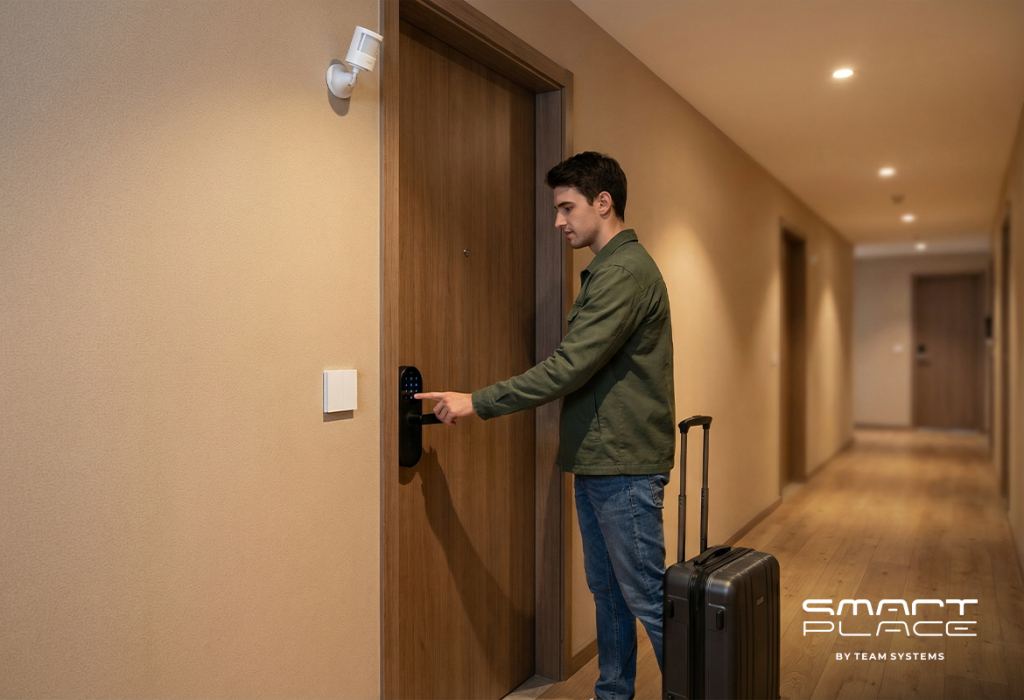
Smart Locks: Devices like the Aqara Smart Lock U300 or the N100 eliminate the need for physical keys, which can be lost or copied. They offer multiple secure entry methods, including fingerprints and PIN codes. For those who want a premium, hands-free experience, the Aqara D100 Zigbee Edition provides fully automatic locking and unlocking.
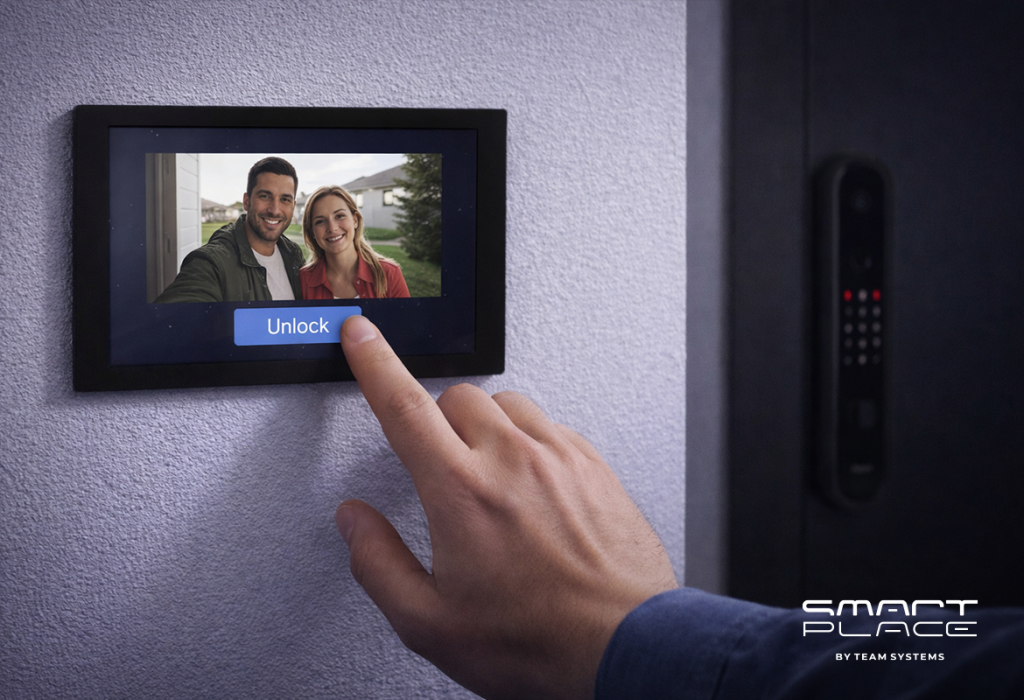
Video Verification: The Aqara Smart Video Doorbell G4 acts as your digital sentry. With local AI face recognition, it can alert you specifically when a stranger is at the door, rather than just a falling leaf. It also features a loud siren to deter anyone attempting to tamper with it.

2. Intelligent Surveillance and Proactive Detection

A security system is only effective if it can “see” and “think.” Aqara cameras and sensors work together to provide 360-degree awareness of your property.

Outdoor & Indoor Monitoring: The Aqara Camera Hub G5 Pro (PoE) is designed for the exterior, featuring high-resolution AI detection for humans and vehicles. Inside, the Camera Hub G3 tracks movement and can even recognize hand gestures to trigger “SOS” alerts.
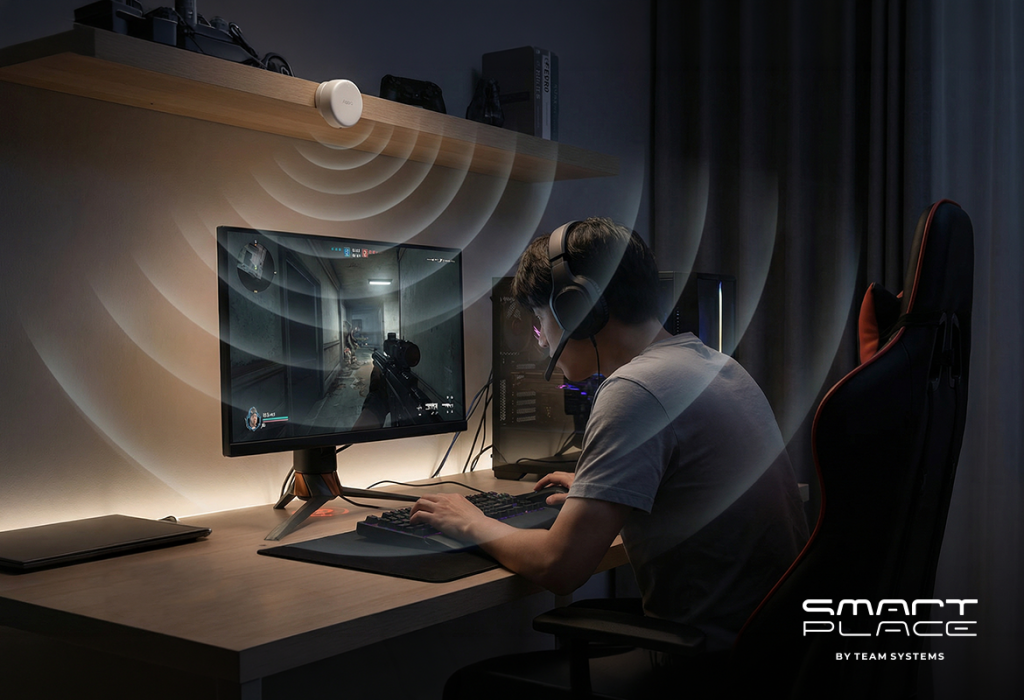
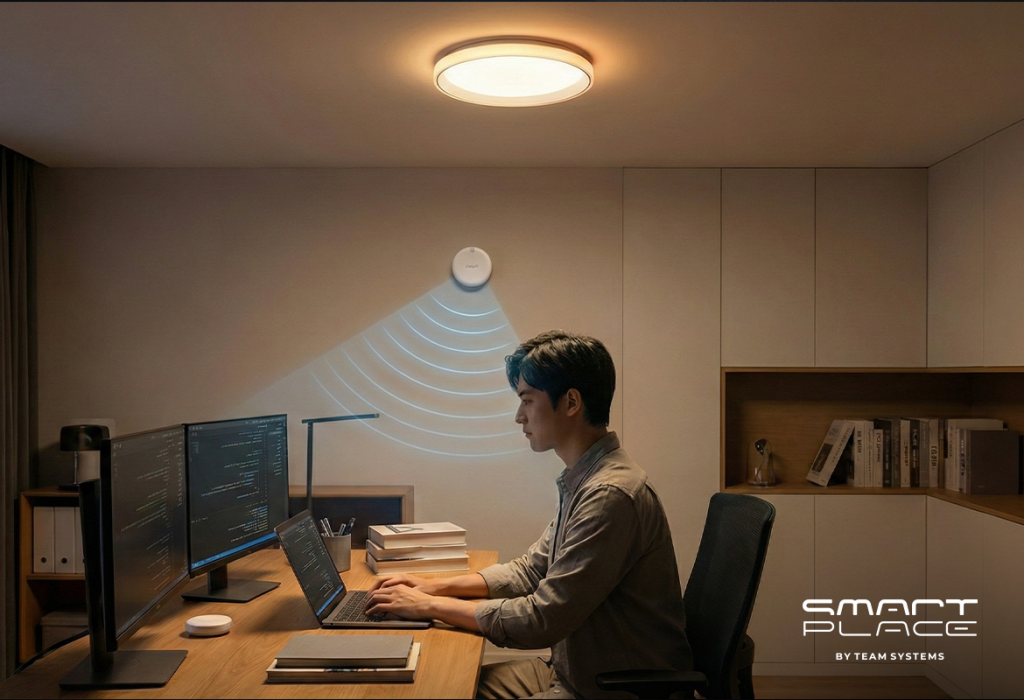
Advanced Presence Sensing: Traditional motion sensors can miss a person who is standing still. The Aqara Presence Sensor FP2 uses radar technology to detect the presence of a person even if they are sleeping or reading, ensuring your security automations never fail when someone is in the room.
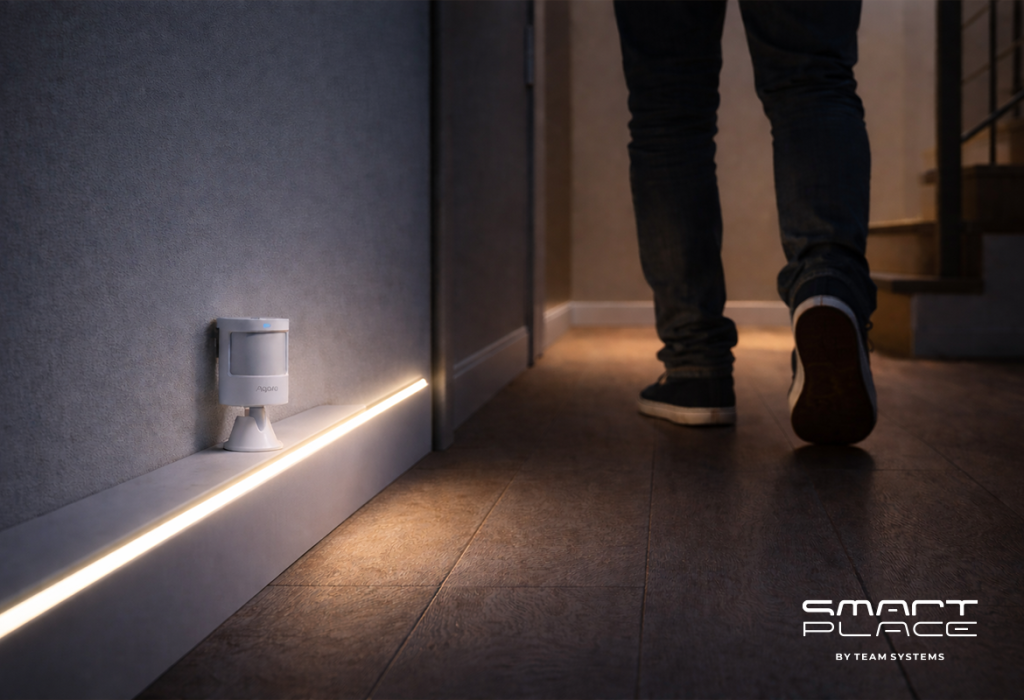
Perimeter Alerts: Placing Motion Sensor P1 units in hallways or near side gates ensures that any unexpected movement triggers an immediate notification to your phone and sounds an alarm on your Hub M3.

3. Safeguarding Against Environmental Threats

Security isn’t just about intruders; it’s about protecting your home from internal disasters like fires, gas leaks, and floods.

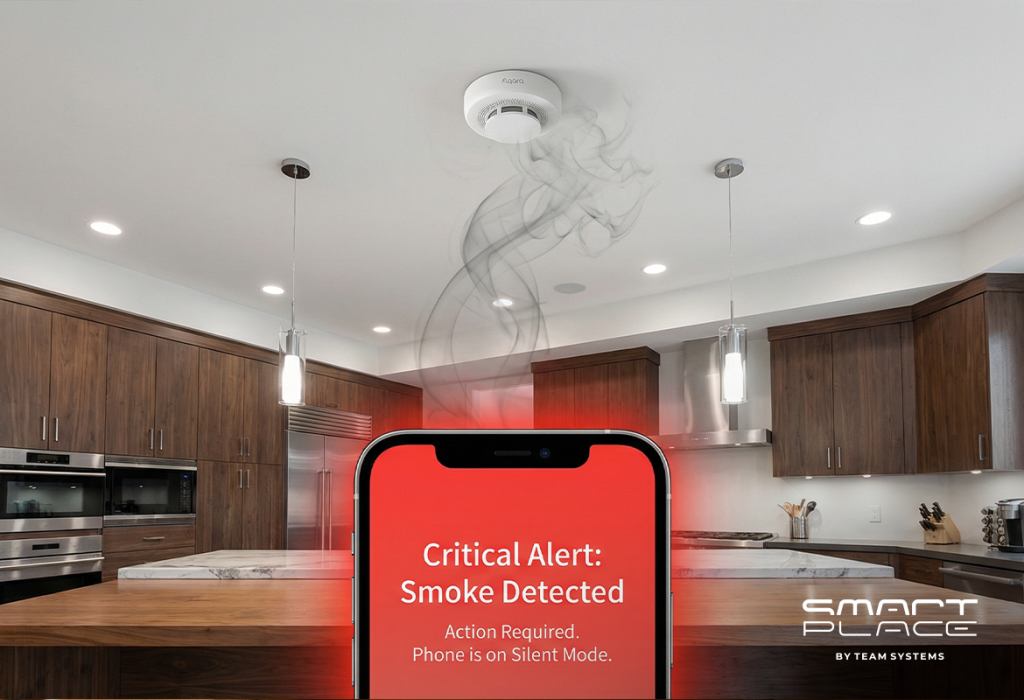
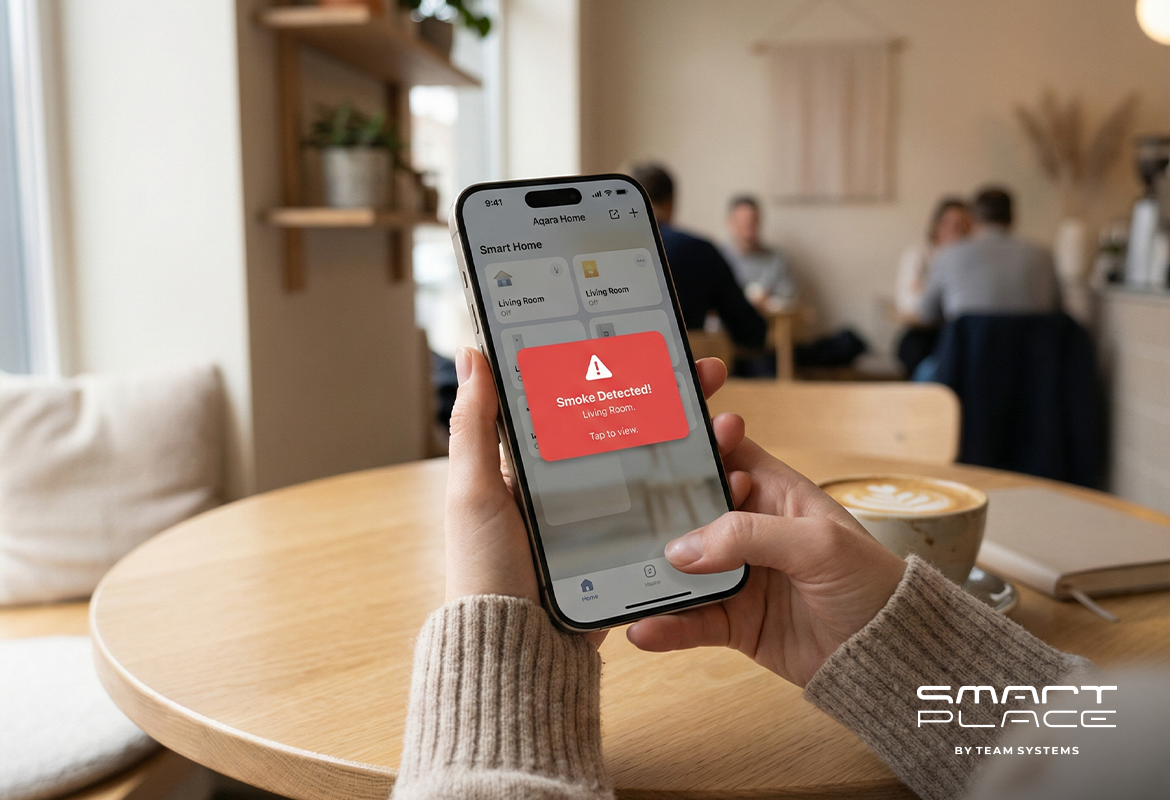
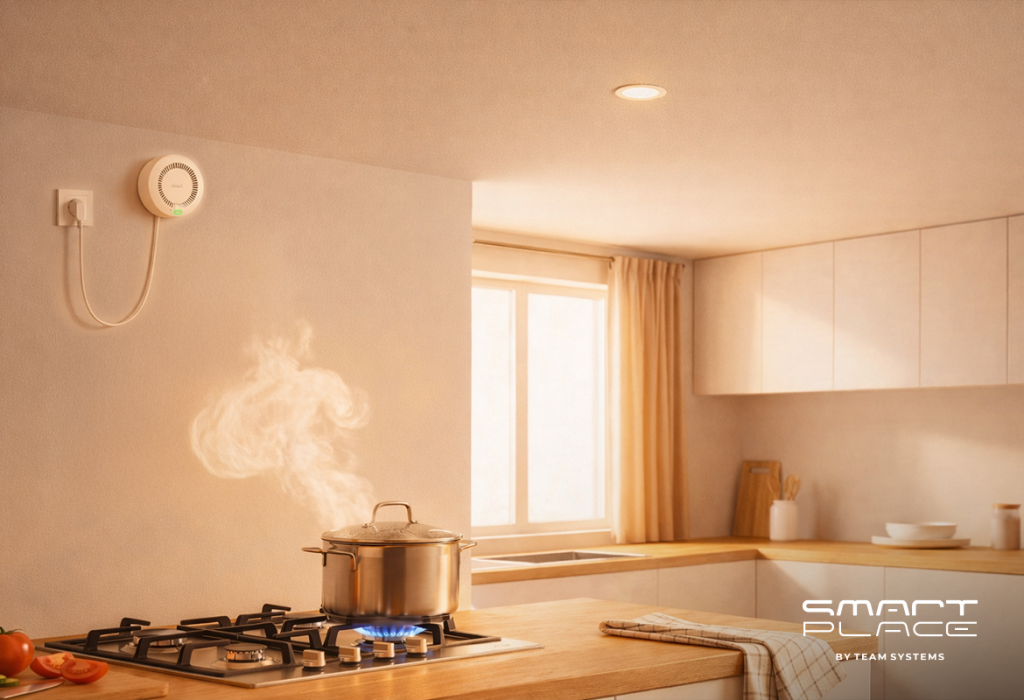
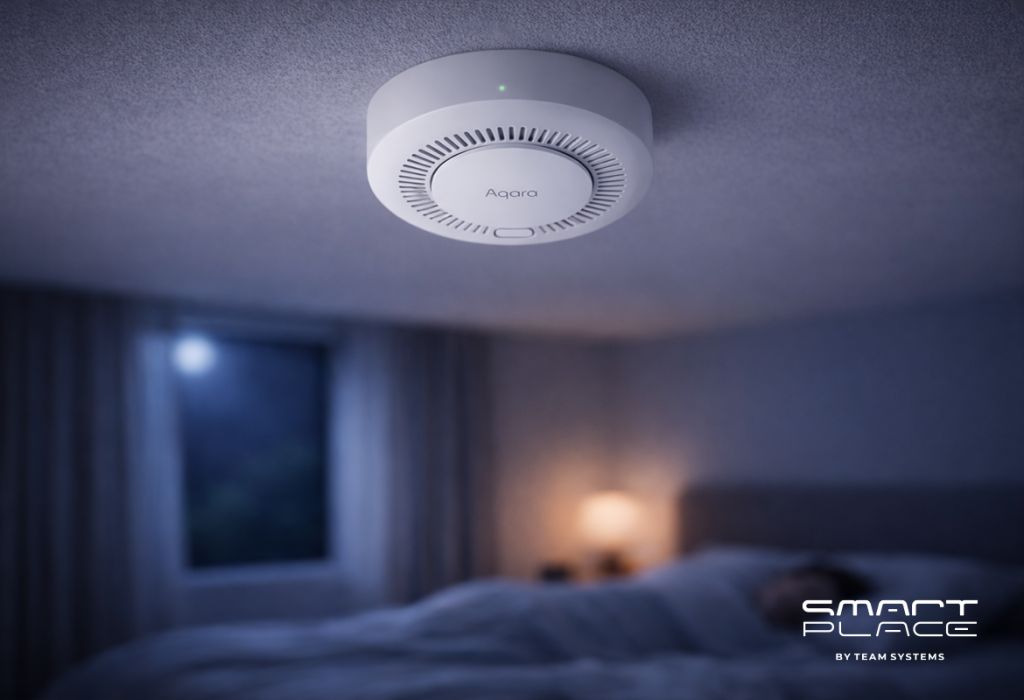
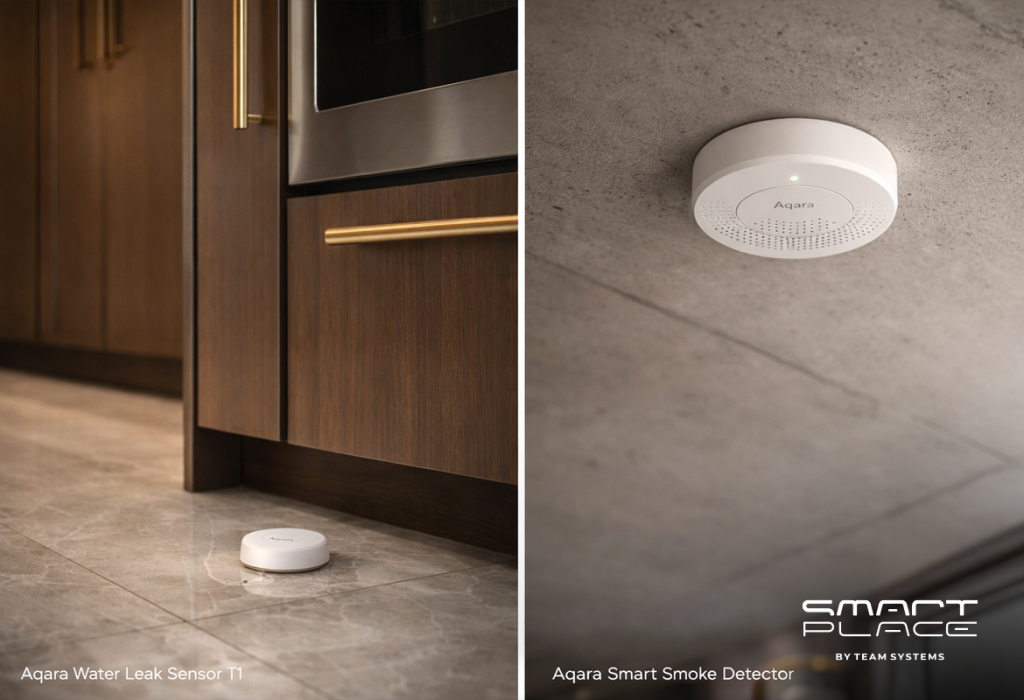
Smoke and Gas Detection: The Aqara Smart Smoke Detector and Natural Gas Detector provide critical early warnings. Unlike traditional alarms, these send an emergency broadcast to every Aqara Hub in your house and a “critical alert” to your smartphone, even if it’s on silent.
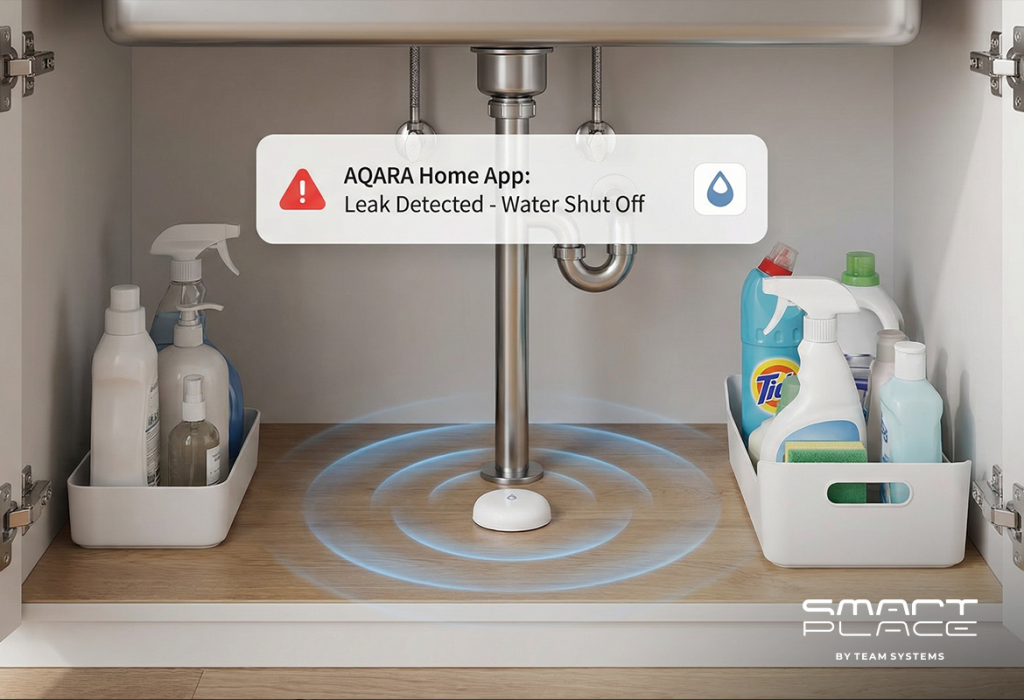
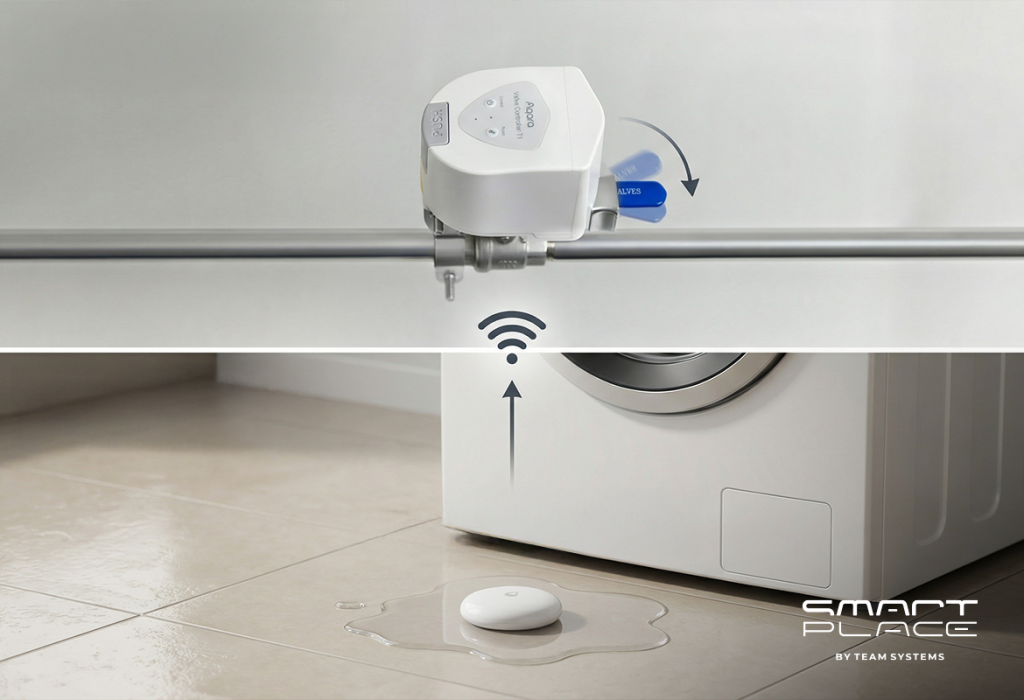
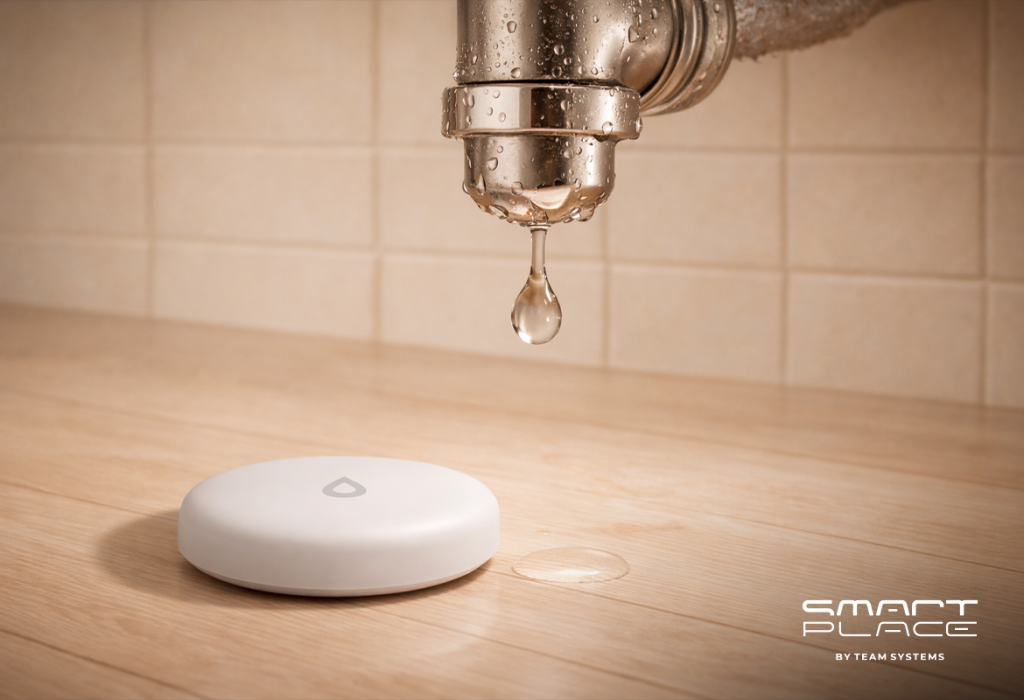
Flood Defense: Water damage can be just as devastating as a break-in. The Aqara Water Leak Sensor T1 detects the first sign of moisture under sinks or appliances. When paired with the Valve Controller T1, the system can automatically shut off your water main to prevent a minor leak from becoming a flood.

4. Creating the “Lived-In” Illusion

A dark, quiet house is a prime target for burglars. Aqara allows you to create “Security Scenes” that make it appear as though you are home, even when you are on vacation.

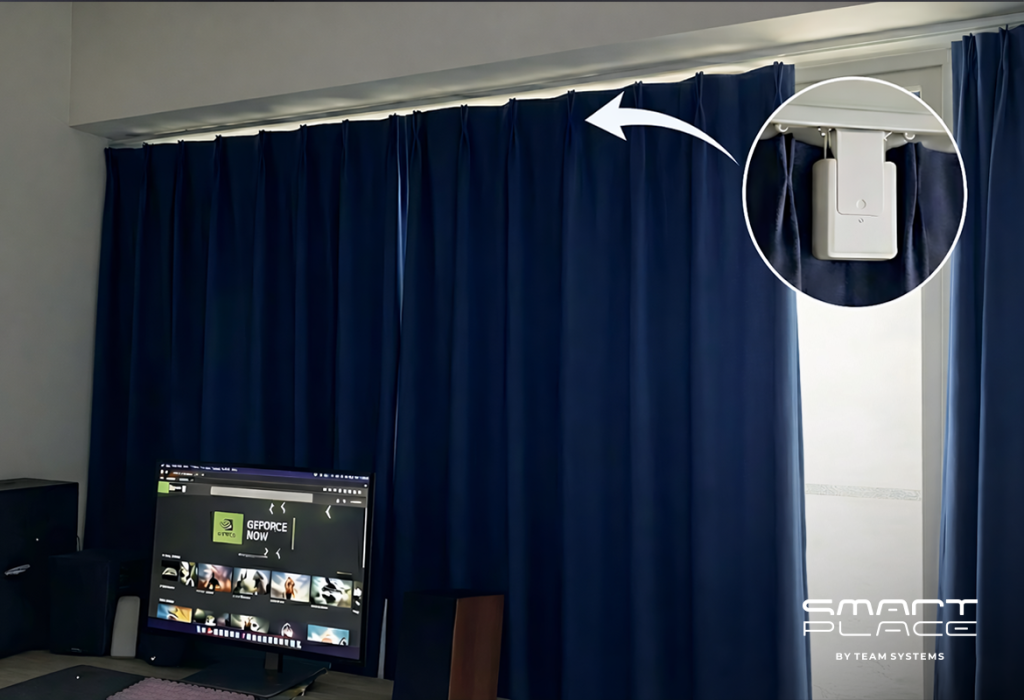
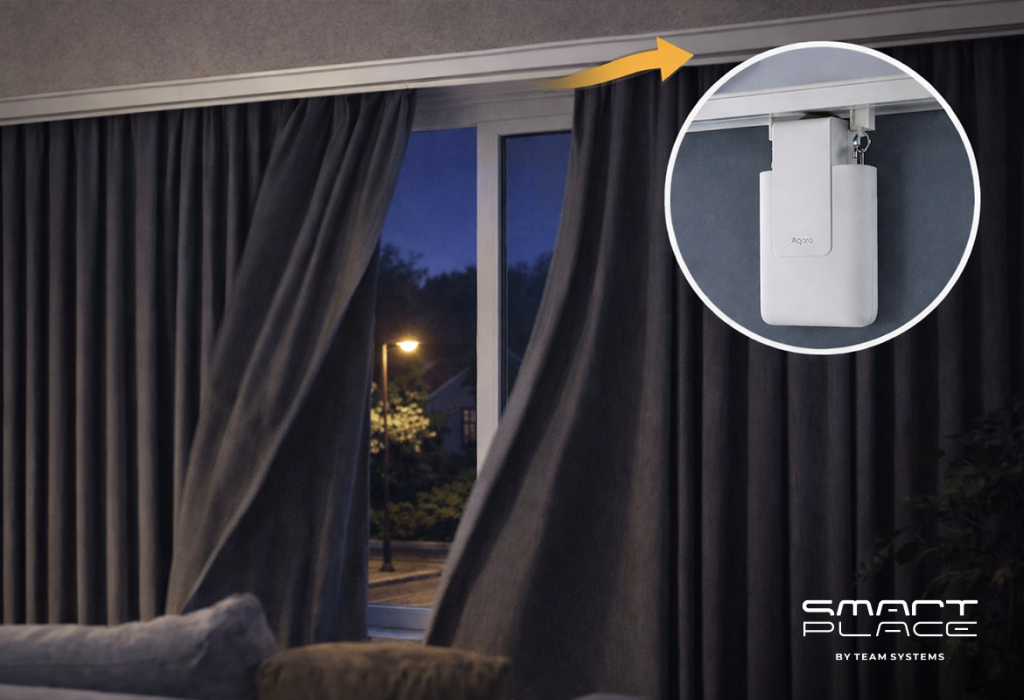
Automated Deterrence: You can set a “Vacation Scene” where the Aqara Curtain Driver E1 opens and closes your blinds at specific times, and Smart Wall Switches or LED Bulbs turn on and off in different rooms throughout the evening.
Simulated Presence: Using the MagicPad S1 Plus or the Aqara app, you can schedule your home to mimic your daily routine, effectively discouraging anyone watching the house from attempting a break-in.

Why Choose an Aqara-Based Security System?

Building your security on the Aqara platform ensures that your home remains protected even during internet outages.

Local Reliability: Many Aqara automations run locally on the Hub M3 or M100, meaning your sensors will still trigger alarms and locks even if your Wi-Fi goes down.
Low Power, High Performance: Most Aqara sensors use Zigbee, allowing them to run for years on a single battery while maintaining a stable, long-range connection.
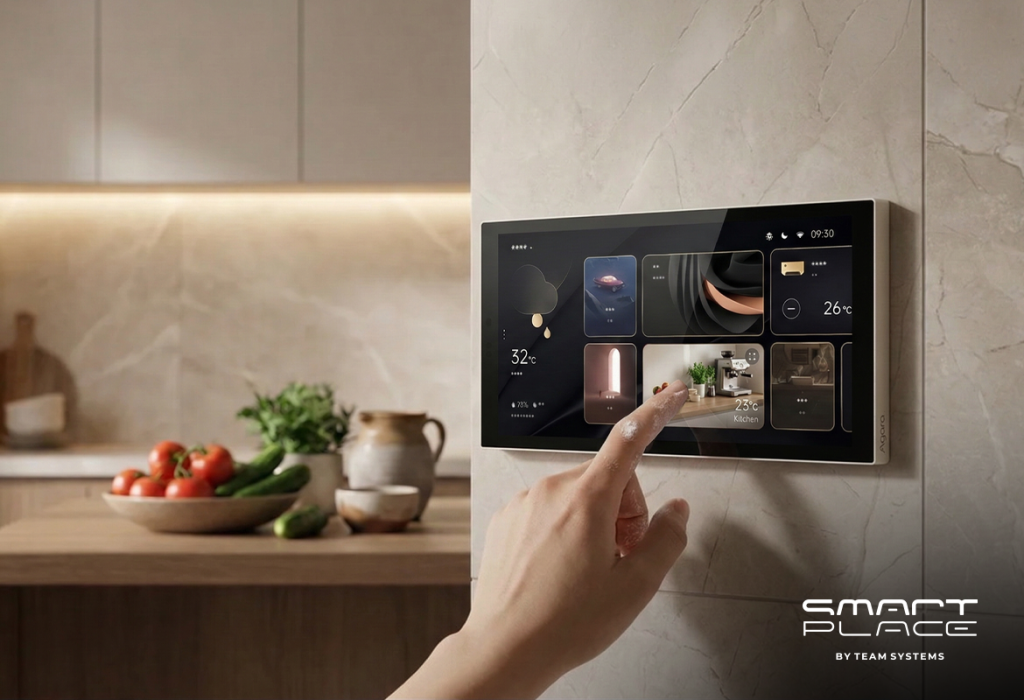
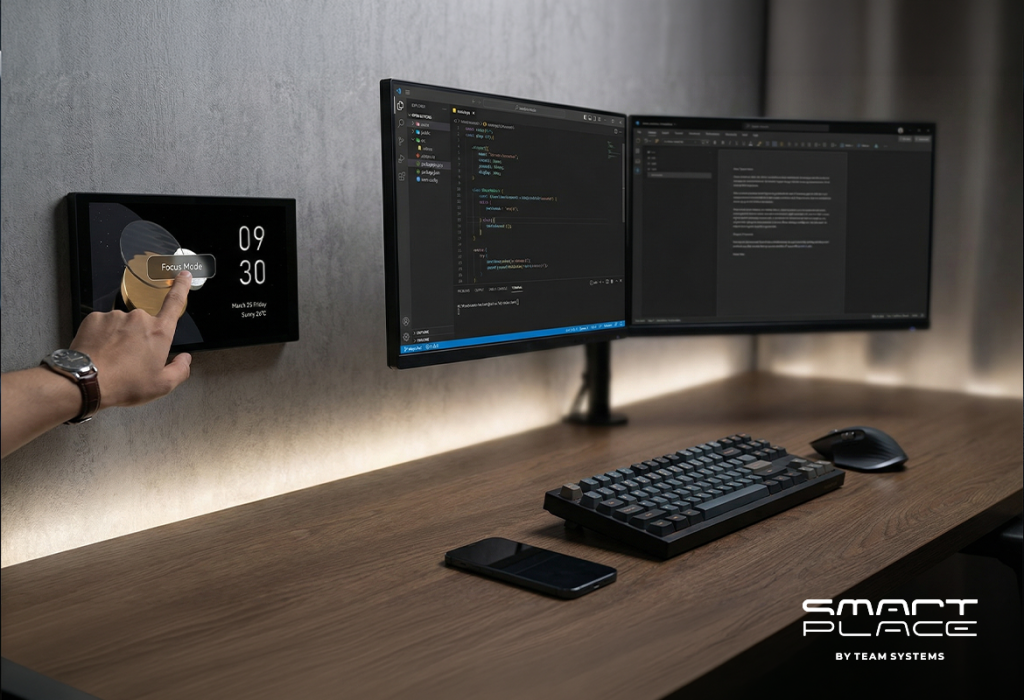
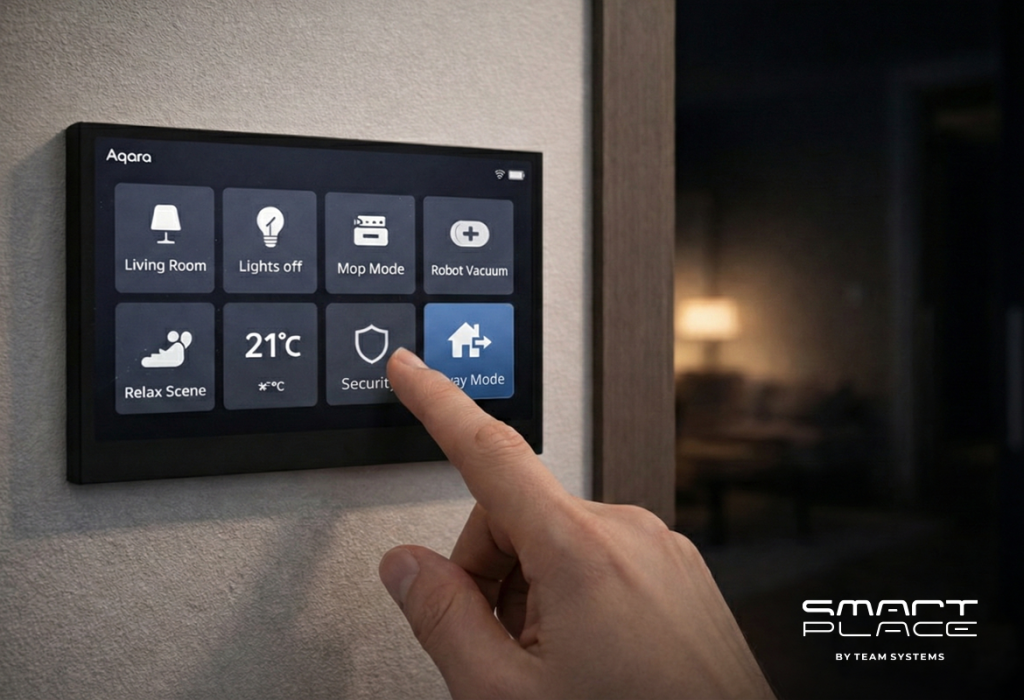
Unified Control: Whether you are using the Display Switch V1 on your wall or the app on your phone, you have a single interface to monitor your locks, cameras, and detectors.

Conclusion

Securing your home is a journey, not a one-time task. By combining physical barriers like the Smart Lock U300 with intelligent detectors and the powerful Camera Hub G5 Pro, you create a comprehensive safety net for your family. An Aqara-secured home is a smart home that doesn’t just wait for something to happen—it watches, alerts, and protects.

15Dec

Smart Scenes, Comfort, and Reliability: The Importance of an Aqara Hub

by Hayk

Smart Scenes, Comfort, and Reliability: The Importance of an Aqara Hub

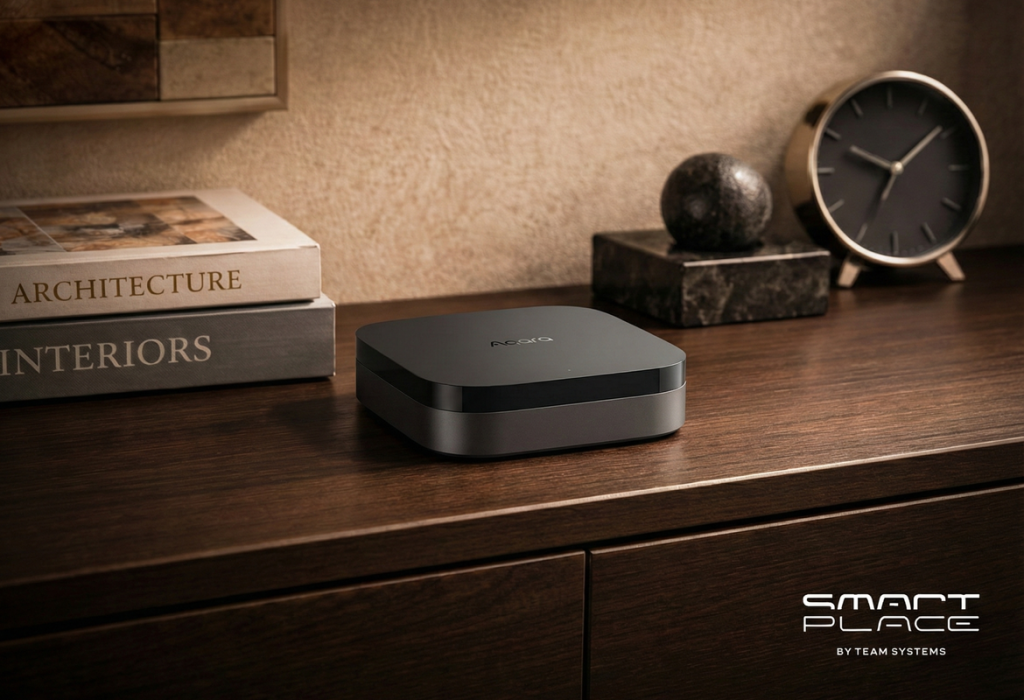
Smart lights, sensors, cameras, plugs – it’s easy to buy individual smart gadgets. The hard part is getting them to work together reliably. That’s where the Aqara hub comes in. Instead of a pile of disconnected devices and apps, the hub acts as the “brain” of your smart home, coordinating everything behind the scenes so your automations and Scenes feel seamless, fast, and dependable.

1. What Exactly Is an Aqara Hub?

An Aqara hub is a central device that connects your Aqara sensors, switches, locks, thermostats, and other accessories (mostly using Zigbee) to your home network and major smart home platforms (like Apple Home, Alexa, and Google Home).

Think of it as a translator and traffic controller:

• It talks to low-power devices via Zigbee (and, on newer models, Thread and Matter).
• It connects to your router via Wi Fi or Ethernet.
• It exposes your Aqara devices to apps like Apple Home or the Aqara app so you can control everything from one place – whether that’s turning on a light or adjusting the temperature on a thermostat from your phone.

Crucially, it’s also what lets you create Scenes – like “Good Night”, “Away”, or “Movie Night” – where one tap (or one trigger) can adjust multiple devices at once.

Without the hub, many Aqara devices simply cannot join your smart home at all – they need a hub to function, be visible to your ecosystem, and participate in these Scenes.

2. Why Not Just Use Wi Fi Devices for Everything?

On paper, going “hubless” with only Wi Fi gadgets sounds simpler. In practice, it quickly becomes a mess:

• Every Wi Fi device adds load to your router.
• Different brands use different apps and ecosystems.
• Battery-powered Wi Fi devices drain power quickly.

Aqara’s approach is different. Most of their sensors and accessories use Zigbee, a low-power, mesh-network protocol. The hub handles the heavy lifting and:

• Keeps your Wi Fi network from getting overloaded.
• Lets small sensors run for years on a coin cell battery.
• Offers better range through Zigbee mesh․

Newer hubs like the Aqara Hub M3 also support Thread and Matter, which helps bridge Aqara Zigbee devices into the broader Matter ecosystem so they can show up in any Matter-compatible app, not just one platform. That means your future Scenes can mix more brands and device types without you having to think about what speaks what.

3. How Does an Aqara Hub Improve Reliability and Automation?

The most powerful benefit of the Aqara hub is local automation.

Instead of sending every command to the cloud and back, many automations run directly on the hub itself. For you, that means:

• Faster response – motion triggers lights almost instantly.
• Works even if the internet drops – your routines at home keep working.
• Less cloud dependency – fewer delays and fewer points of failure.

For example:

• Motion sensor in the hallway → hub turns on the Aqara smart switch → light comes on in a fraction of a second.
• Door opens while you’re away → hub triggers an alarm and notifies your phone.

And this is also where Scenes really shine. A Scene is just a saved “state” for multiple devices – but the hub makes it feel like magic:

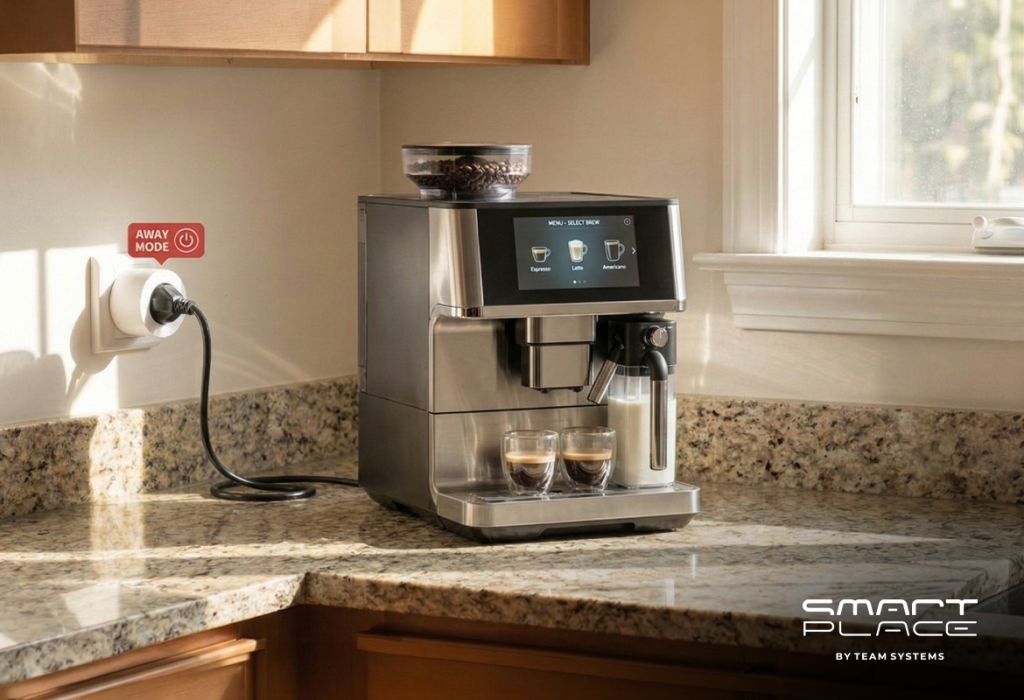
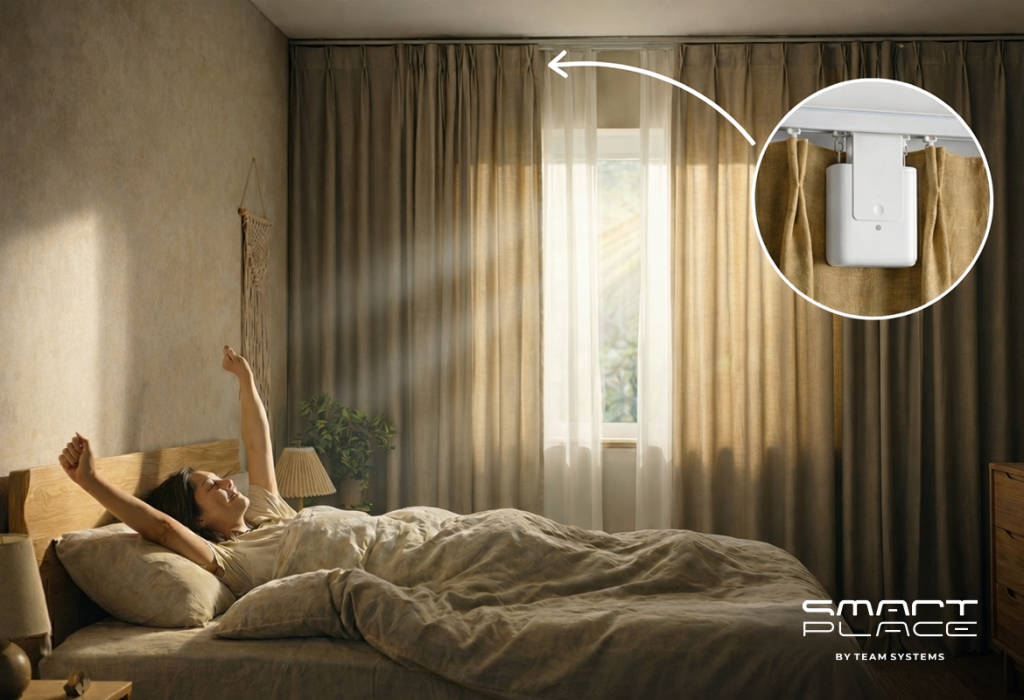
• “Good Morning” Scene: open curtains, turn on kitchen lights, maybe switch on a smart plug for the coffee machine.
• “Away” Scene: arm security, turn off lights, lock the door.
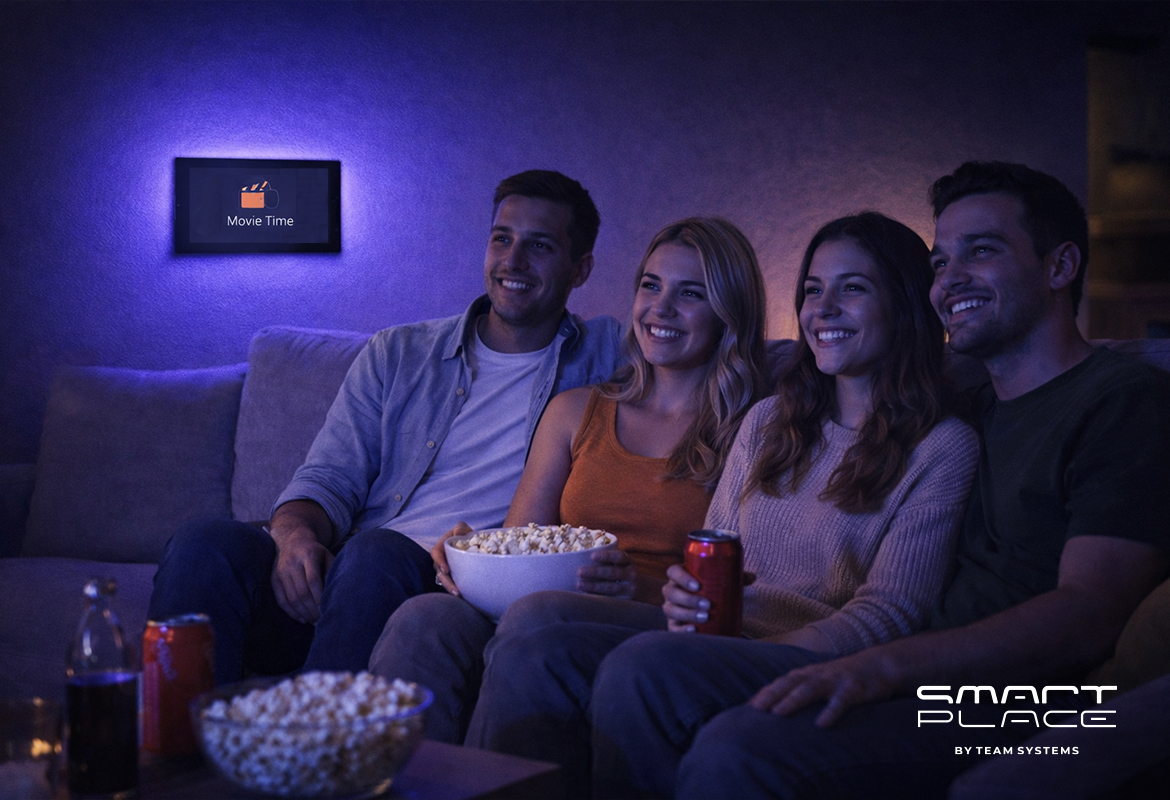
• “Movie Night” Scene: dim the living room lights, close the curtains, keep the door locked, and leave just a warm lamp or backlight.

The same idea applies to comfort:

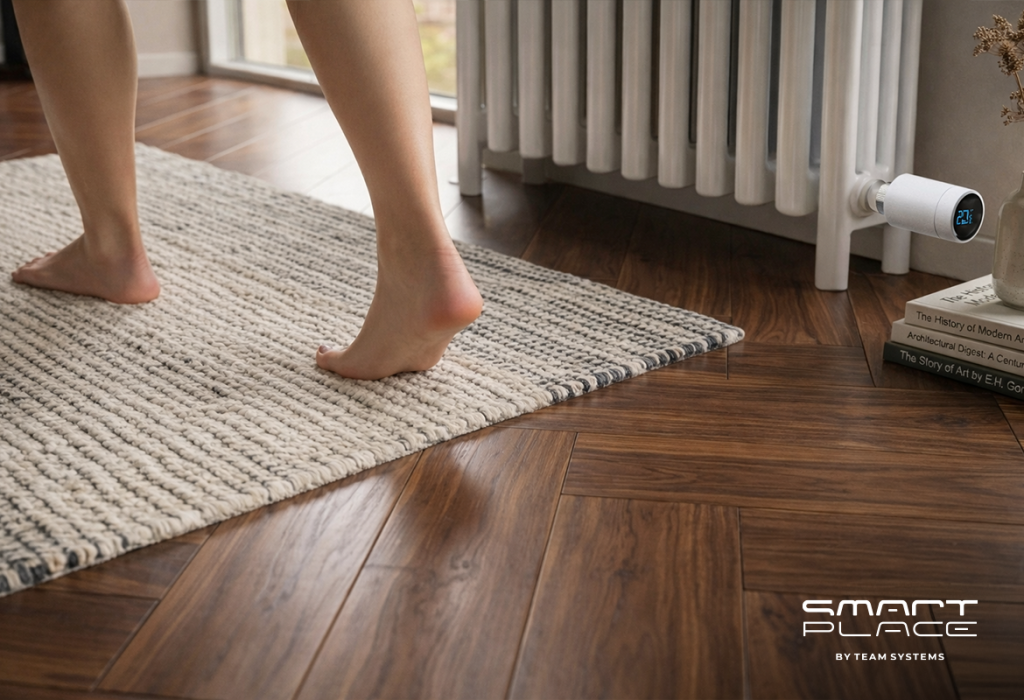
• A “Comfort” or “Climate” Scene can use an Aqara thermostat and temperature sensors so the hub keeps your living room at, say, 22 °C. You can tweak the setpoint from the Aqara Home app on your phone, and the hub makes sure the radiator or AC follows that target automatically.

Hubs like the M3 or camera hubs can also act as local security centers, tying sensors and sirens together into a proper home alarm setup instead of a loose collection of “smart” gadgets.

4. Why Is an Aqara Hub So Important for the Future of Your Smart Home?

A smart home is never really “finished.” You’ll likely keep adding devices over time. The Aqara hub helps you stay flexible and future proof:

• Multi protocol support (on newer hubs): Zigbee, Thread, and Matter support open the door to controlling more brands and more device types from one place.
• Scalability: Many Aqara hubs support up to 128+ child devices with repeaters, so you can expand without rebuilding your setup.
• Ecosystem bridging: The hub can expose your Zigbee devices to Matter-compatible apps, which means your Aqara gear plays nicely with the wider smart home world instead of locking you in.

That also means your Scenes grow with you. Today it might just be lights and a couple of sensors. Tomorrow it might include locks, blinds, thermostats, radiators, air conditioning, and even more third party devices – all still triggered by one “Evening”, “Away”, “Movie Night” or “Comfort 22 °C” Scene in the Aqara or Home app.

In short, choosing a good hub now saves you from painful migrations and incompatibility headaches later.

Conclusion

The Aqara hub is much more than just another box on your shelf. It:

• Connects all your Aqara devices into a single, coherent system.
• Offloads work from your Wi Fi and keeps small sensors low power and long lasting.
• Runs fast, reliable local automations and Scenes, even when the internet is down.
• Lets you control comfort – like the temperature on a thermostat – right from the app, while the hub quietly keeps everything at your preferred setpoint.
• Prepares your home for the future with support for modern standards like Matter and Thread (on newer models).

If you want a smart home that feels truly smart – responsive, stable, and easy to expand – an Aqara hub is not just helpful; it’s essential. And once you start living with a few well-designed Scenes, from “Movie Night” to “Comfort 22 °C”, you’ll wonder how you ever managed without it.

19Nov

Aqara Smart Home in 5 Steps: From Lighting to Security

by Hayk

Aqara Smart Home in 5 Steps: From Lighting to Security

Imagine a home that truly understands you. A place where comfort is always present, security is unwavering, and you have complete control at your fingertips. This is the promise of an Aqara smart home – a system designed to enhance your daily life, making it smoother and more reassuring. Forget complex setups; we offer a clear path to a home that feels intuitive and responsive. Follow these five simple steps to build your personalized Aqara smart home, from welcoming lights to vigilant security, including ways to care for your loved ones.

Step 1: Choose Your Hub – The Main Control Unit

The Aqara hub is the central part of your smart home. It uses local processing and Zigbee 3.0 for devices to communicate well. Hubs also connect to Apple Home, Google Home, Alexa, and Matter/Thread, giving you broad control.

Selecting Your Aqara Hub:

  • Aqara Hub M3: Strong, future-ready with Ethernet for stable connections.
  • Camera Hub G3 (US/EU): A camera that also works as a hub. It has a moving camera, smart detection, a sound alarm, and records locally.
  • Camera Hub G5 Pro (PoE): For very stable connections, using one cable for power and data.
  • Hub M100 (Offline): For systems that do not use the internet.

Setup Tip:

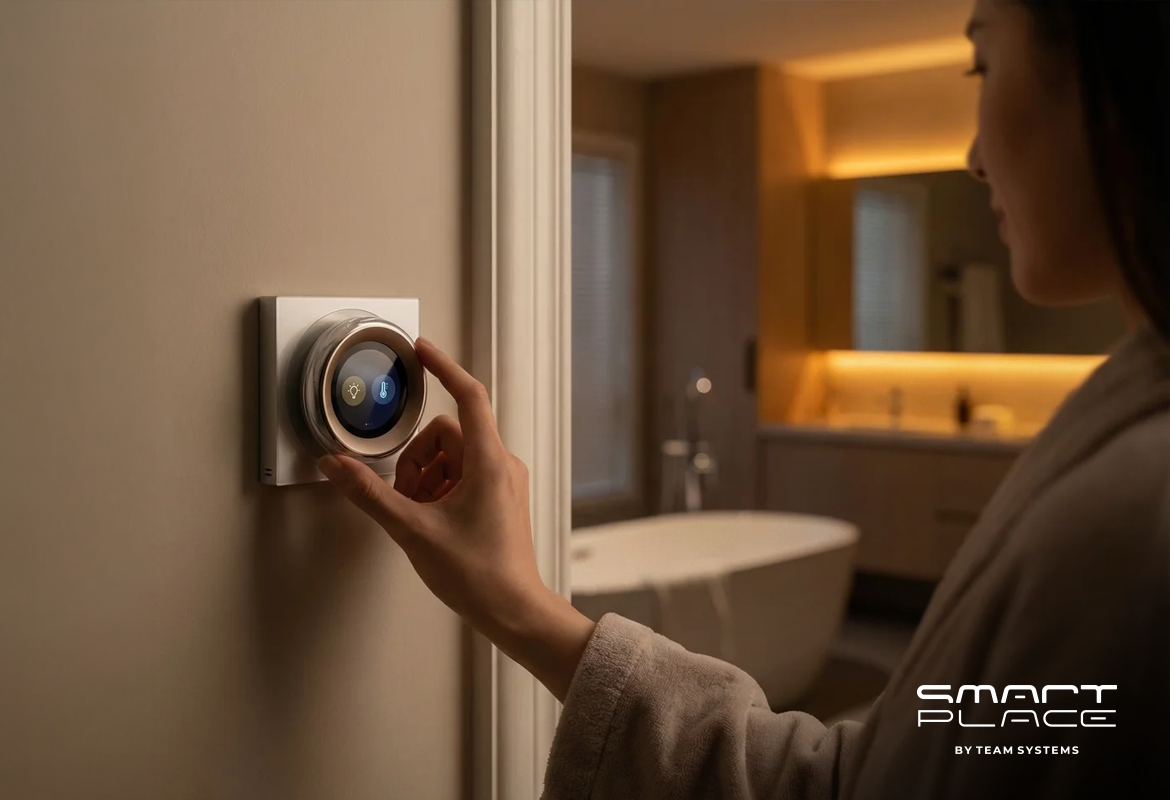
Place the G3 camera at your main door. Put the M3 hub in the center of your home and connect it with an Ethernet cable. Use the Aqara Home app. For easy control, place a MagicPad S1 Plus or Display Switch V1 EU near doors, and a Touchscreen Dial V1 EU in living areas.

Step 2: Control Your Lights – Better Light and Mood

Lighting can change how a room feels. With Aqara, you gain control over your home’s atmosphere. Start with smart switches, then add different lights to create the right mood for any time.

Smart Switches for Easy Control:

  • Smart Wall Switch H1 EU (With Neutral, Double Rocker): A simple way to make your wall switches smart.
  • Dual Relay Module T2: A small device hidden in the wall to control two lights or devices.
  • Dimmer Switch H2 EU: For smooth control of light brightness.

Lights for Any Scene:

  • LED Bulb T2 (RGB CCT, E27) / T2 (CCT, E27) and LED Bulb T1: Light bulbs with many colors and adjustable white light.
  • Ceiling Light T1M: A smart light for the ceiling.
  • Aqara LED Strip + LED Strip Driver: Light strips for accent lighting.
  • Spotlight T2, Downlight T2, Aqara T1 60: Lights to highlight areas or provide general light.

Natural Light, Automated:

  • Curtain Driver E1 (Rod/Track) or Curtain Controller: Automatically opens and closes curtains.

Important Tip:

Keep smart light bulbs always powered. Control them using smart switches or app settings. Mains-powered Zigbee devices (H1 EU, T2 Relay, Smart Plugs) also help make your wireless network stronger.

Your Comfort, Illuminated:

With one touch, your ceiling light can dim, your LED strip can glow warmly, and your curtains can close. Your room quickly becomes a calm and comfortable place.

Step 3: Enhance Security and Awareness – Your Home, Always Protected

Your home should be a place of security and peace. Aqara helps you achieve this by providing smart ways to monitor and protect your space. This step shows how to set up effective surveillance, manage access, and even check on family members, like the elderly, through your app.

At Your Door, Your First Line of Defense:

  • Aqara Smart Video Doorbell G4: See, talk to, and record anyone at your door, giving you control.
  • Aqara Smart Locks (D100 Zigbee Edition, N100, U300): Safe and easy ways to lock and unlock your door without a key.

Inside Your Home, Constant Calmness:

  • Aqara Motion Sensor P1: Detects movement reliably.
  • AQARA Presence Sensor FP2: Detects if someone is in a room, even if they are not moving. This is helpful for checking on elderly family members.
  • Aqara Camera E1 or Camera Hub G3/G5 Pro: Provides video and can sound an alarm. You can use the app to check on your home and loved ones․

Environmental Safety, Unseen Protection:

  • Aqara Smart Smoke Detector, Smart Natural Gas Detector: Detects smoke and gas for safety.
  • Aqara Water Leak Sensor T1 + Valve Controller T1 (Offline): Finds water leaks and can turn off the water supply.
  • Temperature and Humidity Sensor T1 / Radiator Thermostat E1 / Thermostat W400: Helps keep the temperature and air quality good, adding to your comfort.

Smart Alerts:

For “Away” mode, an alarm might only sound if a door opens AND movement is detected soon after. This helps avoid false alarms and gives you better control.

Step 4: Automations That Feel Like Magic – Your Home, Anticipating Your Needs

Automations make your home smart by reacting to your presence, time, and light. Aqara automations work quickly because they process information locally, enhancing your comfort and giving you effortless control.

Reliable Presence:

  • Phone location + confirming event (door unlock or Motion P1): To know when you arrive or leave accurately.
  • FP2 Presence Sensor: In living areas to know if someone is still there.

Smart Conditions:

  • Time settings: Automations work only during certain hours.
  • Light levels: Actions happen only when it is dark enough.
  • Mode settings: Automations change based on Home, Night, or Away modes.

Three Useful Automations:

  • Hallway Lights: If Motion P1 detects movement and it’s dark, hallway lights (H1) turn on softly, staying on with continued movement.
  • “I’m Home” Welcome: When you arrive home, entry lights turn on, the thermostat adjusts for comfort, and security disarms.
  • Movie Night: One command dims lights, warms the LED strip, closes curtains, and pauses notifications, giving you control over your entertainment.

Easy Control:

You can link these actions to a MagicPad S1 Plus, Display Switch V1 EU, or Touchscreen Dial V1 EU for quick control.

Step 5: Connect, Stabilize, and Grow – Building a Future-Ready Home

This step helps you connect your system, make it stable, and add more devices as needed, ensuring long-term reliability and control.

Connecting Systems:

  • Hub M3: Connects Aqara devices to Matter/Thread, Apple Home, Google Home, Alexa. Use the Aqara Home app for advanced settings.

Stable Network:

  • Wired Hub: Connect M3 (or G5 Pro) with an Ethernet cable for best performance.
  • Good Wi-Fi: Use a strong 2.4 GHz Wi-Fi for devices.
  • Strong Wireless Network: Place Aqara Smart Plugs to extend the Zigbee signal. H1 EU switches and Dual Relay T2 also help.

Step-by-Step Growth:

  • Start: Hub M3, living room lights, “Movie Night” scene.
  • Next: Doorbell G4 + Motion P1, hallway lights, Night mode.
  • Then: Smart locks + G3 camera, FP2 sensor, “I’m Home” and “Away” routines.
  • Add: Water Leak Sensor T1 + Valve Controller T1, Smoke/Gas Detectors, more lights.
  • Finally: Thermostats, Curtain Driver E1, Camera E1, Pet Feeder C1.

Are you ready to live in a home where comfort, security, and control are seamlessly integrated into your daily life? Contact us to plan your Aqara smart home. We will help you choose the right devices and set up the smart system, so your home is always one step ahead.

5Nov

5 Core Features of the Aqara Smart Home

by Hayk

5 Core Features of the Aqara Smart Home

A modern smart home is dependable on day one and just as consistent years later. Aqara’s local first design, clear device roles, and privacy by default approach make that possible.

1. When the Internet Goes Down

Your home doesn’t. Local automations continue to run through the hub over Zigbee or Thread. Motion still turns on hallway lights, contact sensors still trigger scenes, and night modes still adjust brightness. These routines execute inside your home, not in the cloud.

What keeps working: local scenes, sensor based triggers, lighting and comfort routines processed by the hub
What pauses: cloud based routines that use outside data (e.g., weather driven heating) and full remote control from the app while you’re away
Why it matters: most Aqara routines are local, so day to day behavior remains intact during outages

2. Indoor vs. Outdoor Use

Placement drives longevity and reliability. Most Aqara devices are designed for indoor environments and shouldn’t be exposed directly to rain, snow, or harsh temperature swings. Install them in sheltered locations for stable, long term operation.

Indoor by design: the majority of sensors and switches
Outdoor exceptions: devices explicitly rated for outdoors, such as the Aqara Camera G5
Always check: operating temperature and humidity ranges in the product manual to preserve stability and warranty

3. Do You Need a Hub?

It depends on the protocol, and the hub still strengthens the system. Zigbee devices—motion, leak, and temperature sensors—require a hub. That’s how they achieve long battery life, robust mesh coverage, and consistent performance. Wi Fi devices like cameras can connect directly to the Aqara Home app.

Zigbee: hub required (mesh reliability, battery efficiency)
Wi Fi: can run without a hub (direct app connection)
Added value of a hub: richer local automations, cross protocol scenes, more logic kept inside the home, higher resilience

4. Camera Privacy and Data Protection

Security and control are built in. Video is encrypted in transit, and storage follows international security standards. By default, detection runs locally on the device, and footage doesn’t go to the cloud without your explicit consent.

Encryption: secure transport and standards based storage
Local intelligence: on device analysis reduces exposure
Privacy modes: disable recording, close the lens (where supported), or automate privacy—e.g., “I’m Home” puts Aqara E1 in privacy mode and stops streaming

5. Compatibility With Other Platforms

Security and control are built in. Video is encrypted in transit, and storage follows international security standards. By default, detection runs locally on the device, and footage doesn’t go to the cloud without your explicit consent.

Encryption: secure transport and standards based storage
Local intelligence: on device analysis reduces exposure
Privacy modes: disable recording, close the lens (where supported), or automate privacy—e.g., “I’m Home” puts Aqara E1 in privacy mode and stops streaming

Key Takeaways

Aqara is built for reliable daily use:

• Local automations keep the home responsive, even if the internet drops.
• Indoor gear belongs indoors; outdoor rated devices handle the elements.
• Zigbee needs a hub; Wi Fi can skip it—yet the hub ties everything together and boosts resilience.
• Cameras ship with encryption, local processing, and straightforward privacy controls.
• Broad platform compatibility makes mixed ecosystems practical and future ready.

Build on these five principles and you’ll have a smart home that’s fast, predictable, and respectful of your privacy—from day one and for years to come.

27Oct

Aqara Home app update: Simple, Flexible, Reliable

by Hayk

Aqara Home app update: Simple, Flexible, Reliable

Many smart homes still use basic rules. They react the same way in every situation. Aqara Automations 2.0 (app v6.0) makes automations clearer and more useful. You can add one extra condition, use new trigger types, and set things up faster. Your home can act the way you want, at the right time.

1. The New Logic: When – And – Then

When: What starts the automation (time, sensor, button, sunrise/sunset).
And (optional): An extra condition that must be true (weather, mode, light level, motion).
Then: What happens (lights, shades, scenes, alerts, modes).

Examples:

When it is 20:00
And light level is below 30%
Then turn on warm lights and close the curtains.

When the door is closed
And no motion is detected for 15 minutes
Then turn off all lights and outlets, and enable Security mode.

When the door sensor opens
And Security mode is active
Then sound the siren and send a phone notification.

Tip: The “And” step is optional. You can hide it in Settings if you want a simple view.

2. Smarter Conditions

Automations 2.0 lets you add state conditions and use “NOT” logic.

State conditions: Check weather, mode (Home/Away), humidity, temperature, or illuminance.
“NOT” logic: Run only when a condition is not true.
– Example: When the sun rises, And it is NOT raining, Then open the curtains.

Why this helps: Your home behaves differently in different situations.

3. Helpful Features for Advanced Control

These tools give you more control with less work.

Sequential triggering: Use an ordered button pattern (for example: single press → double press → single press) to run a specific scene. One button can control many scenes.

Customizable Sunrise & Sunset Timing: You can schedule actions to occur before or after the daily sunrise and sunset with the following precision:

For Fine-Tuning (within 1 hour): Set your offset in 15-minute steps.
o Example: Turn on evening lights 30 minutes before sunset.

For General Timing (up to 4 hours): Set your offset in 1-hour steps.
o Example: Start the morning coffee maker 2 hours after sunrise on weekends.

Bulk device selection (Batch Control): Add many devices to a “Then” action at once.

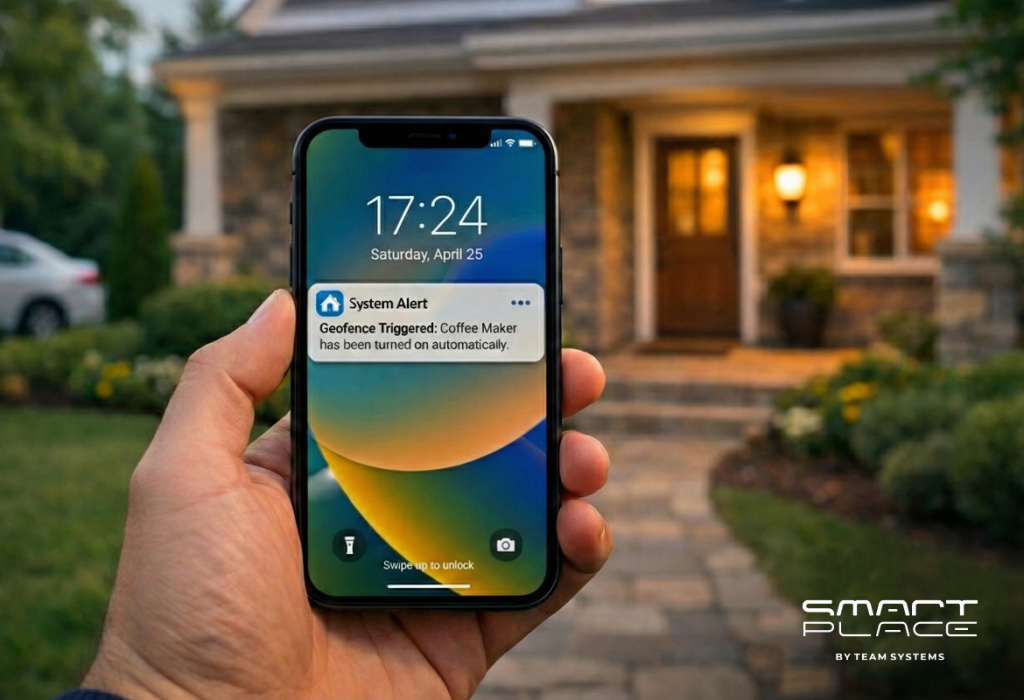
Geofencing 2.0 with Multi-User Support: Make your home’s “Welcome” and “Goodbye” routines truly automatic. With new multi-user support, your automations can now trigger specifically when the first person arrives (running a welcome scene just once) or when the last person leaves (arming the security system automatically). You can also customize the geofence radius for improved accuracy and fewer false triggers.

4. Cleaner, Faster Interface

The app is easier to use.

• Devices are grouped by room.
• Automation tiles show the devices used.
• Fewer taps and less clutter during setup.

Automations 2.0 Works Well for Daily Life

The Everyday Result: Better, Calmer Routines

• Lights follow sunset with a warm fade, only if you are Home.
• Security arms after the door closes and the house is idle.
• Curtains open at sunrise, unless it is raining.

Your Next Step: Try It Now

Update Aqara Home to version 6.0 or later.

Then:

  1. Create a new automation.
  2. Set your “When” (for example: Sunset with a -30 min offset).
  3. Add an “And” if needed (for example: Mode is Home AND NOT Raining).
  4. Choose your “Then” actions (lights, shades, scenes). Use “Batch Control” to add many devices.
  5. Save, test, and adjust.

Automations 2.0 is clear, flexible, and easy to grow with. Start with one routine. Improve it over time. Make your home simple and smart.

16Oct

HDL Wired Solutions: The Reliable Foundation for Your Smart Home

by Hayk
A modern HDL smart home switch is mounted on a blue wall, while in the background, a man relaxes on a couch with a laptop in a room with ambient purple and blue lighting

HDL Wired Solutions: The Reliable Foundation for Your Smart Home

The dream of a smart home often meets the reality of dropped Wi-Fi, delayed commands, and a dozen different apps that don’t talk to each other. But what if your home could be truly intelligent—responding instantly, every time, with unwavering reliability? Enter HDL, a professional wired system that creates a powerful and permanent foundation for smart living, ensuring your home is as brilliant in years as it is on day one.

1. The Power of Reliability

Forget about Wi-Fi dead zones or changing batteries. HDL devices communicate through a dedicated, low-voltage wire, creating a private superhighway for commands. This means:

Instant Response: When you press a button, things happen immediately. No lag, no “thinking,” just seamless control.
Flawless Performance: Your system is immune to wireless interference from neighbors’ Wi-Fi or other devices, providing consistent performance 24/7.
Peace of Mind: Critical systems like lighting and security are hard-wired, so they work reliably whether your internet is up or down.

2. The Beauty of Integration

One of the biggest challenges in smart homes is getting different devices to work together. HDL solves this with its integrated design, making everything feel like part of one intelligent home.

Effortless Scenes: Create perfect moments with a single touch. A “Welcome Home” scene can turn on pathway lights, adjust the thermostat, and open the shades simultaneously.
Elegant Control: Manage your entire home from beautiful, intuitive wall keypads that match your interior design, or from a single, powerful app.

3. A Foundation for the Future

Worried that your smart home will be obsolete in a few years? A wired backbone is the ultimate protection for your investment, ensuring your home stays modern and valuable.

Cables Outlast Devices: The wiring in your walls is built to last for decades.
Easy Upgrades: In the future, you can easily swap out an old keypad for a new touchscreen or add the latest sensor technology without ever needing to open up your walls.

The HDL Experience: Smart Living, Simplified

HDL’s strength lies in making sophisticated technology feel completely effortless, enhancing your comfort and peace of mind every day. Imagine:

Automated Lighting: Lights that gently brighten as the sun sets and turn off automatically when a room is empty.
Smart Climate Control: Your home maintains the perfect temperature, saving energy without you ever having to think about it.
Enhanced Security: Your system can mimic your presence when you’re away and integrate with access control for total security.
Seamless Entertainment: One button press can dim the lights, lower the shades, and start your favorite movie.

Your Next Step: Planning for a Smarter Home

The most important decision for a truly smart home is made before the walls are even built. By planning for a wired backbone early in your new build or major renovation, you are investing in decades of reliability and effortless living.

If you value a system that will deliver predictable performance and delight for years to come, HDL is the foundation that turns a beautiful house into a truly responsive and intelligent home. The right backbone today ensures a stable future.

13Oct

Smart Home for Any Budget: Start Smart Life with Aqara

by Hayk
A man relaxing on a modern sofa uses his smartphone to control smart home devices; a warm lamp and minimalist Aqara-style hub and sensors are visible on the shelf in a cozy living room

Smart Home for Any Budget: Start Smart Life with Aqara

The dream of a smart home often conjures images of complex installations, hefty price tags, and a steep learning curve. But what if we told you that intelligent living is now more accessible and affordable than ever? Enter Aqara, a brand that’s democratizing smart home technology, making it a reality for every budget and every home.

Why Aqara is Your Gateway to a Smarter Life

Aqara stands out in the crowded smart home market by focusing on three core principles: affordability, ease of use, and wireless flexibility. This approach makes it an ideal choice for a wide range of users, from first-time smart home explorers to seasoned enthusiasts looking to expand their existing setups.

1. Wireless Freedom, Effortless Installation

Forget about tearing down walls or hiring expensive electricians. Aqara devices primarily communicate using Zigbee, a low-power wireless protocol. This means:

DIY-Friendly: Most devices can be installed in minutes without any special tools or wiring knowledge.
Perfect for Renters: No permanent modifications needed, making it easy to take your smart home with you when you move.
Seamless Integration: Ideal for enhancing existing homes without disruptive renovations.

2. Start Small, Grow Big: Modular and Expandable

One of the biggest hurdles to adopting smart home tech is the perceived initial investment. Aqara tackles this head-on with its modular design:

Budget-Friendly Entry: Begin with a simple setup, like a hub and a few sensors, to test the waters.
Expand as You Go: As your needs evolve or your budget allows, you can easily add more devices – from smart lights and plugs to security cameras and climate control sensors. This gradual approach makes smart living less intimidating and more manageable.

3. Universal Compatibility for Ultimate Convenience

Worried about your devices playing nice with your favorite voice assistant? Aqara has you covered. Its devices boast broad compatibility with major smart home ecosystems:

Apple HomeKit
Google Home
Amazon Alexa

This means you can control your Aqara devices using the platform you already love, ensuring a truly integrated and convenient experience.

4. Focus on What Matters: Everyday Convenience and Security

Aqara’s strength lies in simplifying daily tasks and enhancing your peace of mind. Imagine:

Automated Lighting: Lights turning on when you enter a room and off when you leave.
Smart Climate Control: Adjusting your thermostat from anywhere, saving energy.
Enhanced Security: Motion sensors and door/window sensors alerting you to unusual activity.
Smart Plugs: Turning any ordinary appliance into a smart one.

All these functionalities are managed through an intuitive app, putting the power of your smart home right at your fingertips.

Ready to Start Your Smart Home Journey?

Whether you’re looking to boost security, enhance comfort, manage energy more efficiently, or simply dip your toes into the world of smart living, Aqara offers a reliable, user-friendly, and budget-conscious solution. It’s time to transform your house into a truly intelligent home, one smart device at a time.

13Oct

HDL vs. Aqara: Which Smart Home System is Right for Your Home?

by Hayk
Comparison graphic of HDL Smart Home and Aqara Smart Home systems, showing wired control panel solution on the left and wireless smartphone-connected solution on the right

HDL vs. Aqara: Which Smart Home System is Right for Your Home?

Choosing the right smart home system can feel overwhelming. With a growing number of options, understanding the core differences between leading brands is crucial for making an informed decision. Now we’re looking at two prominent players in the smart home arena: HDL and Aqara. Both offer compelling solutions, but they cater to different needs and scales of smart living.

HDL: Integrated, Professional-Grade Solution

HDL is renowned for its comprehensive, wired, and highly customizable building automation systems. It’s often chosen for larger projects, luxury homes, commercial spaces, and situations where deep integration and robust, centralized control are paramount.

Wired Reliability: HDL systems primarily rely on wired connections (like Buspro), ensuring unparalleled stability, speed, and security. This makes them ideal for new constructions or major renovations where cabling can be planned and installed from the ground up.
Deep Customization: HDL offers extensive customization options, allowing for complex scenarios, bespoke interfaces, and integration with a vast array of third-party systems (HVAC, lighting, security, entertainment). This level of flexibility requires professional design and installation.
Centralized Control: With HDL, control is typically managed through dedicated wall panels, touchscreens, providing a highly integrated and reliable user experience.
Scalability: Designed for scalability, HDL can manage everything from a single room to an entire multi-story building, making it a future-proof investment for comprehensive automation.

Aqara: The Accessible, Wireless, and User-Friendly Ecosystem

Aqara, on the other hand, excels in providing user-friendly, wireless, and affordable smart home devices that are easy to install and expand. It’s a popular choice for homeowners looking to start their smart home journey, enhance existing homes, or focus on specific areas like security, comfort, and energy management.

Wireless Flexibility: Aqara primarily uses Zigbee, a low-power wireless protocol, making its devices easy to install without extensive wiring. This is perfect for renters, existing homes, or those who prefer DIY installation.
Modular and Expandable: You can start with a few devices (e.g., a hub and a sensor) and gradually add more as your needs evolve.
Broad Compatibility: Aqara devices are known for their wide compatibility with major smart home ecosystems like Apple HomeKit, Google Home, and Amazon Alexa, offering flexibility in how you control your home.
Focus on Everyday Convenience: Aqara’s strength lies in simplifying daily tasks – from smart lighting and climate control to security sensors and smart plugs – all managed through an intuitive app.

Which is the Right Choice for You?

The “best” system depends entirely on your specific needs, budget, and project scope:

Choose HDL if: You are building a new home, undertaking a major renovation, require a highly integrated and robust system for a large property or commercial space, and prioritize ultimate reliability and deep customization. You are comfortable with a higher initial investment for a professional-grade solution.
Choose Aqara if: You want to start your smart home journey with an accessible and affordable system, prefer wireless installation, need flexibility to expand over time, or want seamless integration with popular voice assistants and smart home platforms. It’s ideal for enhancing an existing home or focusing on specific smart functionalities.

Ultimately, both HDL and Aqara offer excellent ways to bring smart living into your space. The key is to align their strengths with your vision for a connected home.

📞 For a free consultation, get in touch with us today and let our experts guide you to the right solution for your home.

25Sep

Meet Smart Place: How Team Systems Brought Smart Living to Armenia?

by Hayk
Խելացի Տուն

Meet Smart Place: How Team Systems Brought Smart Living to Armenia

Technology is no longer just about convenience — it has become a key part of creating safe, connected, and inspiring living spaces. Around the world, smart devices are shaping the future of how we live. And now, with Smart Place by Team Systems, that future is here in Armenia.

What Is Smart Place?

Smart Place is a complex of specialized smart home solutions. It’s a complete ecosystem where design, technology, and security come together. From smart locks and video doorbells to integrated lighting, sensors, and full home automation systems, Smart Place offers curated solutions for households that value both elegance and efficiency.

Why Smart Place Is Different

Unlike generic smart solutions, Smart Place focuses on tailored integration. Every home, office, or hospitality project is approached individually, making sure that the technology blends with the design of the space. Whether you want a door that unlocks with face recognition, a mirror that transforms into a TV, or an entire system controlled through your phone, Smart Place ensures everything works harmoniously and seamlessly.

Local Expertise, Global Technology

Team Systems has decades of expertise in IT, low current and other smart systems integration. With Smart Place, we bring together global best-in-class technologies and combine them with professional consultation, installation, and support. This ensures not only cutting-edge products but also reliability that meets the expectations of households and businesses.

Experience Innovation Firsthand

With Smart Place, you will not only get to know smart living, but also experience it yourself. Our showroom allows you to experience how devices interact, how automation makes daily life effortless, and how technology can become invisible yet essential in your interior design.

The Future of Living, Today

Smart living is not an abstract idea anymore — it’s something you can build into your home today. With Smart Place, Armenia gets access to a new lifestyle standard: one where safety, comfort, and design meet in perfect balance.
Ready to explore smart living for yourself? Contact us and discover how the future of home living becomes reality.

11Sep

What Is a Smart Home and Why Should You Choose One?

by Hayk
Person using Smart Place functionality on the app on smartphone to control smart home devices such as lighting, security, cameras and temperature in a modern living room

What Is a Smart Home and Why Should You Choose One?

The idea of a “smart home” is no longer just about the future. Today, it is rapidly becoming an integral part of modern life, enhancing comfort, safety, and efficiency. The reasons to switch to smart home technologies are now more relevant than ever.

So, what exactly is a smart home?

At its core, a smart home is a living space equipped with devices that can be controlled remotely or automatically. These devices are interconnected, allowing you to manage various functions of your home — from lighting and heating to security systems, curtains, and even household appliances. All of this can be handled through a central control hub, right from your smartphone or via a voice assistant. It’s about creating an environment that adapts to your needs and simplifies everyday life.

Why Consider a Smart Home Now?

Here are the key reasons why a smart home is a worthwhile investment:
Unmatched Comfort. Imagine being able to adjust your thermostat, turn off the lights, or lock your doors from anywhere in the world. Smart homes offer simple and flexible control: manage your entire living space with just a tap on your phone or a simple voice command. Forget rushing home to check if you left the lights on — your smart home takes care of it for you.
Significant Energy and Cost Savings. Smart homes are designed with efficiency in mind. Smart thermostats learn your preferences and adjust temperatures to save energy when you’re away. Smart lighting systems can automatically turn off based on room occupancy or natural light levels. Over time, these small adjustments lead to substantial savings on utility bills.
Enhanced Security and Peace of Mind.. Security is a top priority for any homeowner. Smart home systems bring advanced features like motion sensors, smart locks, video doorbells, and cameras — all controllable remotely. Receive instant notifications on your phone if unusual activity is detected, ensuring peace of mind whether you’re at work or on vacation.
Personalized Comfort and Atmosphere. Your home should be your sanctuary. Smart homes empower personalization, tailoring everything to your lifestyle and preferences. Create scenarios that automatically adjust lighting, music, and temperature to set the perfect mood for waking up, relaxing, or entertaining guests. Your home “learns” your habits and “anticipates” your needs, making every moment more enjoyable.
Increased Property Value. As smart technologies become more widespread, homes with integrated smart systems are increasingly attractive to buyers. Investing in smart home solutions can significantly boost the market value of your property, making it a smart long-term decision.

Connect to the Future with Smart Place

Today, a smart home is no longer a luxury — it’s a smart investment in your comfort, security, and sustainable future.
Ready to discover how smart living can transform your home? Stay tuned as we introduce Smart Place by Team Systems — your trusted partner for smart home solutions in Armenia.