Automating Immersion: Smart Upgrades for a Reactive Gaming Room
A high-end PC or console is only half the equation. For streamers, e-sports competitors, and dedicated gamers, the physical room is just as important as the hardware. Whether you are grinding in a fast-paced competitive match or sinking hours into a highly realistic farming simulation, your environment should actively pull you deeper into the experience.
Smart Place equips gaming rooms with Aqara technology to create a reactive, highly atmospheric battlestation. These upgrades manage your lighting, climate, and privacy automatically, so you never have to pause to adjust your surroundings. Here are 5 technical upgrades to optimize your gaming setup.
1. Instant “Game Mode” Control
Opening an app on your phone to turn off the room lights right as a match is starting is a distraction you don’t need.
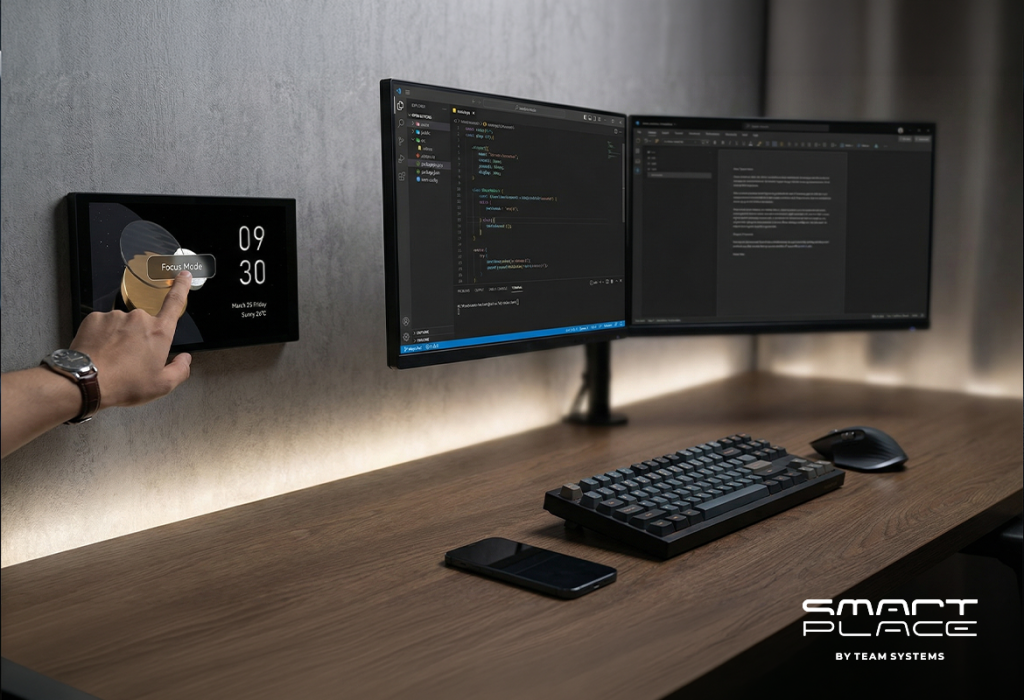
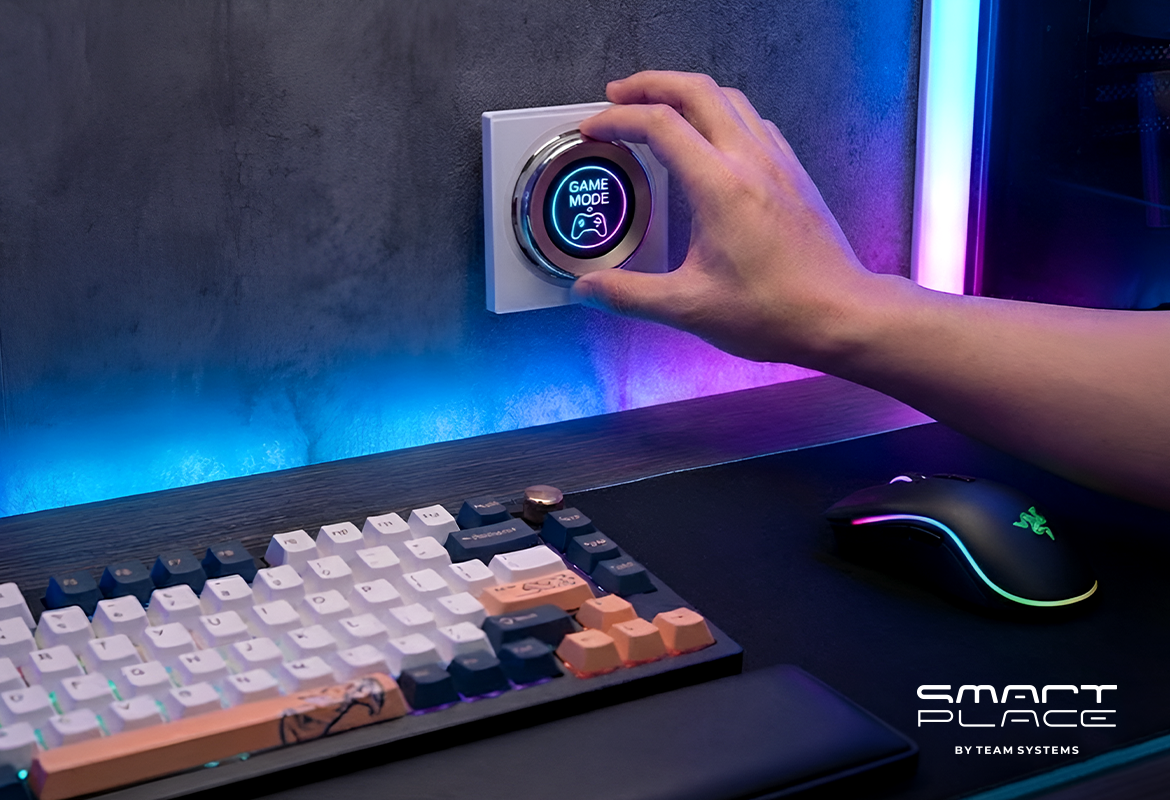
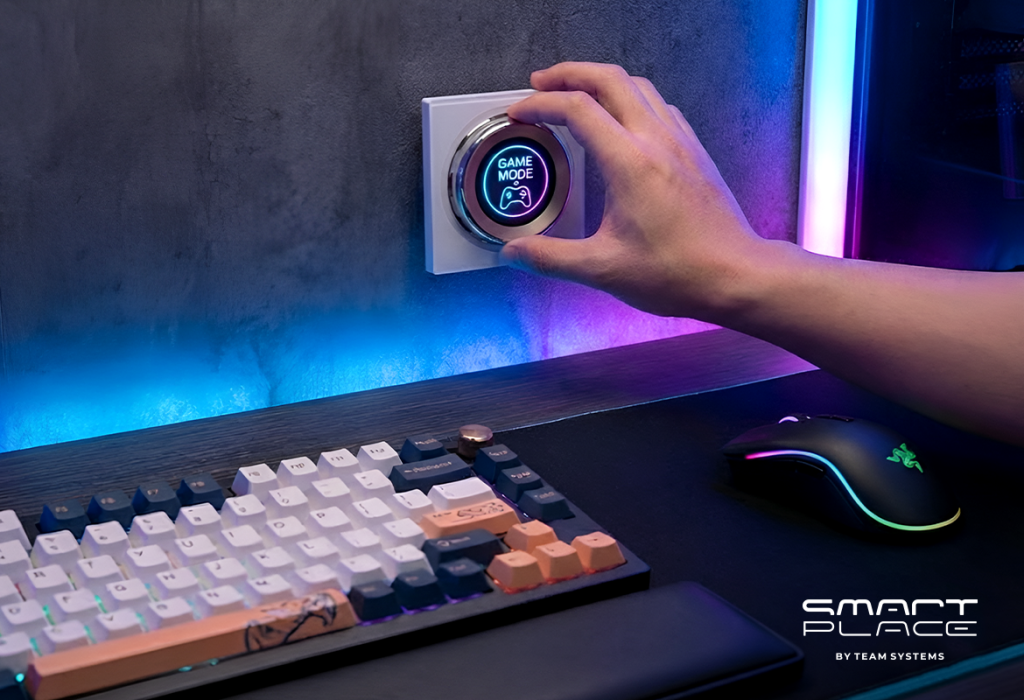
• The Upgrade: Place the Aqara Touchscreen Dial V1 EU right on your desk next to your keyboard.
• The Experience: With a single physical rotation of this premium dial, the room instantly transforms. The screen displays “GAME MODE ON,” the main lights drop, and your neon colors ignite.
• The Benefit: You get tactile, instant control over your entire room’s atmosphere without ever tabbing out of your game or looking away from the screen.
2. Cinematic Bias Lighting
Overhead lights cause screen glare, but sitting in total darkness causes severe eye strain during long sessions.
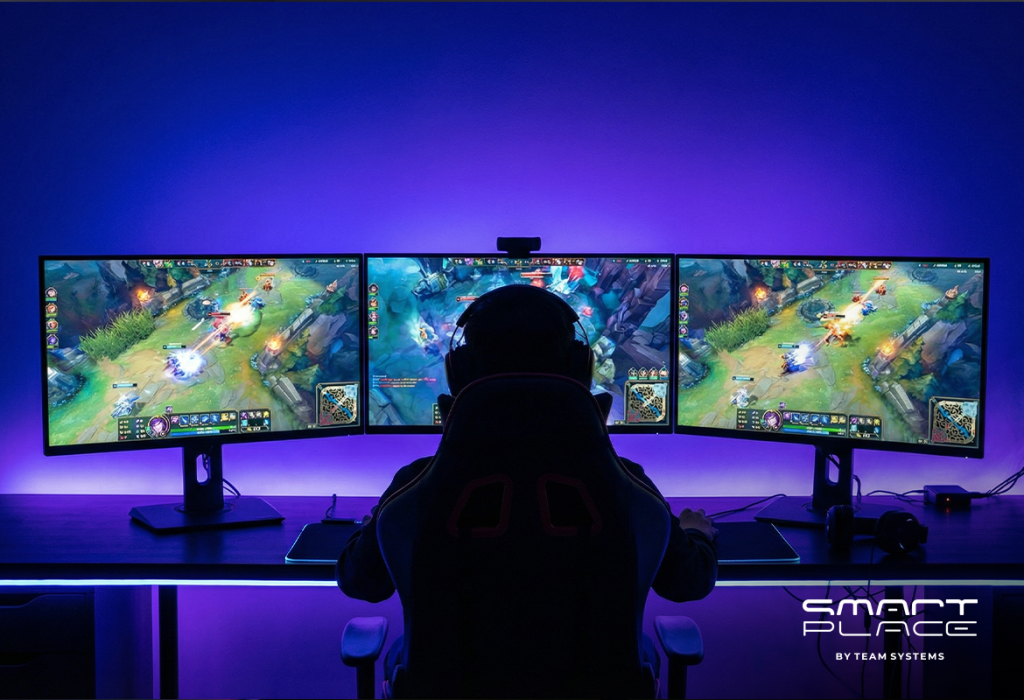
• The Upgrade: Install the Aqara LED Strip Driver and the Aqara LED Strip behind your desk and monitors.
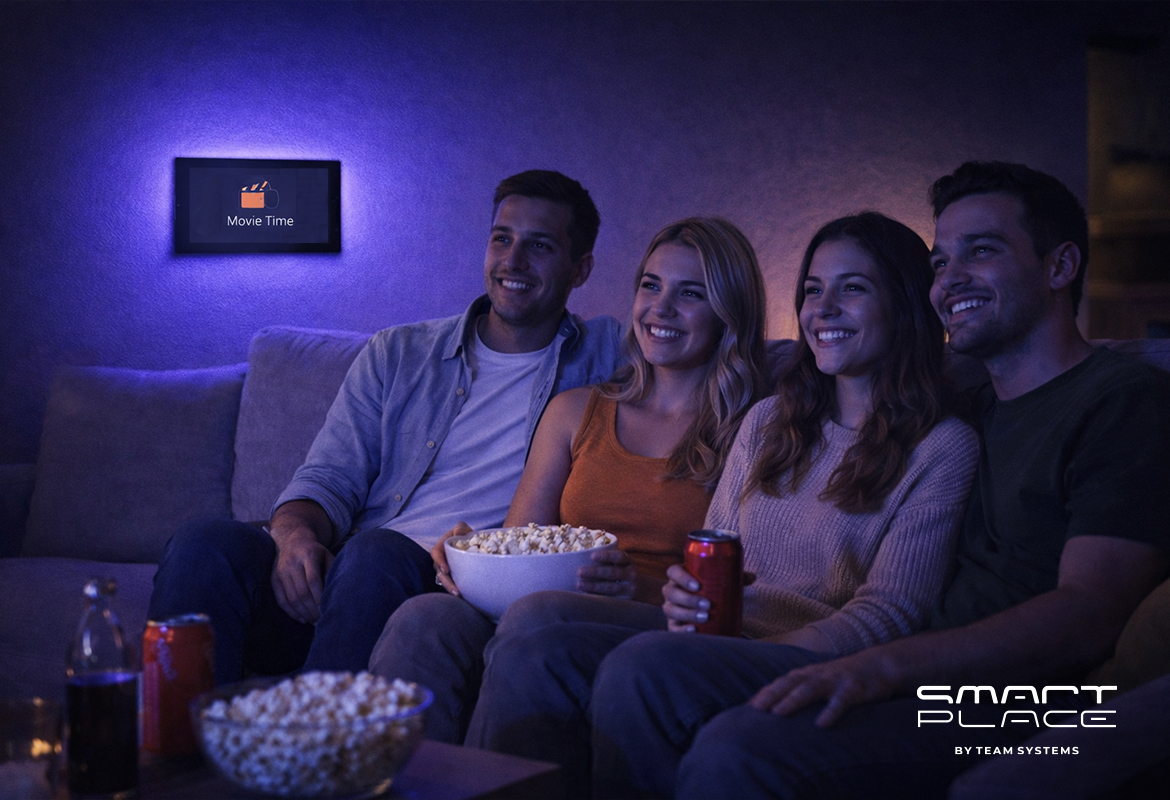
• The Experience: This creates dynamic bias lighting that bounces off the wall behind your screens. It bathes the setup in saturated colors—like deep blue or purple—creating a profound “diving in” effect.
• The Benefit: It instantly sets the mood while significantly reducing eye fatigue during late-night marathons.
3. Automated Rig Cooling
High-performance gaming PCs generate a massive amount of heat. A room that is comfortable when you sit down can quickly become a sauna after an hour of heavy rendering.
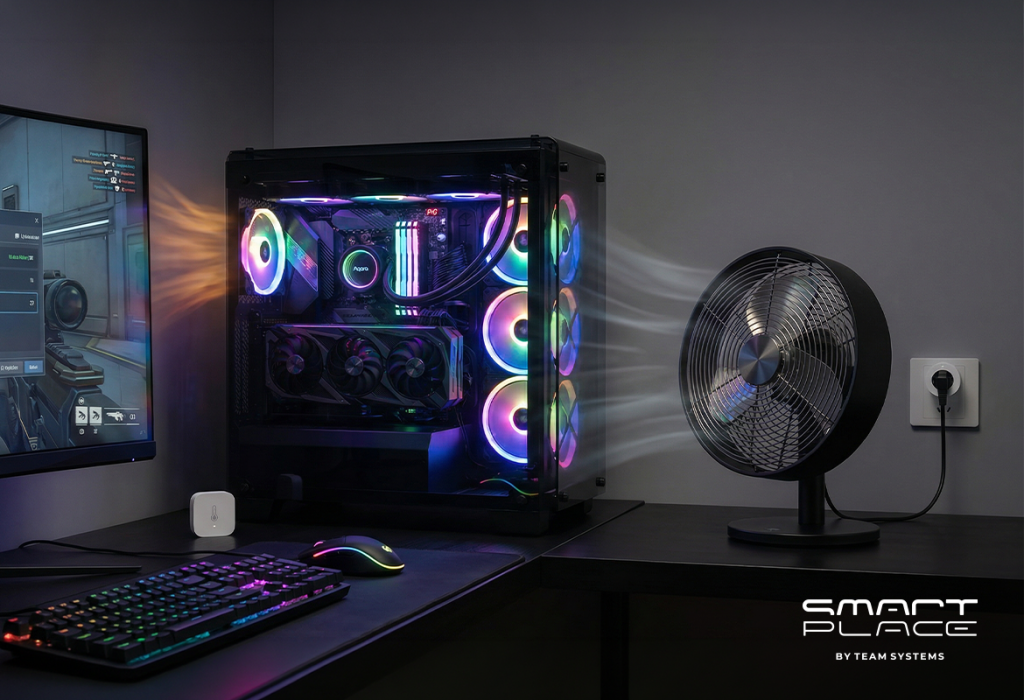
• The Upgrade: Mount the Temperature and Humidity Sensor T1 near your PC’s exhaust, paired with an Aqara Smart Plug connected to a fan.
• The Experience: If the sensor registers a temperature spike from the PC, the smart plug automatically activates the fan to cycle fresh air into the space.
• The Benefit: It prevents your room from overheating and protects your expensive hardware by maintaining a cool environment, all without you having to pause the action.
4. Zero Screen Glare
Bright daylight shifting in the afternoon can suddenly cast a blinding glare across your monitor, ruining your visibility at a critical moment.
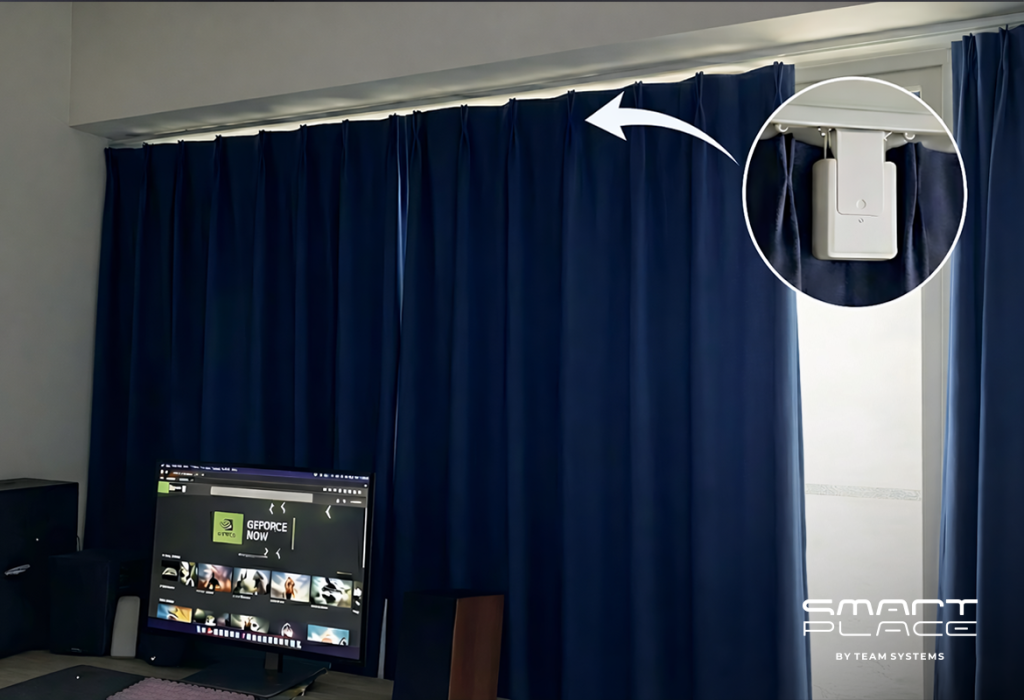
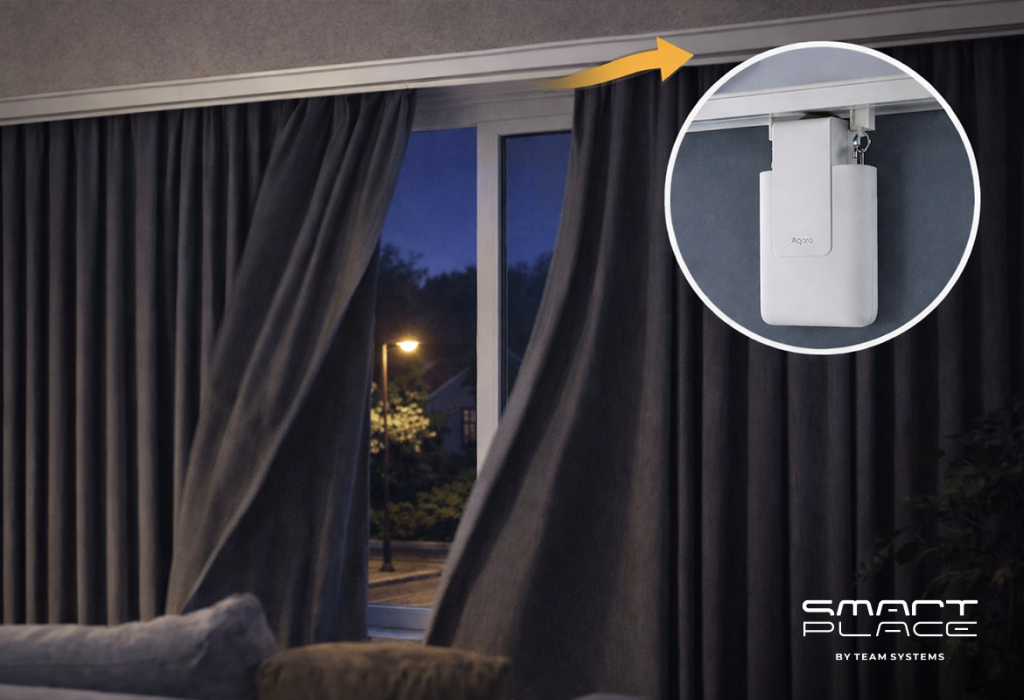
• The Upgrade: Install the Aqara Curtain Driver E1 on your window.
• The Experience: The moment the outside light becomes too intense, the automated driver pulls the heavy blackout curtains closed. The room goes dark, and your screens remain perfectly visible.
• The Benefit: You permanently eliminate outside distractions and glare, ensuring your focus is never broken by the time of day.
5. Flawless Occupancy Detection
Standard motion sensors are the enemy of gamers. If you are laser-focused on a tense moment, traditional sensors will think the room is empty and shut off the lights.
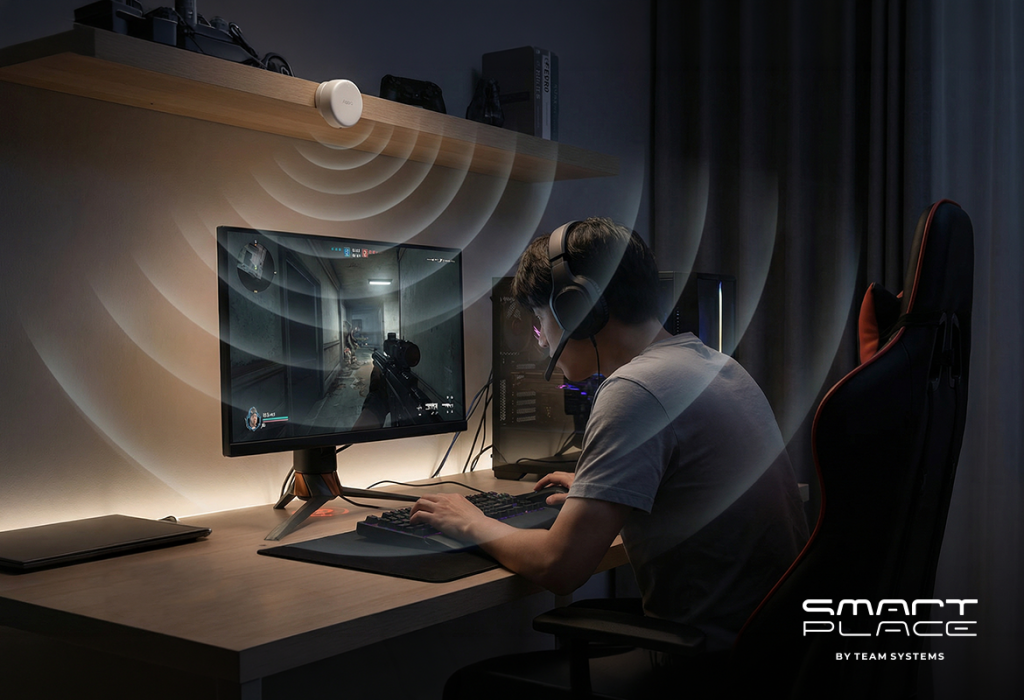
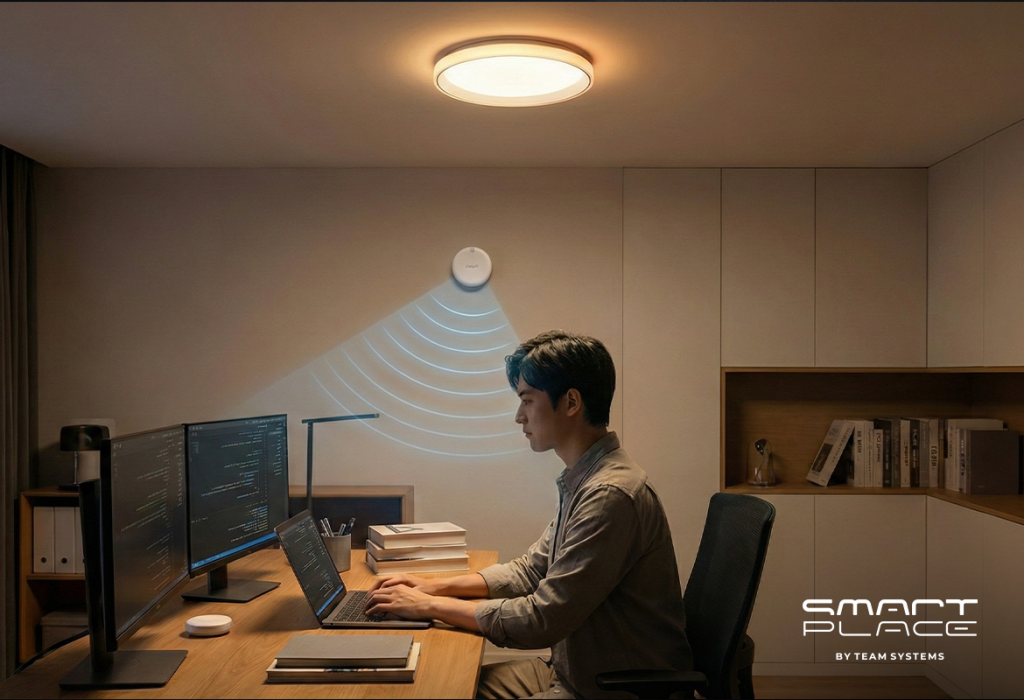
• The Upgrade: Install the AQARA Presence Sensor FP2 positioned to monitor your desk area.
• The Experience: Using advanced radar waves, the FP2 detects even micro-movements like your breathing. The room stays illuminated for as long as you are seated, no matter how still you are.
• The Benefit: You get the energy-saving benefits of an automated room without the intense frustration of the lights abruptly turning off while you play.
Conclusion
Your gaming room should be as advanced as the hardware inside it. By upgrading your space with smart automation, you eliminate physical distractions and create the ultimate immersive environment.
Contact us today to build your perfect reactive battlestation.