Automating Focus: Smart Upgrades for a Distraction-Free Home Office
Remote work requires discipline and an environment built for focus. For IT professionals, developers, and freelancers in Armenia, a home office should actively support productivity, reduce physical fatigue, and eliminate digital distractions.
Smart Place equips home offices with Aqara automation to create a highly customized workspace. These upgrades manage your environment automatically, allowing you to stay in a state of deep work without interruption. Here are 5 technical upgrades to optimize your home office.
1. Distraction-Free Environmental Control
Picking up your smartphone to adjust the room climate or lighting often leads to checking notifications, breaking your concentration entirely.
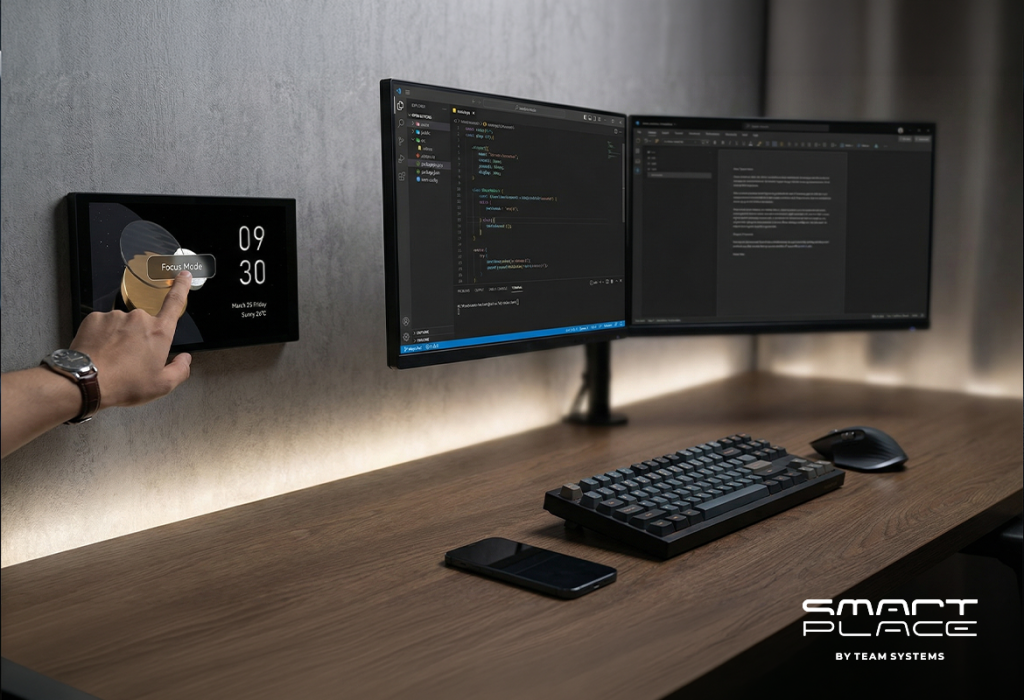
• The Upgrade: Mount the MagicPad S1 Plus touchscreen directly on the wall near your desk.
• The Experience: You control the room’s temperature, lighting, and trigger specific work modes (like “Focus Mode”) with a single tap, leaving your smartphone set aside.
• The Benefit: It eliminates the risk of getting distracted by social media notifications, maintaining an uninterrupted workflow.
2. Flawless Occupancy Lighting
Standard motion sensors are frustrating at a desk; if you sit still while reading or coding, the lights turn off, forcing you to wave your arms to turn them back on.
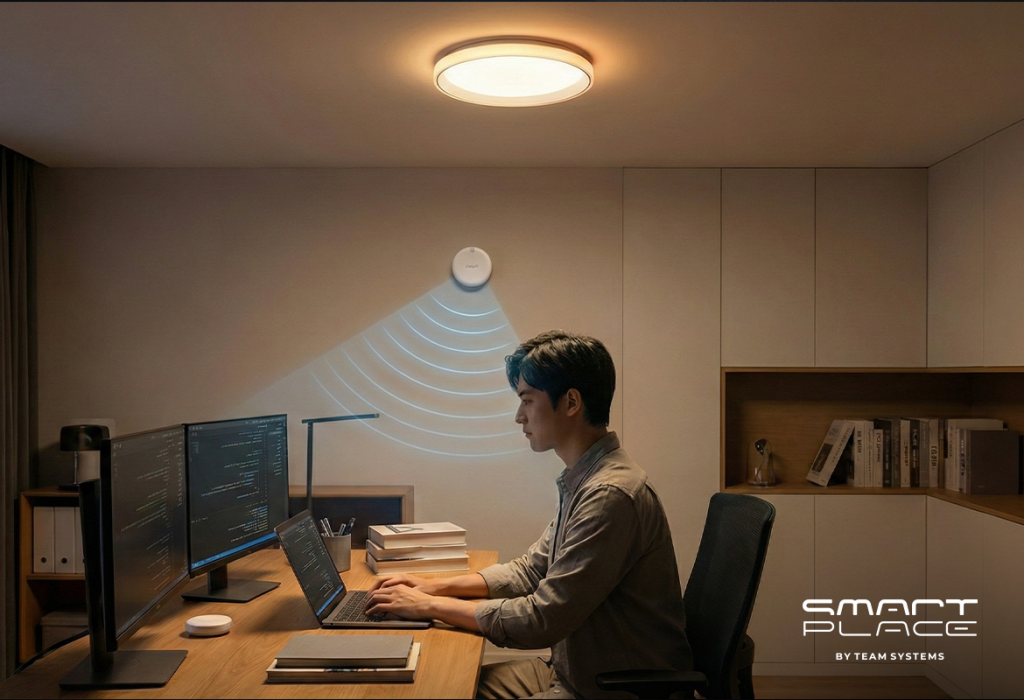
• The Upgrade: Install the Aqara Presence Sensor FP2 paired with the Ceiling Light T1M.
• The Experience: The FP2 sensor detects even the smallest micro-movements, like breathing. The lights remain brightly lit as long as you are seated at your desk.
• The Benefit: You maintain absolute concentration without any lighting interruptions, even during periods of deep thought or reading.
3. Adaptive Lighting for Eye Strain
Staring at monitors under static, harsh lighting all day leads to severe eye strain and headaches.
• The Upgrade: Install the Aqara Dimmer Switch H2 EU and Aqara LED Strip Driver behind your monitors for background bias lighting.
• The Experience: The lighting automatically adapts to the time of day—bright, cool white during the day to help you focus, and a warm amber glow in the evening.
• The Benefit: This reduces eye fatigue, protects your vision during long sprints, and promotes better sleep after the workday ends.
4. Automated Screen Glare Prevention
Strong afternoon sunlight hitting your monitors creates glare, forcing you to stop working and manually close the curtains.
• The Upgrade: Install the Aqara Curtain Driver E1 on your home office window.
• The Experience: The system automatically closes the curtains halfway during peak sun hours, blocking direct rays and dimming screen glare.
• The Benefit: You avoid poor screen visibility and room overheating, allowing you to continue working in total comfort without leaving your chair.
5. The “End of Day” Power Shutdown
Leaving secondary monitors and printers on all night wastes energy, but an accidental power shutoff during a coffee break could jeopardize your setup.
• The Upgrade: Connect your secondary devices to the Aqara Smart Plug.
• The Experience: The system detects when you have been continuously absent from the room for 2 hours and only then automatically cuts the power to non-essential hardware.
• The Benefit: This ensures a programmed, safe shutdown that eliminates passive energy waste while ensuring your gear is always powered during active work hours.
Conclusion
Your home office should work as hard as you do. By upgrading your workspace infrastructure, you eliminate distractions and create a professional space for maximum productivity.
Get in touch with us today to automate your workspace.