The Smart Home Without Wires: Upgrade Your Apartment Instantly
The New Year is here, and with it comes a desire for a fresh start. As we settle into 2026, many of us are looking around our apartments, wanting to upgrade our living space for the year ahead.
But if you have already finished your renovation, the idea of a “smart home” might seem impossible. You imagine construction work, dust, and changing your interior. That is the old way of thinking. In 2026, the best smart home is the one that fits into your life effortlessly. It doesn’t require new wiring; it requires smart devices.
With the Aqara ecosystem, you don’t need to change your walls to make your home smart. You can simply teach your existing home to listen. Here is how to upgrade your finished apartment into a voice-controlled sanctuary in a single afternoon.
1. Forget Switches: Just Use Your Voice
The biggest fear homeowners have is changing their light switches because of old wiring. But in a truly smart home, you shouldn’t need to leave the comfort of your sofa to touch a switch at all.
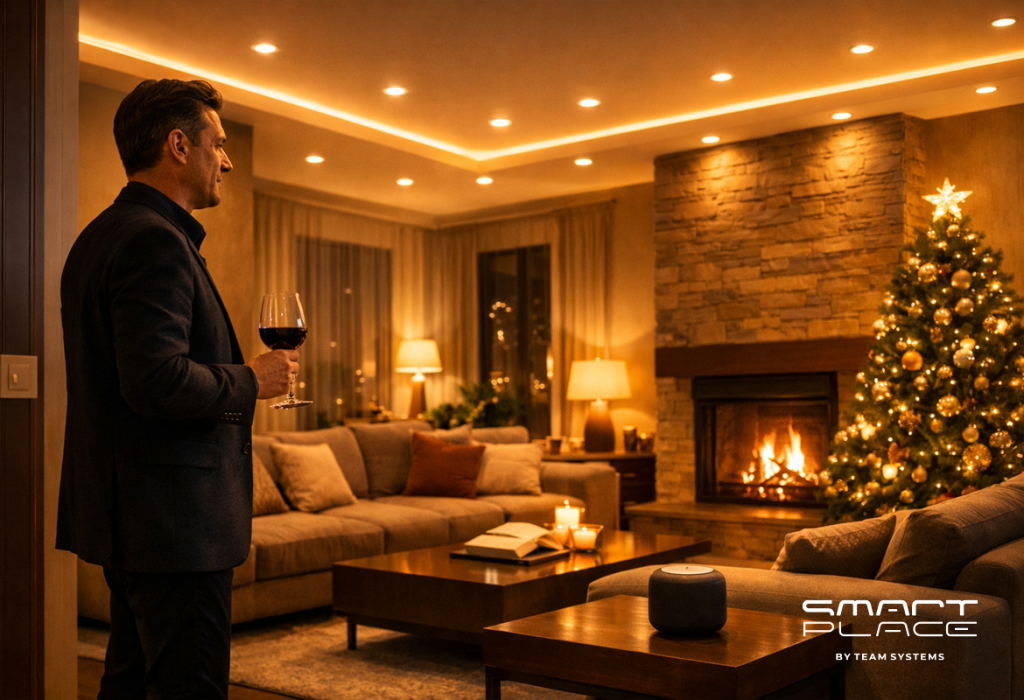
• The Experience: Imagine settling in for a cozy winter evening. You don’t need to get up. You can tell Alisa to turn on “Evening Mode,” and the room transforms instantly.
• How it works: You install an Aqara Dual Relay Module T2 hidden behind your existing wall switch. It takes minutes, creates no mess, and instantly connects your lights to your favorite voice assistant (Yandex Alisa, Alexa, Siri).
2. Waking Up Naturally
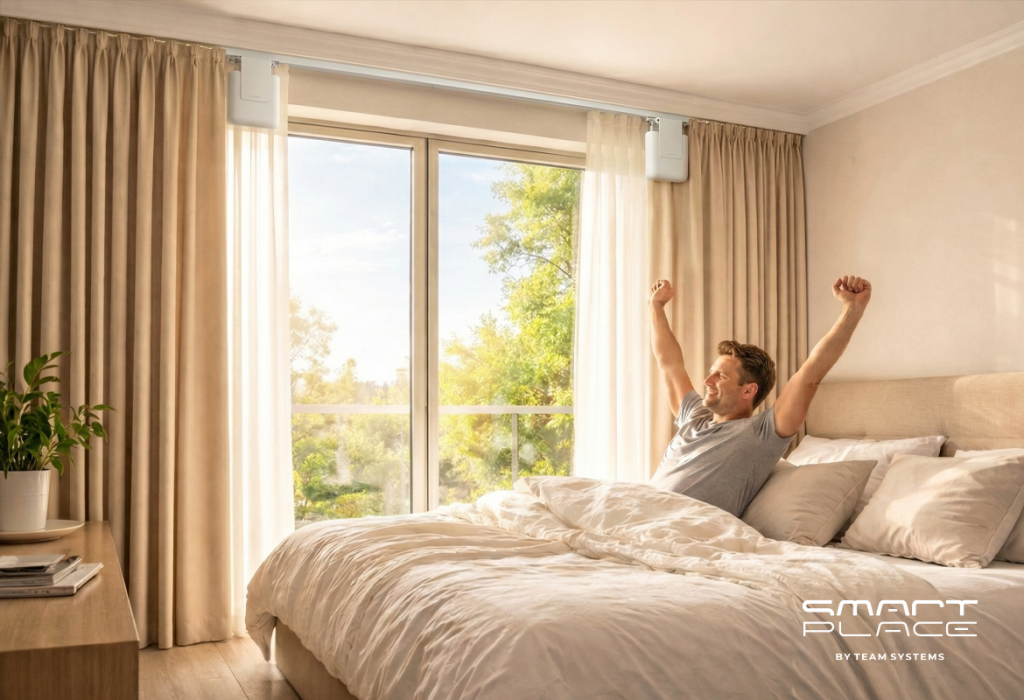
We all hate the jarring noise of alarm clocks. There is a better way to start your day—letting the sun do the work for you.
• The Installation: The Aqara Curtain Driver E1 mounts directly onto your existing curtain rail or rod, hiding behind the fabric. No ceiling power socket required.
• The Result: Instead of a loud alarm, your curtains glide open silently at 8:00 AM. You wake up energized and ready for the day, without ever touching the drapes.
• The Power: It runs on a powerful rechargeable battery that only needs charging once or twice a year.
3. Lighting That Knows You Are There
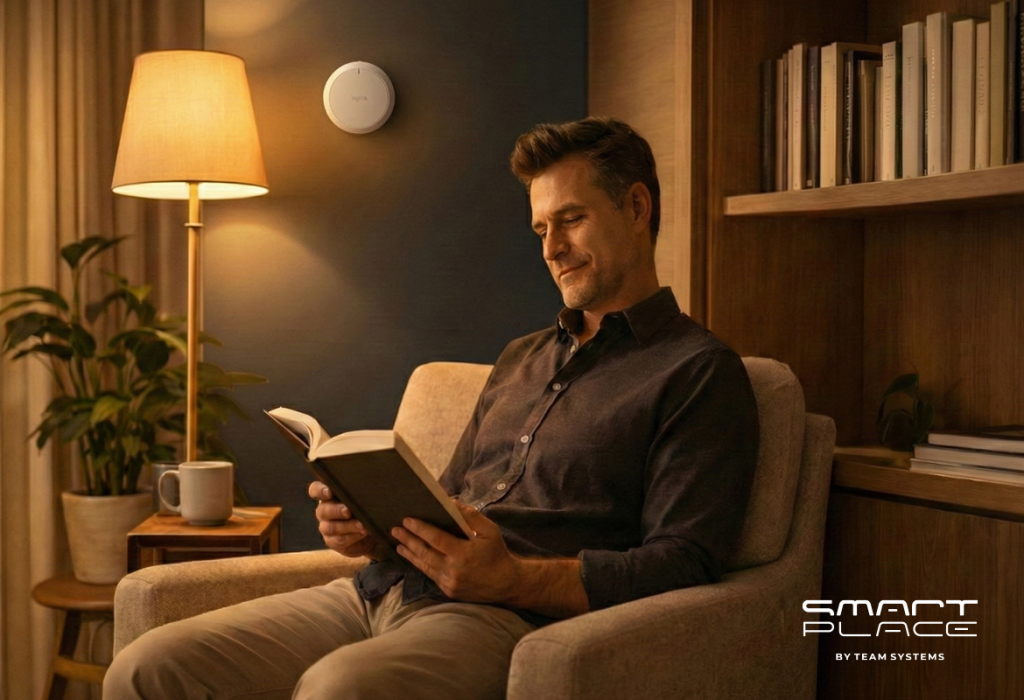
Sometimes, you don’t even want to use your voice. You just want the house to look after you while you relax with a book.
• The Setup: As seen in modern reading corners, the Presence Sensor FP2 can be mounted discreetly on the wall behind you.
• The Result: Traditional motion sensors turn off if you sit still too long. The FP2 is different—it detects even the slightest movement, like turning a page. The light stays on exactly as long as you are reading and turns off when you leave.
4. Wireless Protection
You want to protect your home from disasters, but you don’t want ugly wires running along your beautiful baseboards or ceilings.
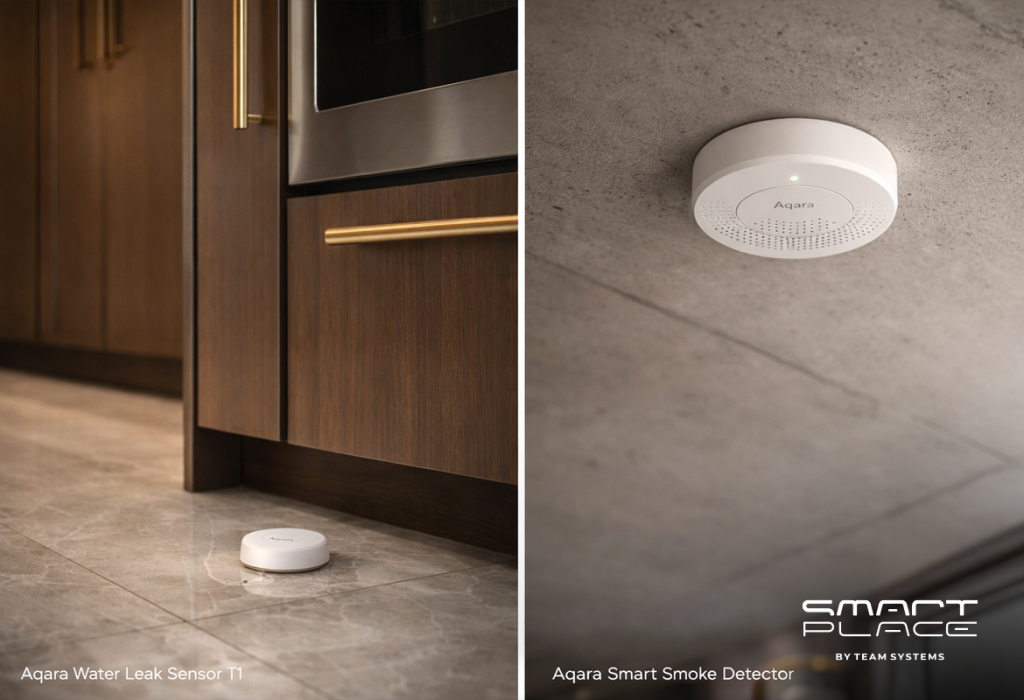
• Peel and Stick: Aqara sensors for leaks and smoke install with strong adhesive backing. You can place a Water Leak Sensor T1 under your washing machine or mount a Smart Smoke Detector on the ceiling without tools or drilling.
• The Alert: If a pipe bursts or smoke is detected, your smart home sends a critical notification to your phone and can even tell Alisa to announce a warning throughout the house.
5. Why Voice Control is Reliable (The Zigbee Advantage)
A common worry is that adding technology makes a home cluttered or dependent on the internet. This is why the “brain” of the system is designed to be beautiful and robust.
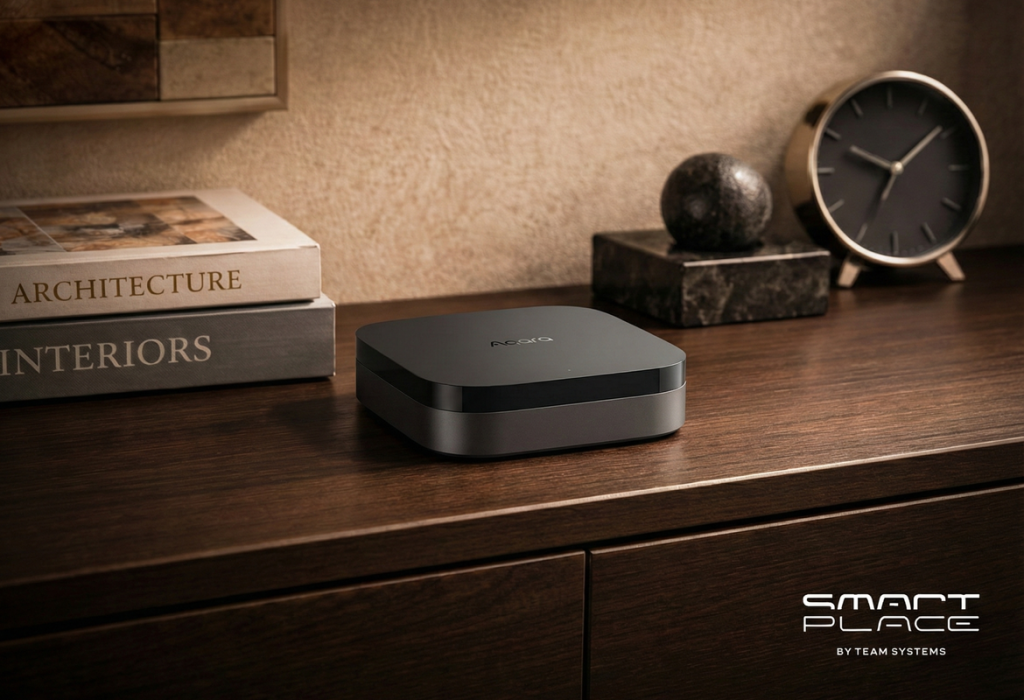
• Elegant Design: The Aqara Hub M3 doesn’t look like a router; it looks like a piece of modern decor that fits perfectly on your side table.
• Local Stability: Your devices talk to the Hub locally via the Zigbee protocol. This means your switches and sensors work instantly, even if the internet goes down.
• Voice Bridge: The Hub acts as the stable bridge to Yandex, Google, or Apple, ensuring your home responds immediately every time you speak.
Conclusion
A finished renovation is not a barrier to a smart home; it’s the perfect blank canvas. You don’t need to start a new repair to upgrade your lifestyle. You just need the right ecosystem that connects your home to your voice.
Contact us today, and let’s get your home talking to Alisa, Alexa, or Siri.