Aqara Smart Home in 5 Steps: From Lighting to Security
Imagine a home that truly understands you. A place where comfort is always present, security is unwavering, and you have complete control at your fingertips. This is the promise of an Aqara smart home – a system designed to enhance your daily life, making it smoother and more reassuring. Forget complex setups; we offer a clear path to a home that feels intuitive and responsive. Follow these five simple steps to build your personalized Aqara smart home, from welcoming lights to vigilant security, including ways to care for your loved ones.
Step 1: Choose Your Hub – The Main Control Unit
The Aqara hub is the central part of your smart home. It uses local processing and Zigbee 3.0 for devices to communicate well. Hubs also connect to Apple Home, Google Home, Alexa, and Matter/Thread, giving you broad control.
Selecting Your Aqara Hub:
- Aqara Hub M3: Strong, future-ready with Ethernet for stable connections.
- Camera Hub G3 (US/EU): A camera that also works as a hub. It has a moving camera, smart detection, a sound alarm, and records locally.
- Camera Hub G5 Pro (PoE): For very stable connections, using one cable for power and data.
- Hub M100 (Offline): For systems that do not use the internet.
Setup Tip:
Place the G3 camera at your main door. Put the M3 hub in the center of your home and connect it with an Ethernet cable. Use the Aqara Home app. For easy control, place a MagicPad S1 Plus or Display Switch V1 EU near doors, and a Touchscreen Dial V1 EU in living areas.
Step 2: Control Your Lights – Better Light and Mood
Lighting can change how a room feels. With Aqara, you gain control over your home’s atmosphere. Start with smart switches, then add different lights to create the right mood for any time.
Smart Switches for Easy Control:
- Smart Wall Switch H1 EU (With Neutral, Double Rocker): A simple way to make your wall switches smart.
- Dual Relay Module T2: A small device hidden in the wall to control two lights or devices.
- Dimmer Switch H2 EU: For smooth control of light brightness.
Lights for Any Scene:
- LED Bulb T2 (RGB CCT, E27) / T2 (CCT, E27) and LED Bulb T1: Light bulbs with many colors and adjustable white light.
- Ceiling Light T1M: A smart light for the ceiling.
- Aqara LED Strip + LED Strip Driver: Light strips for accent lighting.
- Spotlight T2, Downlight T2, Aqara T1 60: Lights to highlight areas or provide general light.
Natural Light, Automated:
- Curtain Driver E1 (Rod/Track) or Curtain Controller: Automatically opens and closes curtains.
Important Tip:
Keep smart light bulbs always powered. Control them using smart switches or app settings. Mains-powered Zigbee devices (H1 EU, T2 Relay, Smart Plugs) also help make your wireless network stronger.
Your Comfort, Illuminated:
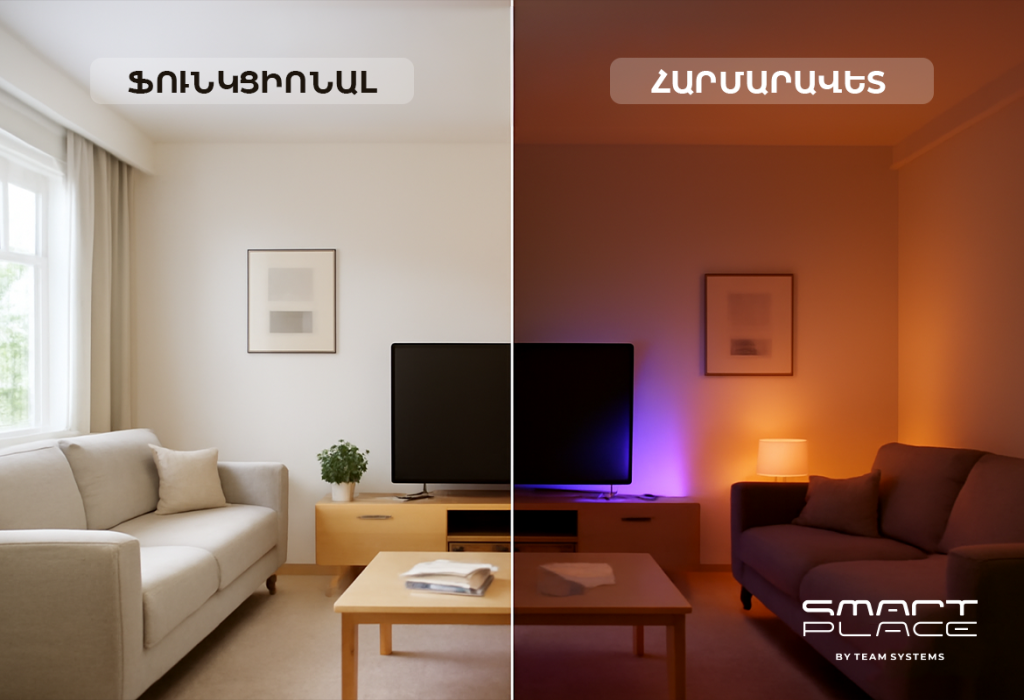
With one touch, your ceiling light can dim, your LED strip can glow warmly, and your curtains can close. Your room quickly becomes a calm and comfortable place.
Step 3: Enhance Security and Awareness – Your Home, Always Protected
Your home should be a place of security and peace. Aqara helps you achieve this by providing smart ways to monitor and protect your space. This step shows how to set up effective surveillance, manage access, and even check on family members, like the elderly, through your app.
At Your Door, Your First Line of Defense:
- Aqara Smart Video Doorbell G4: See, talk to, and record anyone at your door, giving you control.
- Aqara Smart Locks (D100 Zigbee Edition, N100, U300): Safe and easy ways to lock and unlock your door without a key.
Inside Your Home, Constant Calmness:
- Aqara Motion Sensor P1: Detects movement reliably.
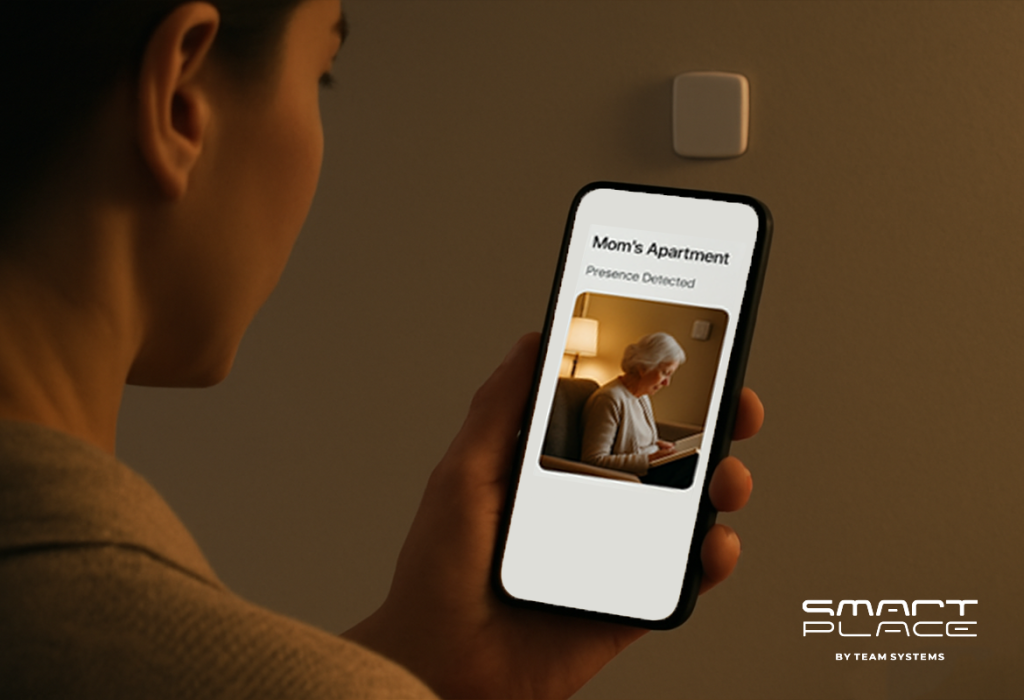
- AQARA Presence Sensor FP2: Detects if someone is in a room, even if they are not moving. This is helpful for checking on elderly family members.
- Aqara Camera E1 or Camera Hub G3/G5 Pro: Provides video and can sound an alarm. You can use the app to check on your home and loved ones․
Environmental Safety, Unseen Protection:
- Aqara Smart Smoke Detector, Smart Natural Gas Detector: Detects smoke and gas for safety.
- Aqara Water Leak Sensor T1 + Valve Controller T1 (Offline): Finds water leaks and can turn off the water supply.
- Temperature and Humidity Sensor T1 / Radiator Thermostat E1 / Thermostat W400: Helps keep the temperature and air quality good, adding to your comfort.
Smart Alerts:
For “Away” mode, an alarm might only sound if a door opens AND movement is detected soon after. This helps avoid false alarms and gives you better control.
Step 4: Automations That Feel Like Magic – Your Home, Anticipating Your Needs
Automations make your home smart by reacting to your presence, time, and light. Aqara automations work quickly because they process information locally, enhancing your comfort and giving you effortless control.
Reliable Presence:
- Phone location + confirming event (door unlock or Motion P1): To know when you arrive or leave accurately.
- FP2 Presence Sensor: In living areas to know if someone is still there.
Smart Conditions:
- Time settings: Automations work only during certain hours.
- Light levels: Actions happen only when it is dark enough.
- Mode settings: Automations change based on Home, Night, or Away modes.
Three Useful Automations:
- Hallway Lights: If Motion P1 detects movement and it’s dark, hallway lights (H1) turn on softly, staying on with continued movement.
- “I’m Home” Welcome: When you arrive home, entry lights turn on, the thermostat adjusts for comfort, and security disarms.
- Movie Night: One command dims lights, warms the LED strip, closes curtains, and pauses notifications, giving you control over your entertainment.
Easy Control:
You can link these actions to a MagicPad S1 Plus, Display Switch V1 EU, or Touchscreen Dial V1 EU for quick control.
Step 5: Connect, Stabilize, and Grow – Building a Future-Ready Home
This step helps you connect your system, make it stable, and add more devices as needed, ensuring long-term reliability and control.
Connecting Systems:
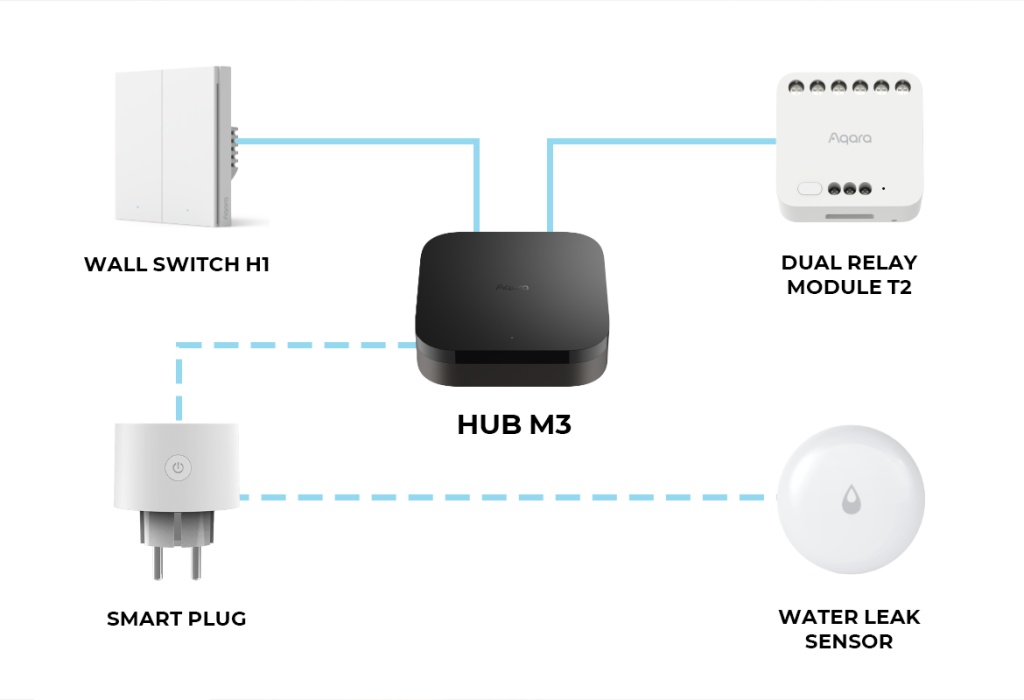
- Hub M3: Connects Aqara devices to Matter/Thread, Apple Home, Google Home, Alexa. Use the Aqara Home app for advanced settings.
Stable Network:
- Wired Hub: Connect M3 (or G5 Pro) with an Ethernet cable for best performance.
- Good Wi-Fi: Use a strong 2.4 GHz Wi-Fi for devices.
- Strong Wireless Network: Place Aqara Smart Plugs to extend the Zigbee signal. H1 EU switches and Dual Relay T2 also help.
Step-by-Step Growth:
- Start: Hub M3, living room lights, “Movie Night” scene.
- Next: Doorbell G4 + Motion P1, hallway lights, Night mode.
- Then: Smart locks + G3 camera, FP2 sensor, “I’m Home” and “Away” routines.
- Add: Water Leak Sensor T1 + Valve Controller T1, Smoke/Gas Detectors, more lights.
- Finally: Thermostats, Curtain Driver E1, Camera E1, Pet Feeder C1.
Are you ready to live in a home where comfort, security, and control are seamlessly integrated into your daily life? Contact us to plan your Aqara smart home. We will help you choose the right devices and set up the smart system, so your home is always one step ahead.