Aqara Home app update: Simple, Flexible, Reliable
Many smart homes still use basic rules. They react the same way in every situation. Aqara Automations 2.0 (app v6.0) makes automations clearer and more useful. You can add one extra condition, use new trigger types, and set things up faster. Your home can act the way you want, at the right time.
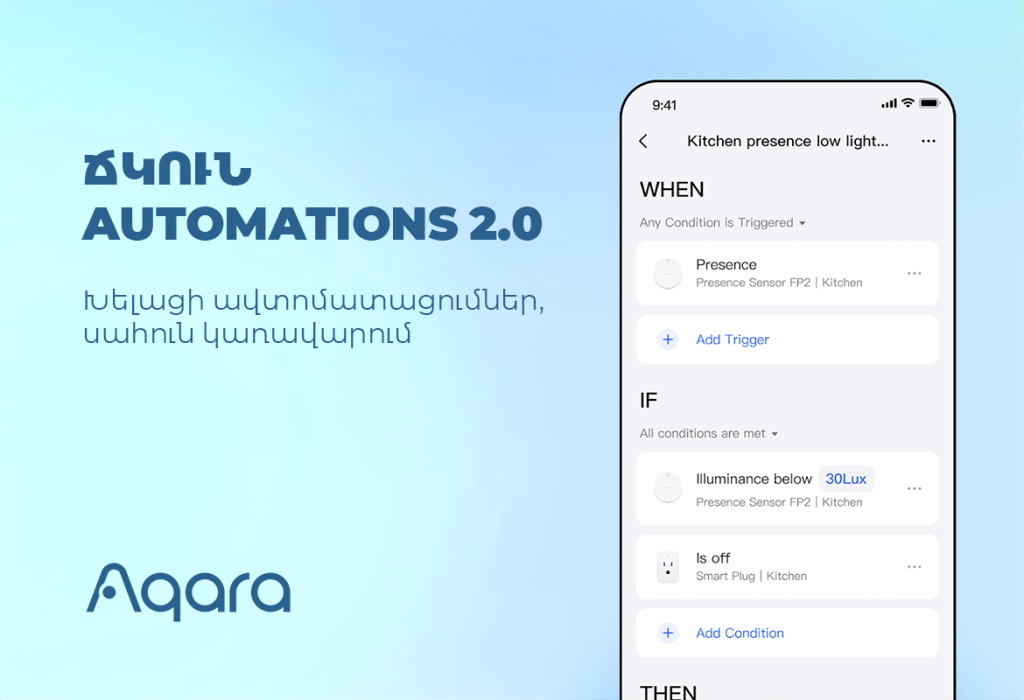
1. The New Logic: When – And – Then
When: What starts the automation (time, sensor, button, sunrise/sunset).
And (optional): An extra condition that must be true (weather, mode, light level, motion).
Then: What happens (lights, shades, scenes, alerts, modes).
Examples:
• When it is 20:00
• And light level is below 30%
• Then turn on warm lights and close the curtains.
• When the door is closed
• And no motion is detected for 15 minutes
• Then turn off all lights and outlets, and enable Security mode.
• When the door sensor opens
• And Security mode is active
• Then sound the siren and send a phone notification.
Tip: The “And” step is optional. You can hide it in Settings if you want a simple view.
2. Smarter Conditions
Automations 2.0 lets you add state conditions and use “NOT” logic.
• State conditions: Check weather, mode (Home/Away), humidity, temperature, or illuminance.
• “NOT” logic: Run only when a condition is not true.
– Example: When the sun rises, And it is NOT raining, Then open the curtains.
Why this helps: Your home behaves differently in different situations.
3. Helpful Features for Advanced Control
These tools give you more control with less work.
Sequential triggering: Use an ordered button pattern (for example: single press → double press → single press) to run a specific scene. One button can control many scenes.
Customizable Sunrise & Sunset Timing: You can schedule actions to occur before or after the daily sunrise and sunset with the following precision:
• For Fine-Tuning (within 1 hour): Set your offset in 15-minute steps.
o Example: Turn on evening lights 30 minutes before sunset.
• For General Timing (up to 4 hours): Set your offset in 1-hour steps.
o Example: Start the morning coffee maker 2 hours after sunrise on weekends.
Bulk device selection (Batch Control): Add many devices to a “Then” action at once.
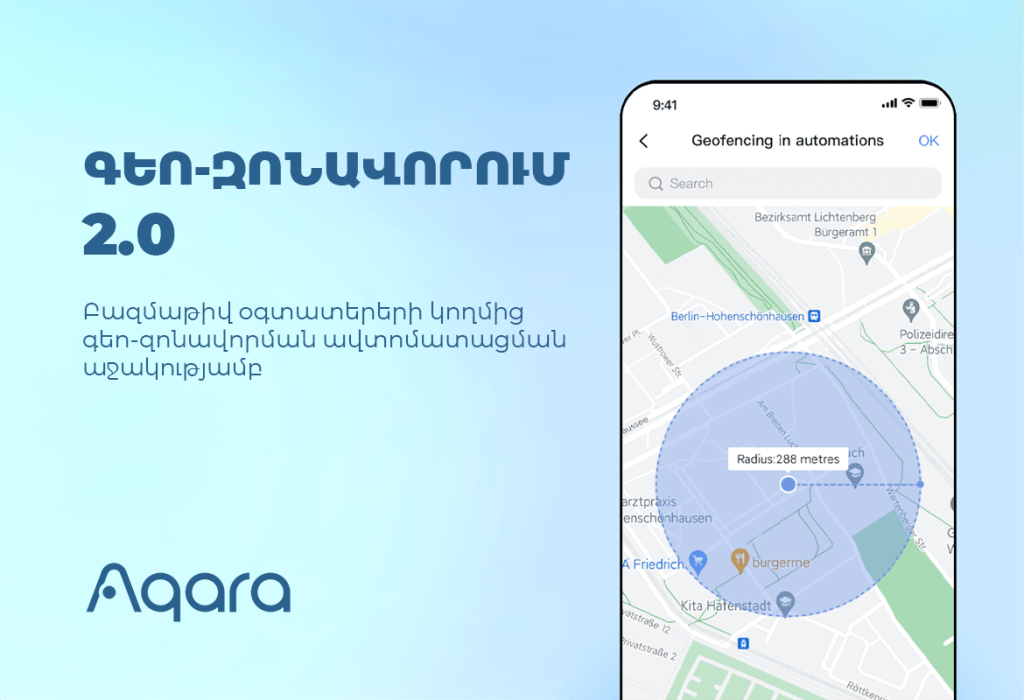
Geofencing 2.0 with Multi-User Support: Make your home’s “Welcome” and “Goodbye” routines truly automatic. With new multi-user support, your automations can now trigger specifically when the first person arrives (running a welcome scene just once) or when the last person leaves (arming the security system automatically). You can also customize the geofence radius for improved accuracy and fewer false triggers.
4. Cleaner, Faster Interface
The app is easier to use.
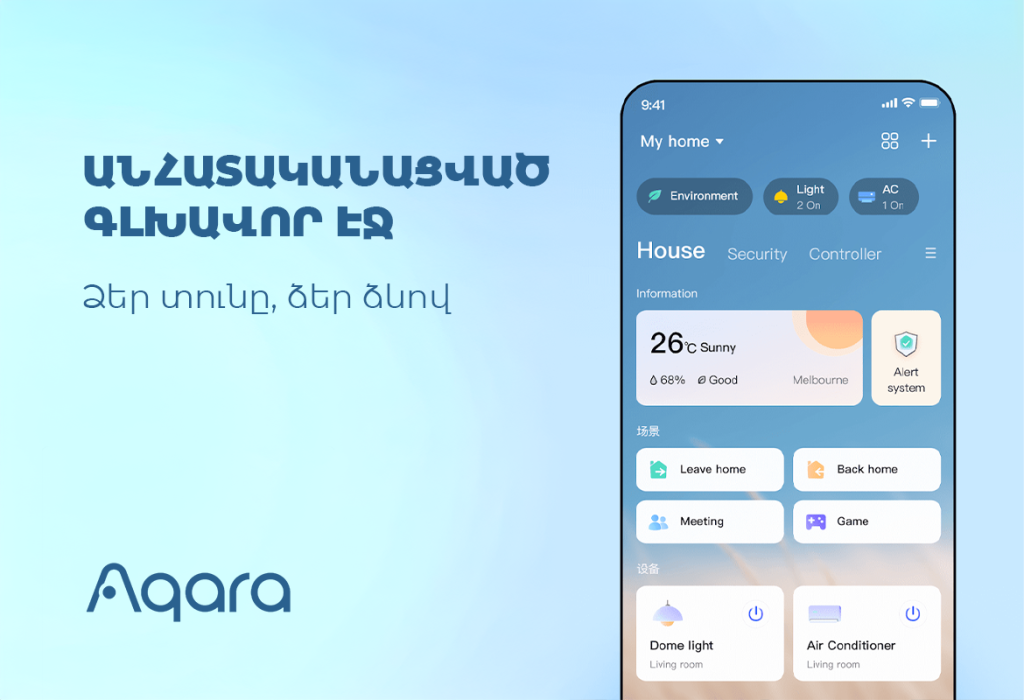
• Devices are grouped by room.
• Automation tiles show the devices used.
• Fewer taps and less clutter during setup.
Automations 2.0 Works Well for Daily Life
The Everyday Result: Better, Calmer Routines
• Lights follow sunset with a warm fade, only if you are Home.
• Security arms after the door closes and the house is idle.
• Curtains open at sunrise, unless it is raining.
Your Next Step: Try It Now
Update Aqara Home to version 6.0 or later.
Then:
- Create a new automation.
- Set your “When” (for example: Sunset with a -30 min offset).
- Add an “And” if needed (for example: Mode is Home AND NOT Raining).
- Choose your “Then” actions (lights, shades, scenes). Use “Batch Control” to add many devices.
- Save, test, and adjust.
Automations 2.0 is clear, flexible, and easy to grow with. Start with one routine. Improve it over time. Make your home simple and smart.